
Voice input for macOS & iOS

Dictation & Meetings AI
to get work done.

Reclaim 4+ hours back every week from typing and formatting.

Ottex
Dictation

You speak. Ottex types it.

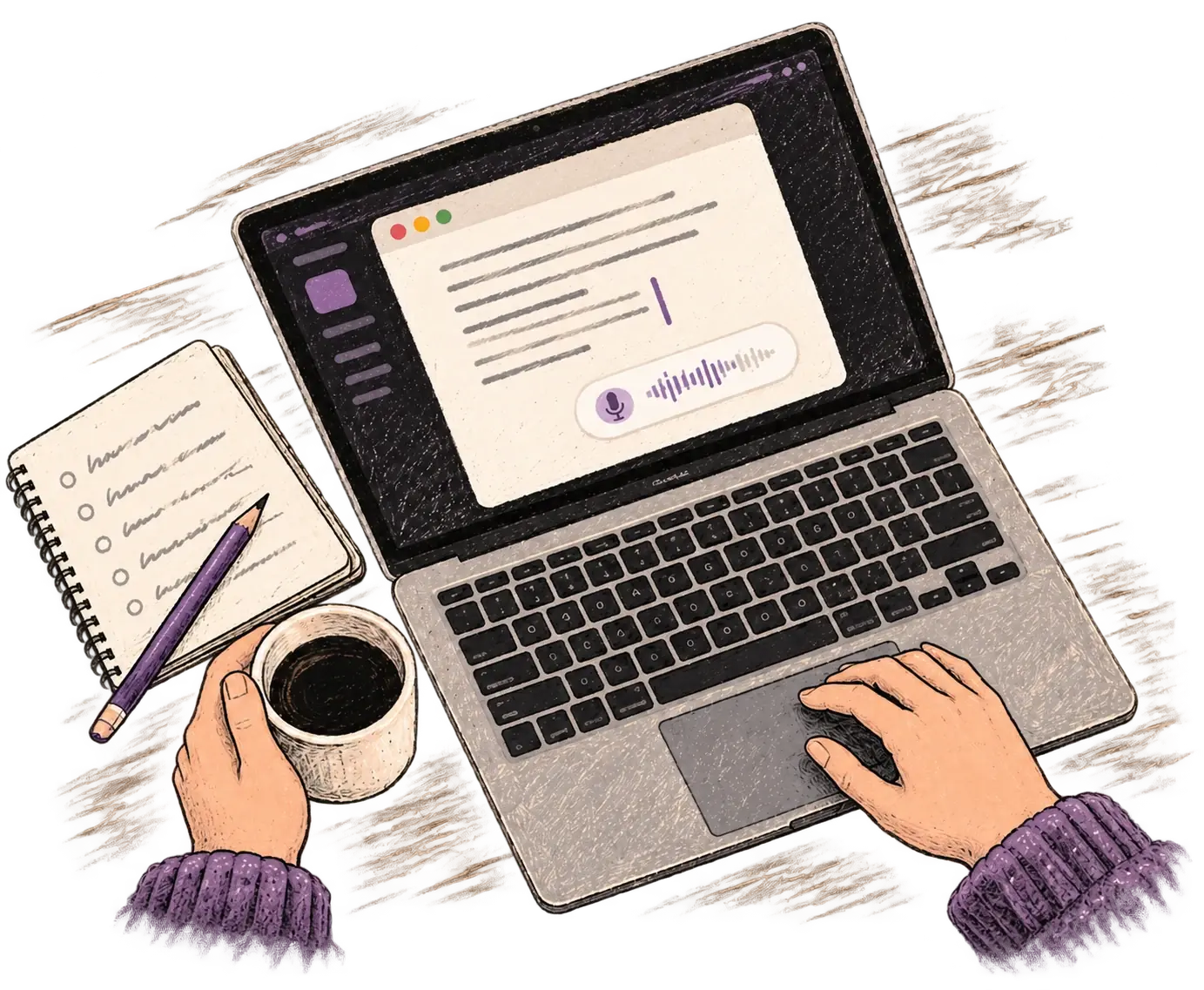
A faster, smarter, more personalized way to write with your voice across macOS and iOS.

Slack — ACME Corp
#eng-platform☆ · 12 members
M
Marco11:42

Hey! What's the latest on the billing migration? I need a status for tomorrow's leadership sync.

Message #eng-platform
BI@🙂
1Press the mic
2Speak
3Press stop
4Send
Marco's waiting — click the mic and answer by voice, right in Slack.
How It Works

Turn messy speech
into finished writing.

01
Use it anywhere
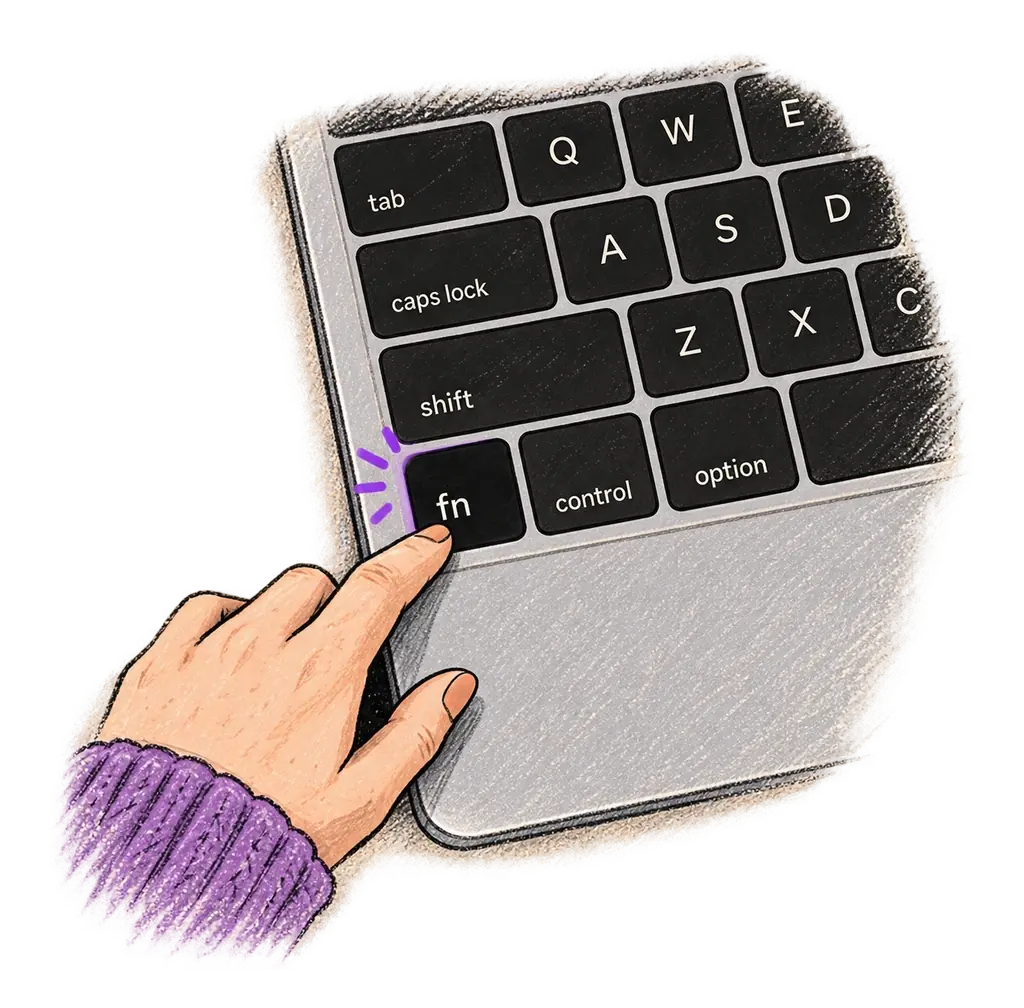
Press the hotkey in the app where you want the text: Gmail, Slack, Linear, Notion, CRM, or docs.
02
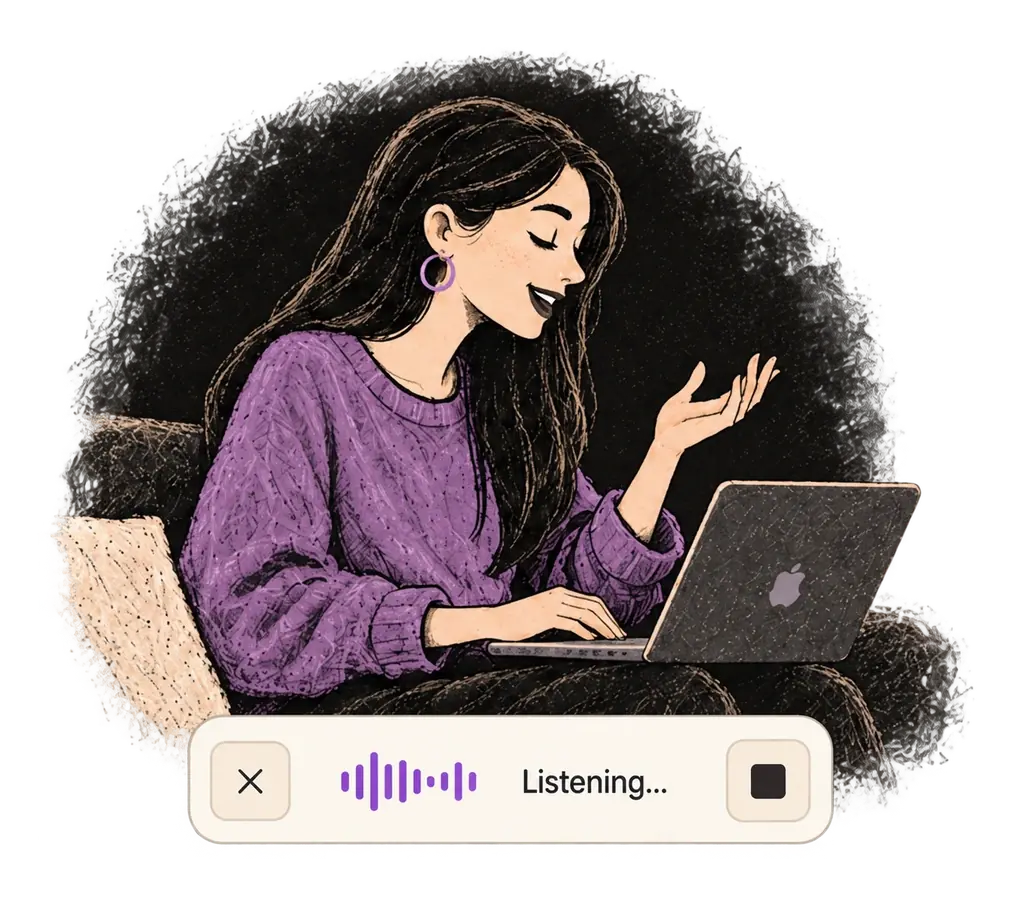
Say the rough draft
Speak casually, with fragments and corrections. Ottex captures what you meant, not just what you said.
03
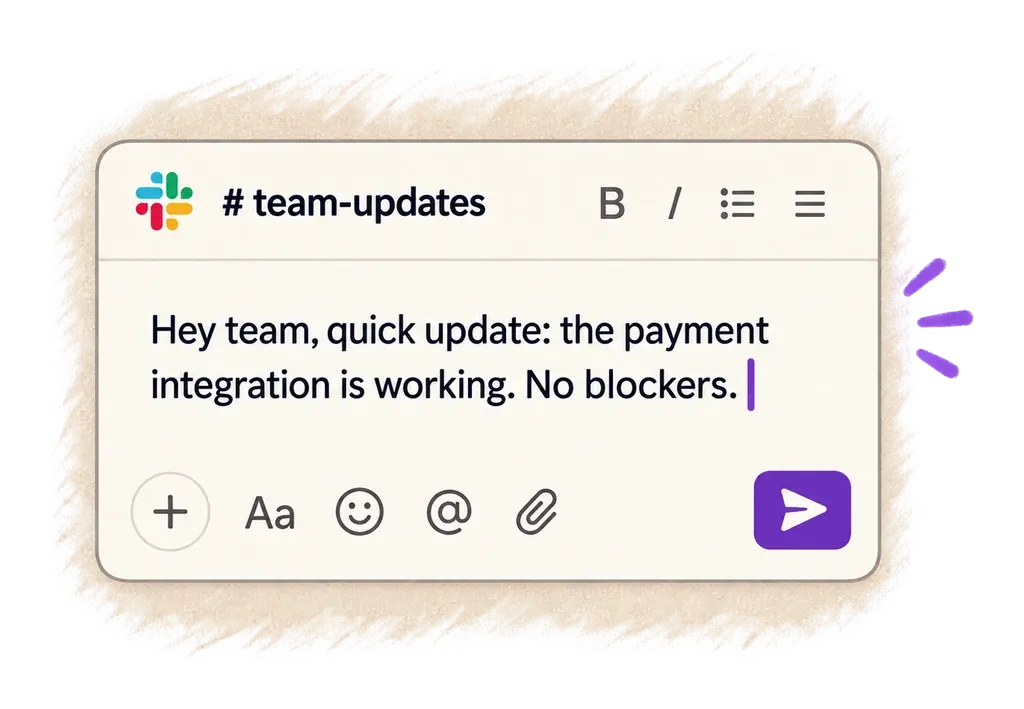
Get app-ready text
It formats, rewrites, and enriches the text using the instructions and context you set for that app.

Ottex AI is not guessing. Each app profile works like a carefully crafted ChatGPT prompt with everything needed to write well for that app: your tone, email structure, sign-off, calendar link, company context, terminology, templates, and preferences. Ottex applies it whenever it is relevant.

Meetings

The AI notepad for back-to-back meetings.

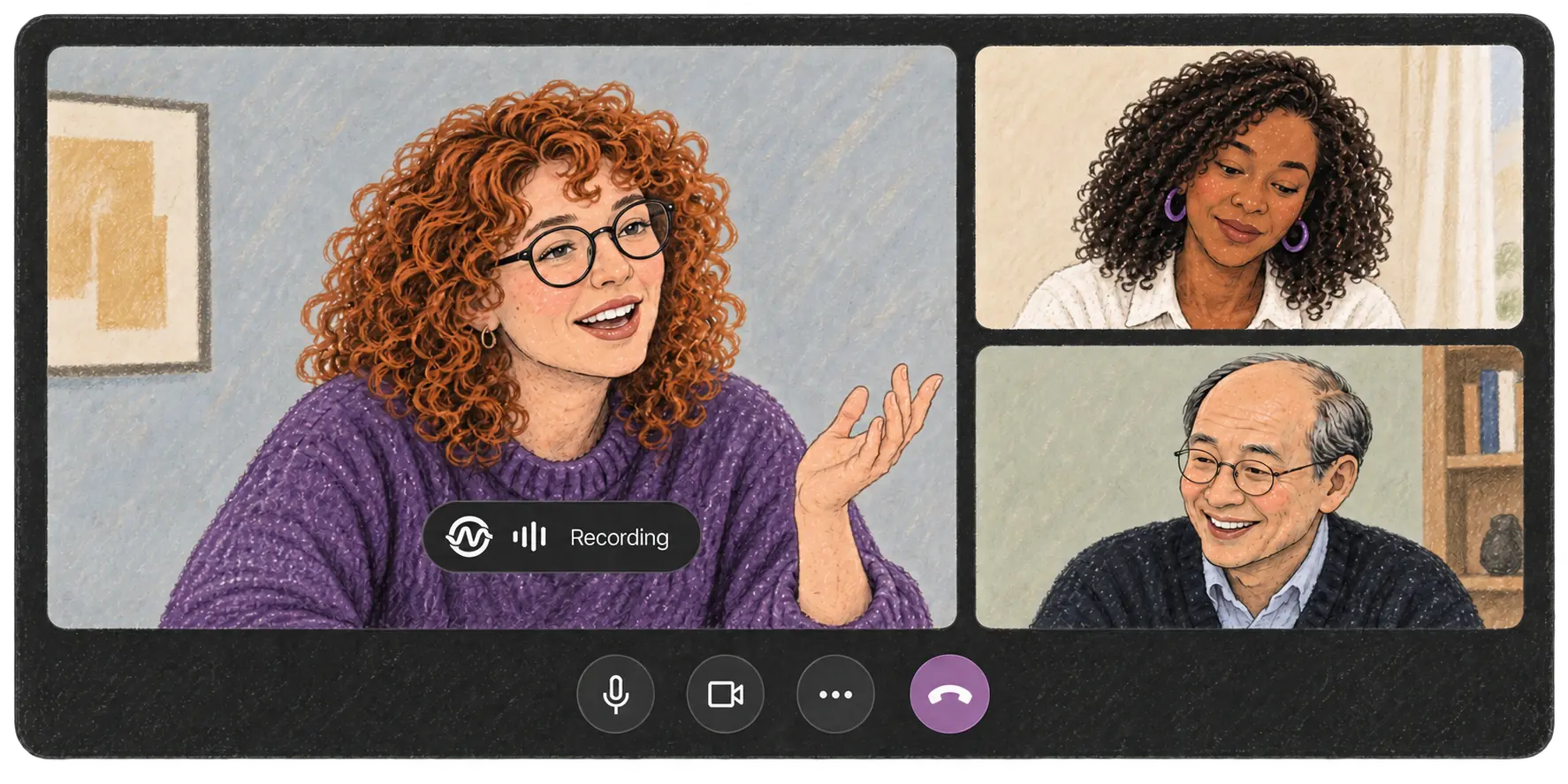
Notes, Action Items, Follow-up Emails. Capture each word of a meeting, fly through post-meeting work like never before.

01
Never miss a word

Every meeting is captured and transcribed as it happens — speakers, timestamps, searchable later. The record keeps itself.

02
Be fully present

No more typing while people talk. Listen, decide, push back — precise notes stopped being your job.

03
Leave with the work done

One transcript becomes the follow-up, the notes for your CRM, the ticket text — pick a template, add more on demand.

MeetingsDictation
🗂️All Projects
📥Inbox
💬General
🗣️Research
New Project
Templates
⚙️Settings
v1.3.33 (63)
Meetings
Next up
10Jun ·
Wed
Alex × Northwind
Now · 10:45 – 11:45
Show more
Today
Weekly 1:1 — Sam
You, Sam
09:30
Roadmap sync
You, Priya, Marco
08:45
Yesterday
Onboarding flow review
You, Lena
17:20
Acme renewal call
You, Dana
11:05
1Start the meeting
2Stop
3Apply a template
4Get the results
Your calendar is already here — click Start now on the next meeting.
Post-meeting work

Your nextfollow-up emailcan write itself.

Record the call with Ottex. The next step is one click away.

100+ Languages

Think in two languages.
Send it in the right one.

Set the rule once — “emails always in English” — then speak whatever language the thought arrives in. The profile holds the language, the style, the grammar; your voice doesn't have to.

Mixed speech in. One language out.

Speak the blend you actually think in — the draft lands in the language the thread needs.

Correct the first time.

Grammar, punctuation, register — right in the draft, not after a reread-and-ChatGPT pass.

Keep your pace in every language.

No translating in your head before you can answer — the second language stops costing you time.

MeetingsDictation
🕘History
🪪Profiles
📖Dictionary
✂️Snippets
AI Shortcuts
⚙️Settings
v1.3.33 (63)
Profiles
UniversalBest
Your baseline voice input experience · Always active
Always on
🤖
AI Prompting
5 apps · 7 sites
💬
Casual Messaging
4 apps · 4 sites
1Create the profile
2Save
3Speak Russian in Gmail
4Send
Profiles hold your writing rules — click Create profile.
Compare

Wispr stops at text. Notetakers stop at notes.
Ottex stops when the work is done.

Dictation tools save you from typing. Meeting tools handle meeting notes and common follow-ups. Ottex ties speech, meetings, app rules, languages, and model choice into one writing system.

What you end up withWisprGranola
Exact dictation in any app
Polished, cleaned-up text
Meeting capture & transcript
Notes and summaries
Follow-up email, ready to send
CRM update written after the call
Tickets drafted in Linear / Jira
Reusable per-app writing patterns
Speak one language, send another
BYOK or fully local models

Ottex still does everyday dictation — you can keep the same hotkey and drop a tool, not add one.

Fair Questions

You should be skeptical.
Here's where that goes.

“It'll sound like AI, not like me.”
If ChatGPT can write it your way, Ottex can too — the profile is a prompt you control. Add your own examples, list the phrases you'd never use; your dictionary keeps names and product terms.
“My calls are sensitive.”
Your audio and text are never used for training. Bring your own key, or run Whisper fully local — nothing has to leave the machine.
“I already pay for ChatGPT.”
Then you know the loop: open a tab, re-explain context, paste the result back. Patterns keep the context; the output lands in the app it belongs in.
“Dictation never gets my accent.”
Non-native speech and mixed languages are the core case here, not the edge case — that's what the 100+ languages are for.
Proof

The writing tax, refunded.

The hero receipt, run through Ottex. A typical working week — every reply, follow-up, ticket, and write-up spoken instead of typed — hands you back about half a working day.

REFUND STATEMENT
ONE TYPICAL WEEK · SAME ITEMS, PRICED THE OTHER WAY
Slack & Teams replies, spoken×251 h 28 m
Follow-up emails after calls×61 h 03 m
Meetings → write-ups×456 m
action items extracted×19incl.
Linear tickets generated×6incl.
CRM updates written×4incl.
Linear tickets, dictated×735 m
ChatGPT loops skipped×1236 m
Thoughts caught before lost×918 m
REFUNDED TO YOU4 h 56 m
≈ half a working day, every week
TERMS: DRAFTS LAND IN 1–2 S · 100+ LANGUAGES
BYOK OR FULLY LOCAL · YOUR VOICE TRAINS NO ONE'S MODEL
TX-2026-W24

Per-item math from the receipt above: ~32 min per finished outcome by hand, ~90 seconds by voice.

Pricing

Choose the plan that fits your privacy, setup, and team needs.

No Bullshit
Free
For privacy nerds and power users who want to be in control
$0forever

Unlimited dictation and meeting AI with local models or your own API keys.

  • Unlimited dictation in any app
  • Unlimited meeting transcripts and AI processing
  • Local models: Whisper, Parakeet, Qwen-ASR, Voxtral
  • Bring your own key: 8 AI providers
  • Full privacy control: offline or direct to providers
Download free
Zero Setup
Personal Pro
For professionals who want superpowers with zero setup
$14/mo

The full power of Ottex AI without API keys or setup. Start using Ottex in 5 minutes.

  • Everything in Free
  • Ottex-managed AI for dictation & meetings
  • Best-in-class transcription accuracy
  • Zero setup: no API keys to manage
  • Access to 50+ models across 9 AI providers
Try for free
Teams
For growing teams who need SSO, admins, and simple billing
$26/user/mo

Centralized billing, SSO, and shared voice for a growing team.

  • Everything in Pro
  • Shared patterns & company voice
  • SSO / SAML
  • Admin controls & analytics
  • Centralized billing
Start a team
Enterprise
For organizations with strict cloud, AI, and data requirements
Let's talk

Deploy your own backend, connect your AI, and control every piece of the stack.

  • Self-hosted / private backend
  • Bring your own cloud and AI provider
  • Ottex AI never touches your traffic
  • Security review, DPA, and support
Talk to us
FAQ

Before you ask.

Will it actually sound like me?

Patterns learn from examples you give them — your sent emails, your ticket format, your sign-off. You approve every output before it goes anywhere.

What happens to my recordings?

Your audio and text are never used for training. You can bring your own API key or run transcription fully local with Whisper — then nothing leaves your machine.

Does it work in my apps?

Dictation works in any app via the hotkey. Finished-output flows are deepest in email, Slack, Linear / Jira, HubSpot-style CRMs, and docs — and plain text paste works everywhere.

Can it replace my dictation app?

Yes. Exact mode is plain, fast dictation with smart formatting — same hotkey habit, 1–2s latency. The work outputs are on top, not instead.

Can it replace my meeting notetaker?

Ottex captures and transcribes the meeting, then keeps going: the follow-up drafted, the CRM update written, the tickets ready to file. Notes are the byproduct, not the product.

I think in two languages. Does that break it?

No — speak in whichever language the thought arrives in, mix mid-sentence, and tell Ottex what language the output should be in. Names and terms survive.
Ottex

Stop paying the writing tax.

Free to start. The thinking stays yours; the writing stops being your job.