AI Voice Dictation for Claude Code
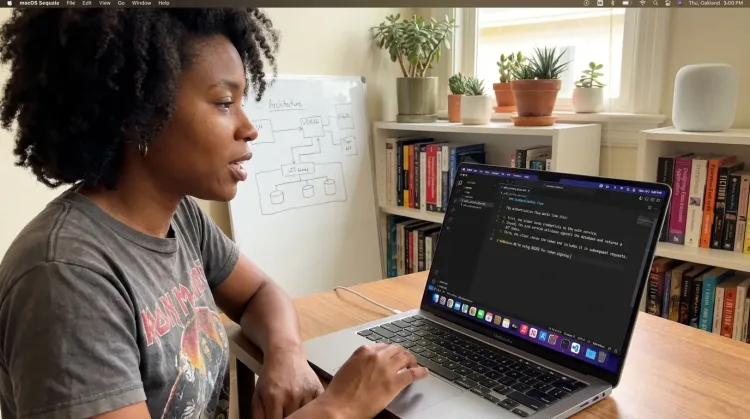
Claude Code works best with detailed prompts. Speaking is 3x faster than typing—describe bugs, request refactors, and explain features at the speed of thought.
What you can do
Unlock the full power of Claude Code with your voice
Prompt AI Coding Agents
Dictate detailed prompts to AI coding assistants in Cursor, Copilot, or Claude Code. Explain what you need naturally without losing your train of thought.

Write Documentation
Dictate technical documentation, READMEs, or API docs. Speaking lets you explain context, edge cases, and examples naturally—better docs with less effort.
Works with

Why Ottex works great with Claude Code
Features that make this integration powerful
3x Faster Than Typing
Speak 150+ words per minute vs 40 wpm typing. Finish tasks in a third of the time.
Better Context, Better Results
Speaking naturally gives AI agents more context than typing. Describe your intent, explain edge cases, mention file names—your voice carries nuance that typing shortcuts.
IDE & Code Editor Support
Works in VS Code, Cursor, JetBrains, Xcode—any editor. Dictate prompts to AI coding assistants.
Technical Term Accuracy
Cloud AI models excel at technical jargon, code terminology, and specialized vocabulary.
Custom Dictionary
Add names, technical terms, and jargon. Ottex transcribes them accurately every time.
Voice Corrections
Say 'scratch that' to delete mistakes, 'actually' to rephrase. Fix errors without stopping your flow or touching the keyboard.
Ready to think at full bandwidth?
Free for personal use. Start speaking in under a minute.
Try for freeNo credit card required.