AI Voice Dictation for Microsoft Edge
Dictate into any text field in Edge. Works with Microsoft 365 web apps and beyond.
What you can do
Unlock the full power of Microsoft Edge with your voice
Capture Ideas Quickly
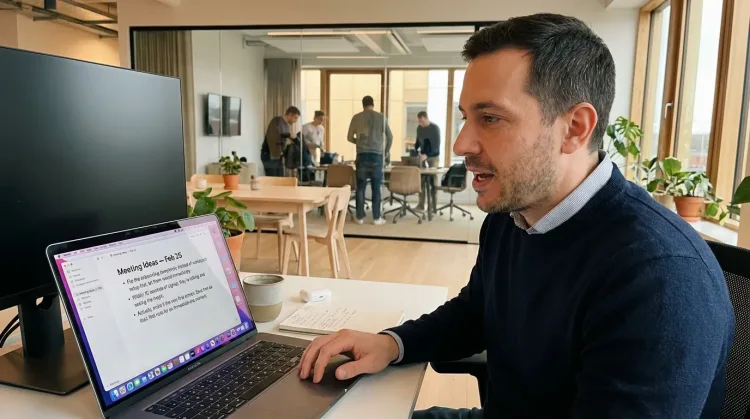
Speak ideas the moment they hit you. Use Ottex anywhere to capture thoughts, then refine them later.
Works with
Prompt ChatGPT & Claude
Dictate prompts to ChatGPT, Claude, Perplexity, or any AI chatbot. Speaking naturally lets you give more context—better context means better results.

Why Ottex works great with Microsoft Edge
Features that make this integration powerful
3x Faster Than Typing
Speak 150+ words per minute vs 40 wpm typing. Finish tasks in a third of the time.
Global Shortcuts
Start recording with Option+D, use Push-to-Talk, or cancel with Esc. All shortcuts are fully configurable.
Works in Any App
System-wide on macOS—Ottex works wherever you can type. No app-specific integrations needed.
Voice Corrections
Say 'scratch that' to delete mistakes, 'actually' to rephrase. Fix errors without stopping your flow or touching the keyboard.
Filler Word Removal
Automatically removes filler words like 'um', 'uh', 'like', 'so' from your transcription. Get clean, professional text without verbal hesitations.
Better Context, Better Results
Speaking naturally gives AI agents more context than typing. Describe your intent, explain edge cases, mention file names—your voice carries nuance that typing shortcuts.
Ready to think at full bandwidth?
Free for personal use. Start speaking in under a minute.
Try for freeNo credit card required.