AI Voice Dictation for Gmail
Dictate email responses naturally. Use AI commands to adjust tone—casual for colleagues, formal for clients. Enable context awareness to reply with full conversation history.
What you can do
Unlock the full power of Gmail with your voice
Respond to Emails
Dictate email responses with the right tone. Use context awareness to see the full thread, then speak your reply naturally.
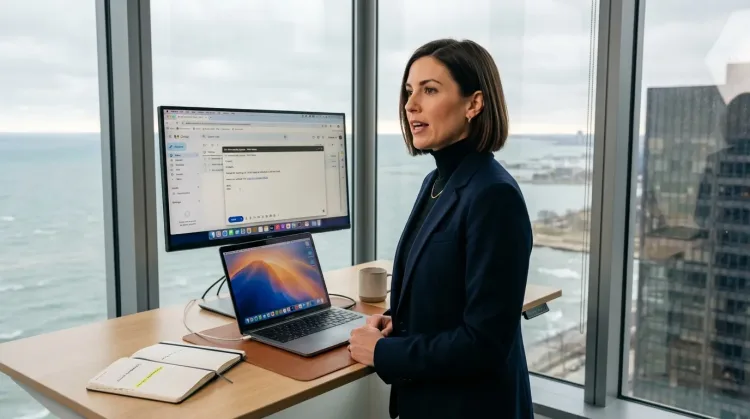
Write Prospecting Emails
Dictate personalized prospecting emails. Speaking naturally makes your outreach sound human, not templated.
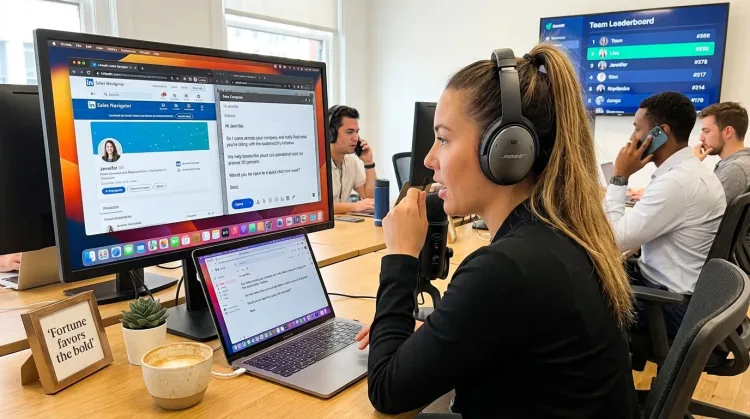
Write Sales Follow-ups
Dictate personalized follow-up emails right after calls. Strike while the conversation is fresh.
Works with

Why Ottex works great with Gmail
Features that make this integration powerful
3x Faster Than Typing
Speak 150+ words per minute vs 40 wpm typing. Finish tasks in a third of the time.
Context Awareness
Optionally let AI see your screen for smarter responses. Reply to emails with full context, answer messages knowing the conversation history.
Smart Snippets
Define custom text replacements and shortcuts. Say 'work signature' to expand your full email signature, or 'my address' for your contact info.
Inline AI Commands
Transform text as you speak: 'Ottex start fix grammar Ottex end'. Edit, improve, translate—all by voice.
Voice Corrections
Say 'scratch that' to delete mistakes, 'actually' to rephrase. Fix errors without stopping your flow or touching the keyboard.
Tips for using Ottex with Gmail
Enable context awareness to let AI see the email thread you're replying to
Create a snippet for your email signature
Dictate casually, then say 'make this professional' to polish
Ready to think at full bandwidth?
Free for personal use. Start speaking in under a minute.
Try for freeNo credit card required.