AI Voice Dictation for Scrivener
Professional authors dictate 3,000+ words per hour. Scrivener + Ottex = the ultimate long-form writing setup.
What you can do
Unlock the full power of Scrivener with your voice
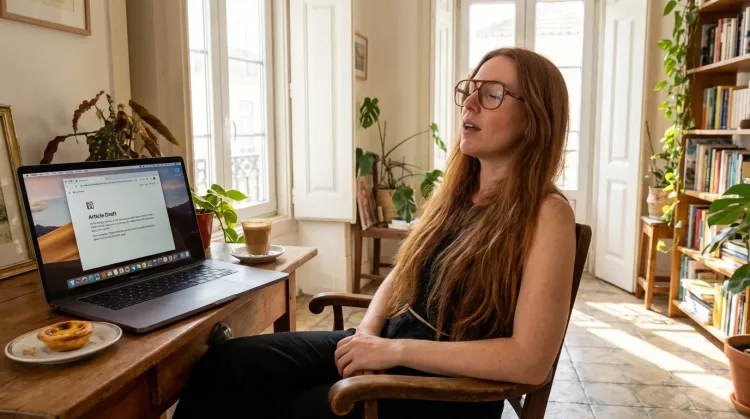
Write First Drafts
Defeat writer's block by speaking your first draft. Don't edit as you go—just talk through your ideas and refine them later.
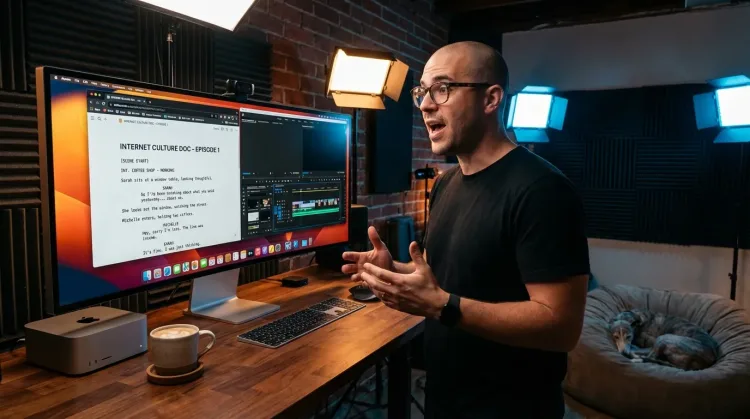
Write Scripts
Write video scripts, podcast outlines, or screenplays by voice. Speaking your dialogue makes it sound natural from the start.
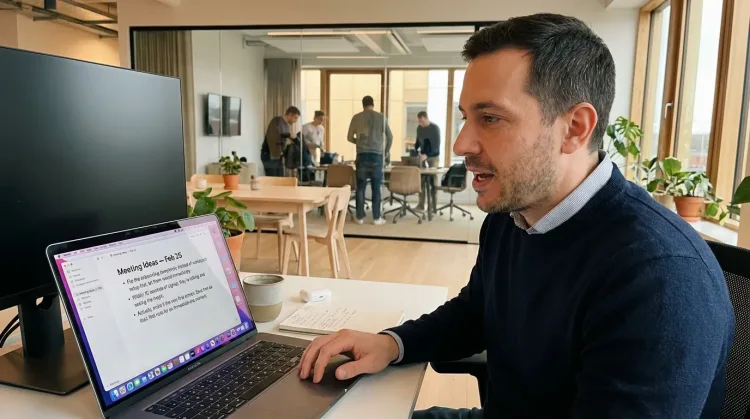
Capture Ideas Quickly
Speak ideas the moment they hit you. Use Ottex anywhere to capture thoughts, then refine them later.
Works with
Why Ottex works great with Scrivener
Features that make this integration powerful
3x Faster Than Typing
Speak 150+ words per minute vs 40 wpm typing. Finish tasks in a third of the time.
Voice Corrections
Say 'scratch that' to delete mistakes, 'actually' to rephrase. Fix errors without stopping your flow or touching the keyboard.
Inline AI Commands
Transform text as you speak: 'Ottex start fix grammar Ottex end'. Edit, improve, translate—all by voice.
Accurate Transcription
Cloud AI models transcribe your voice with 99% accuracy. Filler words like 'um' and 'like' are automatically cleaned up.
Precision Typing
Say 'new paragraph', 'open quote', 'em dash', 'ellipsis'. Full formatting control by voice.
App-Specific Modes
Ottex detects which app you're in and adapts. Coding mode in Cursor, casual tone in Slack, professional in Gmail—automatic context switching.
Tips for using Ottex with Scrivener
Add character and place names to your custom dictionary
Dictate dialogue—it sounds more natural when spoken
Use voice corrections to stay in flow during first drafts
Works with your favorite apps
Ottex integrates seamlessly with the tools you use every day
Ready to think at full bandwidth?
Free for personal use. Start speaking in under a minute.
Try for freeNo credit card required.