Works with your apps
Ottex works system-wide on macOS. Dictate directly into these apps and more.
And any other app that accepts text input. See all supported apps
Why Ottex works for ux writers
Concrete benefits with real-world impact
3x Faster Than Typing
Speak 150+ words per minute vs 40 wpm typing. Finish tasks in a third of the time.
Better Context, Better Results
Speaking naturally gives AI agents more context than typing. Describe your intent, explain edge cases, mention file names—your voice carries nuance that typing shortcuts.
Technical Term Accuracy
Cloud AI models excel at technical jargon, code terminology, and specialized vocabulary.
Custom Dictionary
Add names, technical terms, and jargon. Ottex transcribes them accurately every time.
Inline AI Commands
Transform text as you speak: 'Ottex start fix grammar Ottex end'. Edit, improve, translate—all by voice.
Precision Typing
Say 'new paragraph', 'open quote', 'em dash', 'ellipsis'. Full formatting control by voice.
Voice Corrections
Say 'scratch that' to delete mistakes, 'actually' to rephrase. Fix errors without stopping your flow or touching the keyboard.
App-Specific Modes
Ottex detects which app you're in and adapts. Coding mode in Cursor, casual tone in Slack, professional in Gmail—automatic context switching.
What you can do
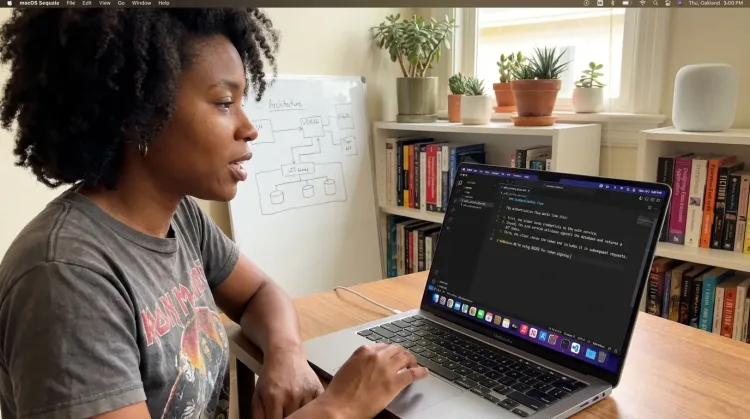
Write Documentation
Dictate technical documentation, READMEs, or API docs. Speaking lets you explain context, edge cases, and examples naturally—better docs with less effort.
Works with
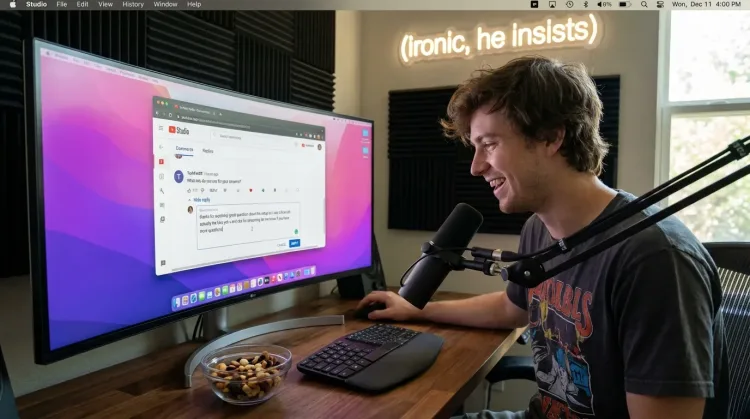
Respond to Comments
Reply to YouTube comments, Twitter threads, or social media mentions by voice. Stay engaged with your audience without the typing fatigue.
Works with
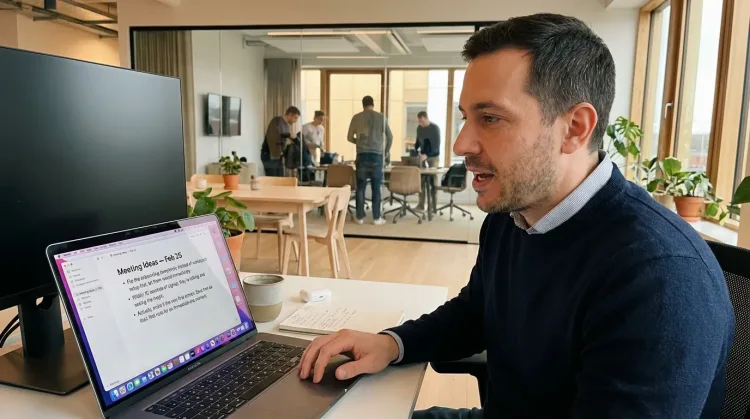
Capture Ideas Quickly
Speak ideas the moment they hit you. Use Ottex anywhere to capture thoughts, then refine them later.
Works with
Other ways Ottex helps ux writers
Reply to Work Messages
Reply to Slack messages 3x faster. Dictate casual updates, detailed explanations, or quick acknowledgments without switching context.

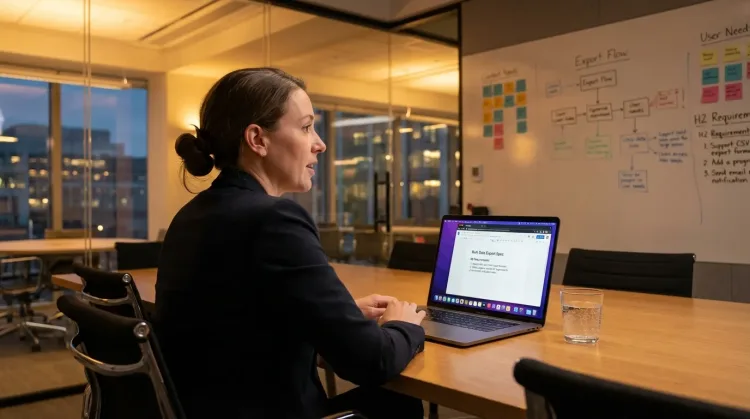
Write PRDs & Specs
Dictate product requirements, feature specs, or design docs. Speaking lets you explain the full context—edge cases, user flows, and rationale—naturally.
Works with
Dictate with Formatting
Say 'new paragraph', 'bullet point', 'open quote' and get exactly what you mean. Full formatting control without touching the keyboard.
Frequently asked questions
Can I dictate directly into Figma?+
Yes. Ottex works system-wide on macOS, so it works in Figma text layers, comments, FigJam sticky notes—anywhere you can type. One hotkey (Option+D) in any app.
How do I quickly create multiple copy variations?+
Speak naturally: 'Version one: Save changes. Version two: Save your work. Version three: Done, saved!' Dictating is 3x faster than typing, so you can explore more options in less time. The best variation often comes from variation seven or eight—speaking gets you there faster.
Does it capture the natural tone I'm going for?+
Speaking naturally produces copy that sounds natural. When you type, you tend to overthink and sound robotic. When you speak, you use conversational phrasing that connects with users. This is especially valuable for error messages and onboarding flows where empathy matters.
Can I add product-specific terms to the dictionary?+
Yes. Add feature names, product terminology, and UI element names to your custom dictionary. Ottex will transcribe them correctly every time—no more fixing 'dashboard' spelled as 'dash board'.
How does it help with Figma design reviews?+
Leave detailed feedback on designs by speaking instead of typing. Explain context, suggest alternatives, and reference other screens—all faster than typing. Your comments are more helpful because you naturally include more detail when speaking.
Can I control formatting for documentation?+
Yes. Say 'bullet point', 'new paragraph', 'heading two' for content style guides and documentation. When you're writing microcopy examples, you can structure them with voice commands.
What does it cost?+
Free forever with local models. BYOK (bring your own API key) costs ~$1-3/month for typical usage. Optional $9/month premium includes Gemini 3 Flash credits with zero config.
Write better copy, faster
Download free. Start dictating microcopy in minutes.
Try for freeNo credit card required.