Voice Dictation for Engineering Managers
Capture 1-on-1 insights. Document incidents. Lead your team.
Works with your apps
Ottex works system-wide on macOS. Dictate directly into these apps and more.
And any other app that accepts text input. See all supported apps
Why Ottex works for engineering managers
Concrete benefits with real-world impact
3x Faster Than Typing
Speak 150+ words per minute vs 40 wpm typing. Finish tasks in a third of the time.
Voice Corrections
Say 'scratch that' to delete mistakes, 'actually' to rephrase. Fix errors without stopping your flow or touching the keyboard.
Inline AI Commands
Transform text as you speak: 'Ottex start fix grammar Ottex end'. Edit, improve, translate—all by voice.
Precision Typing
Say 'new paragraph', 'open quote', 'em dash', 'ellipsis'. Full formatting control by voice.
Better Context, Better Results
Speaking naturally gives AI agents more context than typing. Describe your intent, explain edge cases, mention file names—your voice carries nuance that typing shortcuts.
Technical Term Accuracy
Cloud AI models excel at technical jargon, code terminology, and specialized vocabulary.
Custom Dictionary
Add names, technical terms, and jargon. Ottex transcribes them accurately every time.
Smart Snippets
Define custom text replacements and shortcuts. Say 'work signature' to expand your full email signature, or 'my address' for your contact info.
What you can do
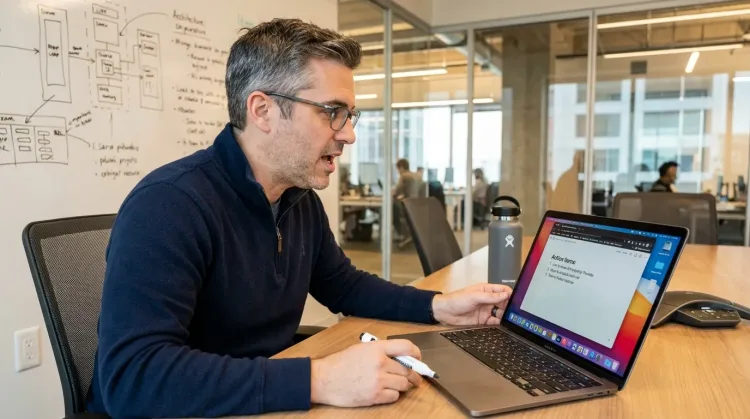
Write Meeting Notes
Dictate meeting notes in real-time or right after. Capture action items, decisions, and key points while they're fresh in your mind.
Works with
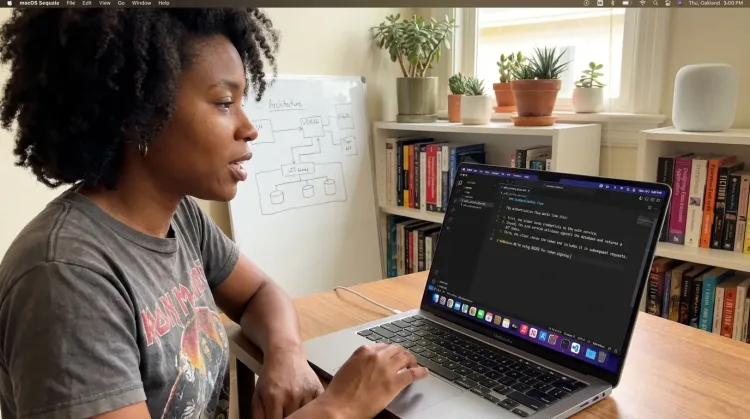
Write Documentation
Dictate technical documentation, READMEs, or API docs. Speaking lets you explain context, edge cases, and examples naturally—better docs with less effort.
Works with
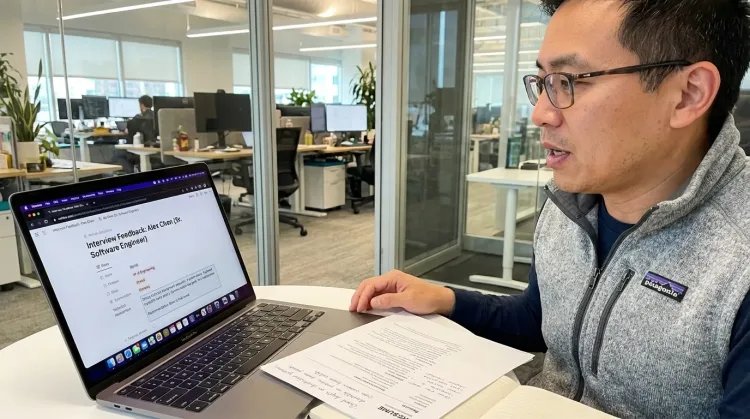
Write Candidate Feedback
Dictate interview feedback immediately after each call. Speaking lets you capture nuance and context that gets lost when typing quickly.
Other ways Ottex helps engineering managers
Reply to Work Messages
Reply to Slack messages 3x faster. Dictate casual updates, detailed explanations, or quick acknowledgments without switching context.

Create Tickets & Tasks
Dictate Jira tickets, Linear issues, or Asana tasks. Speak the context, acceptance criteria, and details—then move on.
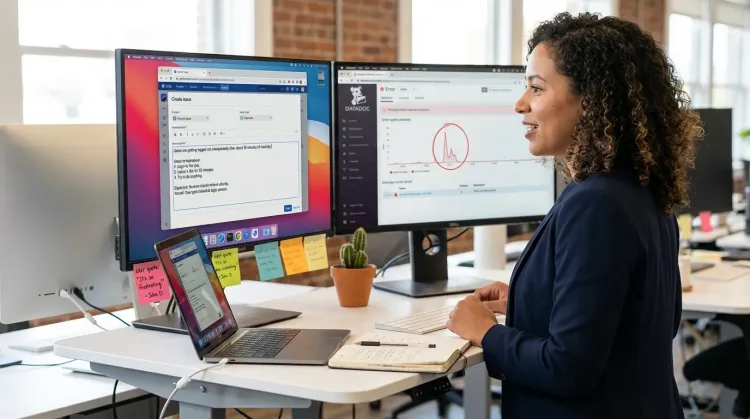
Write Status Updates
Dictate standup updates, weekly reports, or project status. Speak what happened and what's next—done.
Works with
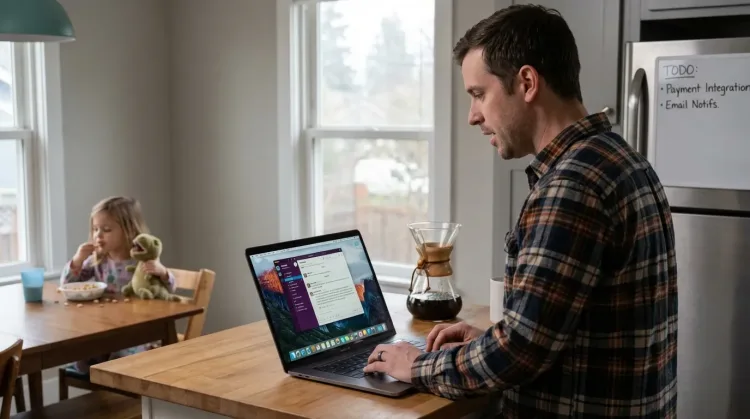
Respond to Emails
Dictate email responses with the right tone. Use context awareness to see the full thread, then speak your reply naturally.
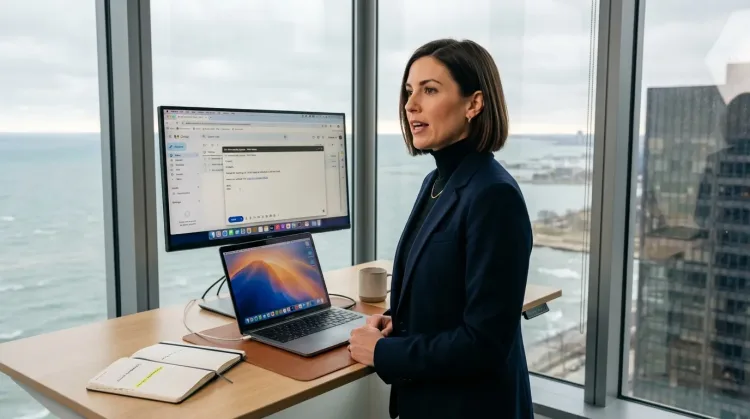
Capture Ideas Quickly
Speak ideas the moment they hit you. Use Ottex anywhere to capture thoughts, then refine them later.
Works with
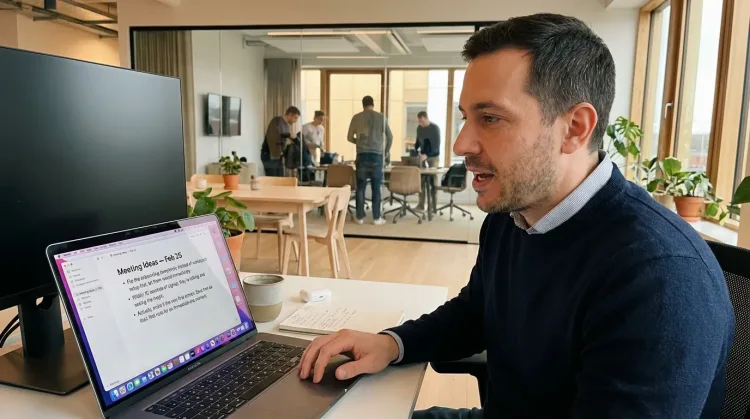
Prompt ChatGPT & Claude
Dictate prompts to ChatGPT, Claude, Perplexity, or any AI chatbot. Speaking naturally lets you give more context—better context means better results.

Frequently asked questions
Is it private enough for sensitive 1-on-1 notes and performance reviews?+
Yes. Use local Whisper models for 100% offline transcription—nothing leaves your Mac. For cloud transcription, BYOK means audio goes directly to your API provider using your key, not through Ottex servers. You choose the privacy level that fits your organization's requirements.
Can I use it during live 1-on-1s without it being awkward?+
Yes. Push-to-Talk mode lets you capture specific moments without continuous recording. Tap your hotkey, speak a quick note, release. Your direct report sees you present and engaged, not typing on a laptop. Capture insights between topics rather than during sensitive moments.
Does it work with Notion, Confluence, Linear, and GitHub?+
Yes, Ottex works system-wide on macOS—anywhere you can type. Document incidents in Confluence, update Linear tickets, comment on GitHub PRs, write 1-on-1 notes in Notion, draft reviews in Lattice. No special integrations needed.
How does it help with incident documentation?+
Dictate timeline entries as events unfold: '2:47 PM, identified root cause, decision to rollback.' Capture decisions, reasoning, and who did what in real-time. When the incident ends, your post-mortem is 80% written. No reconstructing from Slack searches and memory.
Can I have different styles for Slack vs. documentation vs. reviews?+
Yes. Ottex detects your active app and adjusts formatting and tone accordingly. Casual and direct for Slack, structured for Confluence, professional for Lattice or performance reviews. You control the style per app without manually adjusting each time.
How much does it cost for typical EM usage?+
Free with local models (Whisper runs on your Mac). With BYOK, most engineering managers spend $2-4/month using Gemini 3 Flash or Groq. Compare that to enterprise meeting and transcription tools at $15-30/month per user. Heavy usage (daily 1-on-1s, frequent incidents) might hit $5-6/month.
Does it handle technical terms and service names?+
Cloud models like Gemini 3 Flash handle technical vocabulary well. For your specific service names, internal tools, and team member names, add them to the custom dictionary once. 'PaymentGatewayV2', 'incident-commander', 'AuthService'—transcribed correctly every time.
Why is speaking better than typing for management documentation?+
You've been speaking since age one—20+ years of practice. Speaking is automatic, effortless. Typing requires concentration, you make typos, break flow to fix them. For 1-on-1 notes, incident timelines, and performance reviews, speaking captures more detail faster while keeping you present in the moment rather than focused on your keyboard.
Lead with your voice. Document without friction.
Download free. Use local models for private 1-on-1 notes, or add your API key for cloud transcription.
Try for freeNo credit card required.