Works with your apps
Ottex works system-wide on macOS. Dictate directly into these apps and more.
And any other app that accepts text input. See all supported apps
Why Ottex works for executive assistants
Concrete benefits with real-world impact
3x Faster Than Typing
Speak 150+ words per minute vs 40 wpm typing. Finish tasks in a third of the time.
Context Awareness
Optionally let AI see your screen for smarter responses. Reply to emails with full context, answer messages knowing the conversation history.
Smart Snippets
Define custom text replacements and shortcuts. Say 'work signature' to expand your full email signature, or 'my address' for your contact info.
Inline AI Commands
Transform text as you speak: 'Ottex start fix grammar Ottex end'. Edit, improve, translate—all by voice.
Voice Corrections
Say 'scratch that' to delete mistakes, 'actually' to rephrase. Fix errors without stopping your flow or touching the keyboard.
Precision Typing
Say 'new paragraph', 'open quote', 'em dash', 'ellipsis'. Full formatting control by voice.
App-Specific Modes
Ottex detects which app you're in and adapts. Coding mode in Cursor, casual tone in Slack, professional in Gmail—automatic context switching.
Better Context, Better Results
Speaking naturally gives AI agents more context than typing. Describe your intent, explain edge cases, mention file names—your voice carries nuance that typing shortcuts.
What you can do
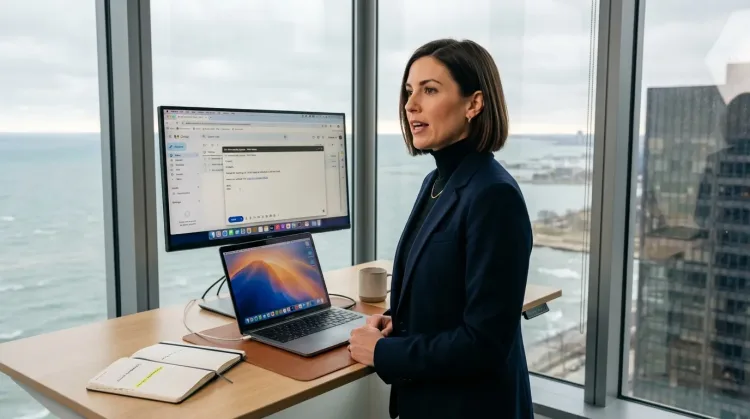
Respond to Emails
Dictate email responses with the right tone. Use context awareness to see the full thread, then speak your reply naturally.
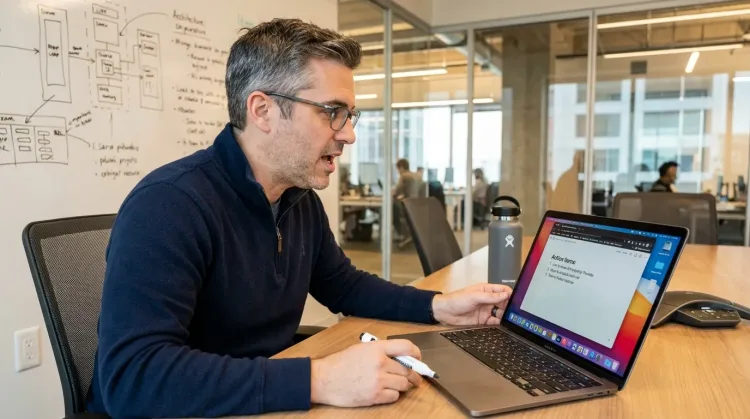
Write Meeting Notes
Dictate meeting notes in real-time or right after. Capture action items, decisions, and key points while they're fresh in your mind.
Works with
Other ways Ottex helps executive assistants
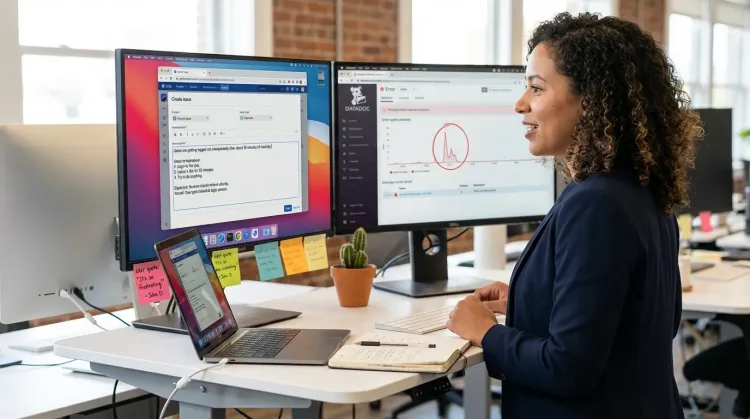
Reply to Work Messages
Reply to Slack messages 3x faster. Dictate casual updates, detailed explanations, or quick acknowledgments without switching context.

Frequently asked questions
Can I match my executive's voice and tone?+
Absolutely. Dictate naturally, then use AI commands to adjust tone: 'Ottex start, make this more formal, Ottex end' or 'make this sound like [executive name]'. Create snippets for common phrases your exec uses. Over time, you'll develop muscle memory for their communication style.
How do I handle 50+ emails per day?+
Triage by priority. For quick responses, dictate directly and send. For important emails, dictate a draft, then polish with AI commands. Use snippets for recurring responses: 'calendar link', 'exec signature', 'meeting declined politely'. Speaking naturally takes ~60 seconds per email vs 3-5 minutes typing.
Can I take meeting notes while listening?+
Yes, but we recommend dictating notes right after the meeting while it's fresh. Capture action items, key decisions, and next steps in 2 minutes. Say 'first, second, third' for auto-formatted lists. If you must take notes live, use push-to-talk mode to capture verbatim quotes.
Does it work with Google Calendar and Outlook?+
Yes. Ottex works system-wide on macOS—anywhere you can type. Dictate event descriptions, meeting notes in calendar entries, and email invitations. Same workflow across Gmail, Outlook, Google Calendar, Slack, Notion, and every other tool in your stack.
How much does it cost?+
BYOK (Bring Your Own Key) means you pay only for transcription—typically ~$2-4/mo even with heavy email volume. No $20/mo subscription. You control your costs and your data. Perfect for budget-conscious assistants managing multiple executives.
Support executives faster
Download free. Clear your inbox by voice.
Try for freeNo credit card required.