Voice Dictation for Growth Hackers
Document experiments faster, ship more tests
Works with your apps
Ottex works system-wide on macOS. Dictate directly into these apps and more.
And any other app that accepts text input. See all supported apps
Why Ottex works for growth hackers
Concrete benefits with real-world impact
3x Faster Than Typing
Speak 150+ words per minute vs 40 wpm typing. Finish tasks in a third of the time.
Global Shortcuts
Start recording with Option+D, use Push-to-Talk, or cancel with Esc. All shortcuts are fully configurable.
Works in Any App
System-wide on macOS—Ottex works wherever you can type. No app-specific integrations needed.
Voice Corrections
Say 'scratch that' to delete mistakes, 'actually' to rephrase. Fix errors without stopping your flow or touching the keyboard.
Filler Word Removal
Automatically removes filler words like 'um', 'uh', 'like', 'so' from your transcription. Get clean, professional text without verbal hesitations.
Smart Snippets
Define custom text replacements and shortcuts. Say 'work signature' to expand your full email signature, or 'my address' for your contact info.
Better Context, Better Results
Speaking naturally gives AI agents more context than typing. Describe your intent, explain edge cases, mention file names—your voice carries nuance that typing shortcuts.
Works with AI Chatbots
Dictate prompts to ChatGPT, Claude, Perplexity—anywhere you type. Better prompts, better answers.
What you can do
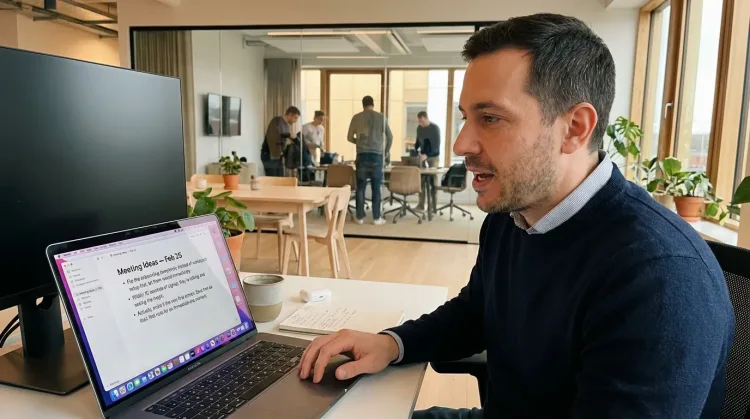
Capture Ideas Quickly
Speak ideas the moment they hit you. Use Ottex anywhere to capture thoughts, then refine them later.
Works with
Write Status Updates
Dictate standup updates, weekly reports, or project status. Speak what happened and what's next—done.
Works with
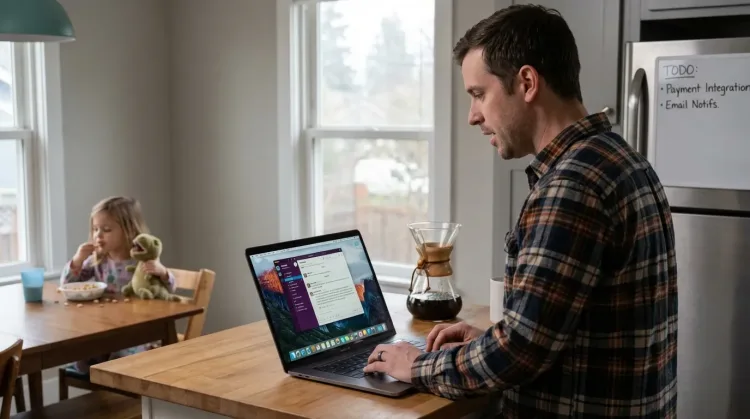
Prompt ChatGPT & Claude
Dictate prompts to ChatGPT, Claude, Perplexity, or any AI chatbot. Speaking naturally lets you give more context—better context means better results.

Other ways Ottex helps growth hackers
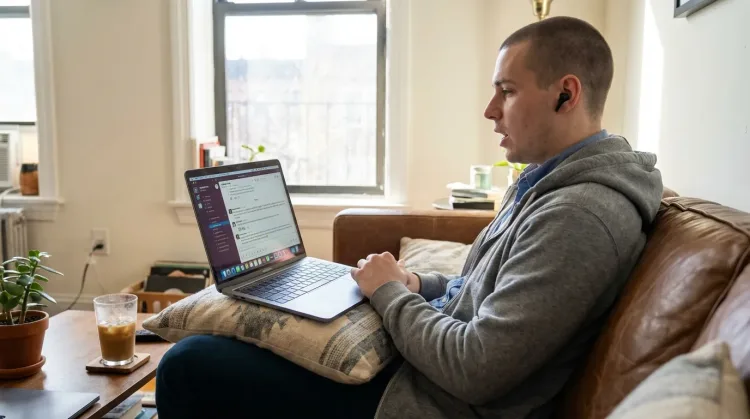
Reply to Work Messages
Reply to Slack messages 3x faster. Dictate casual updates, detailed explanations, or quick acknowledgments without switching context.
Write Meeting Notes
Dictate meeting notes in real-time or right after. Capture action items, decisions, and key points while they're fresh in your mind.
Works with
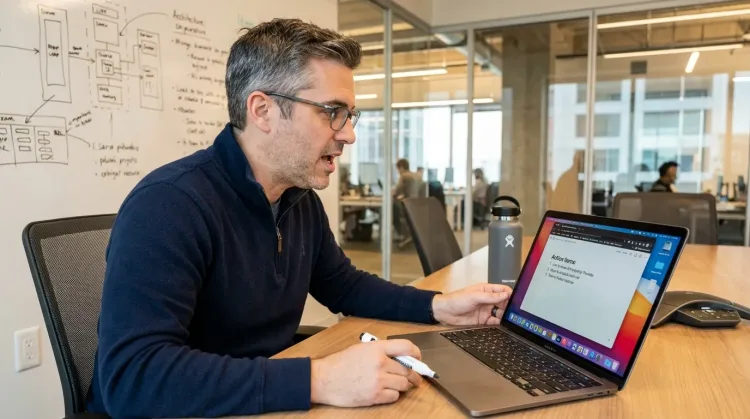
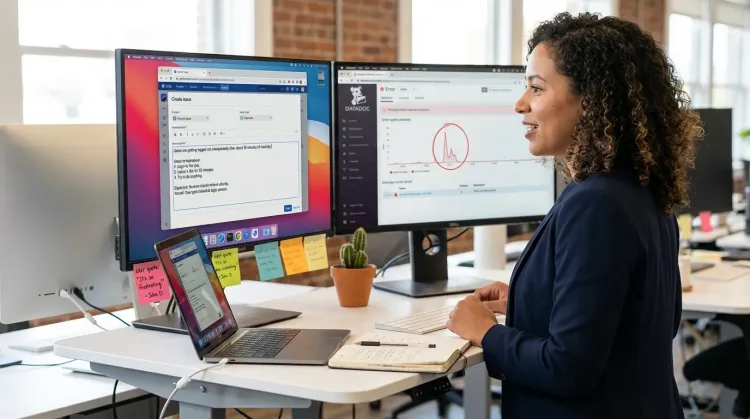
Create Tickets & Tasks
Dictate Jira tickets, Linear issues, or Asana tasks. Speak the context, acceptance criteria, and details—then move on.
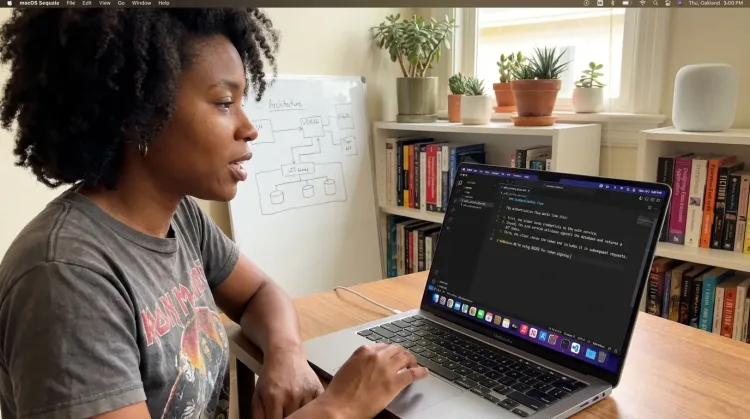
Write Documentation
Dictate technical documentation, READMEs, or API docs. Speaking lets you explain context, edge cases, and examples naturally—better docs with less effort.
Works with
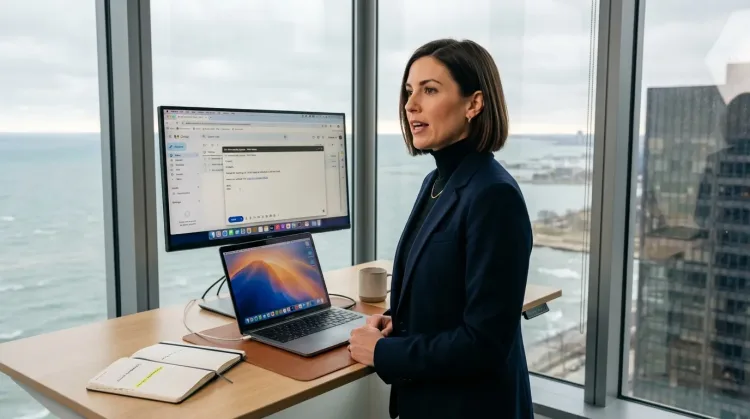
Respond to Emails
Dictate email responses with the right tone. Use context awareness to see the full thread, then speak your reply naturally.
Frequently asked questions
Can I dictate experiment briefs directly into Notion?+
Yes. Ottex works anywhere you can type—Notion, Google Docs, Amplitude notes, spreadsheets. One hotkey, every app. Hit Option+D in Notion and speak your hypothesis, test setup, and success metrics.
How fast is it really?+
You speak 150+ words per minute vs ~40 typing. A detailed experiment brief that takes 5 minutes to type takes 90 seconds to dictate. When you're running 10+ experiments, that compounds to hours saved per week.
Can I use it to prompt AI for growth ideas?+
Absolutely. This is one of the best use cases. Speaking naturally to ChatGPT or Claude gives you 3x more context than typing. Describe your funnel, explain what you've tried, and ask for ideas. Better prompts = better AI output.
Does it work well for async Slack updates?+
Perfect for it. Growth teams live in Slack—experiment updates, metric alerts, cross-functional coordination. Dictate updates between meetings, while looking at dashboards, or right after a call. Work modes keep Slack messages concise and casual.
What about data-heavy writing (metrics, percentages)?+
Cloud models handle numbers and percentages accurately. Say 'conversion increased from 2.3 percent to 4.1 percent, a 78 percent relative lift' and get proper formatting. For recurring metrics, add them to snippets.
Can I capture ideas on the go?+
Yes. Ottex works on iOS too. Capture hypotheses while walking between meetings, during commute, or whenever insight strikes. The best ideas come at random moments—voice input means you don't lose them.
What does it cost?+
Free forever with local models. BYOK (bring your own API key) costs ~$1-3/month for typical usage. Optional $9/month premium includes Gemini 3 Flash credits with zero configuration.
Document experiments faster
Download free. Start capturing hypotheses and experiment briefs in minutes.
Try for freeNo credit card required.