Works with your apps
Ottex works system-wide on macOS. Dictate directly into these apps and more.
And any other app that accepts text input. See all supported apps
Why Ottex works for live streamers
Concrete benefits with real-world impact
3x Faster Than Typing
Speak 150+ words per minute vs 40 wpm typing. Finish tasks in a third of the time.
Voice Corrections
Say 'scratch that' to delete mistakes, 'actually' to rephrase. Fix errors without stopping your flow or touching the keyboard.
Inline AI Commands
Transform text as you speak: 'Ottex start fix grammar Ottex end'. Edit, improve, translate—all by voice.
App-Specific Modes
Ottex detects which app you're in and adapts. Coding mode in Cursor, casual tone in Slack, professional in Gmail—automatic context switching.
Global Shortcuts
Start recording with Option+D, use Push-to-Talk, or cancel with Esc. All shortcuts are fully configurable.
Works in Any App
System-wide on macOS—Ottex works wherever you can type. No app-specific integrations needed.
Filler Word Removal
Automatically removes filler words like 'um', 'uh', 'like', 'so' from your transcription. Get clean, professional text without verbal hesitations.
Precision Typing
Say 'new paragraph', 'open quote', 'em dash', 'ellipsis'. Full formatting control by voice.
What you can do
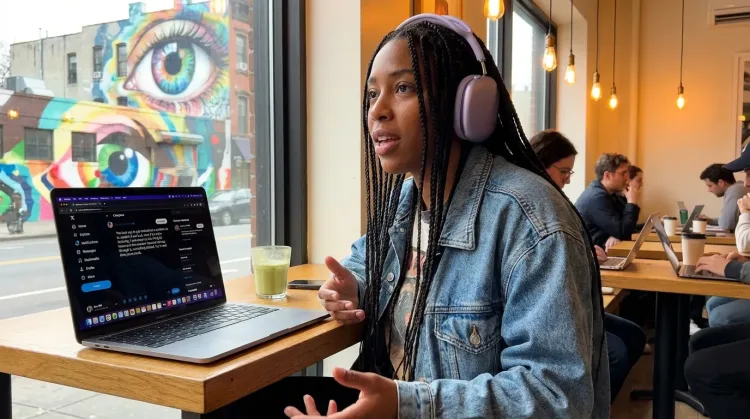
Write Content Posts
Dictate tweets, LinkedIn posts, blog articles, or newsletters. Turn your thoughts into content faster than ever.
Capture Ideas Quickly
Speak ideas the moment they hit you. Use Ottex anywhere to capture thoughts, then refine them later.
Works with
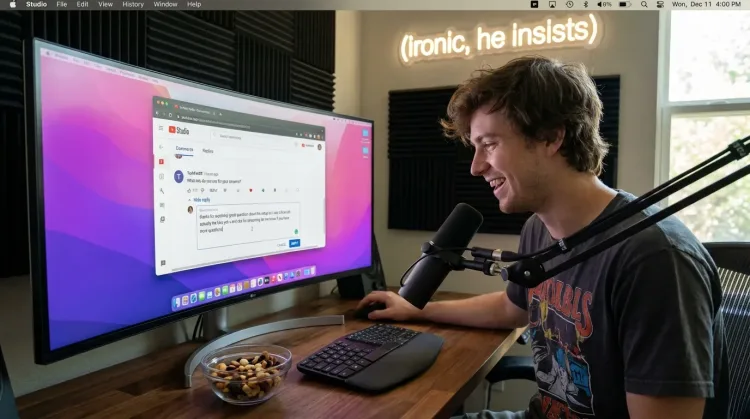
Respond to Comments
Reply to YouTube comments, Twitter threads, or social media mentions by voice. Stay engaged with your audience without the typing fatigue.
Works with
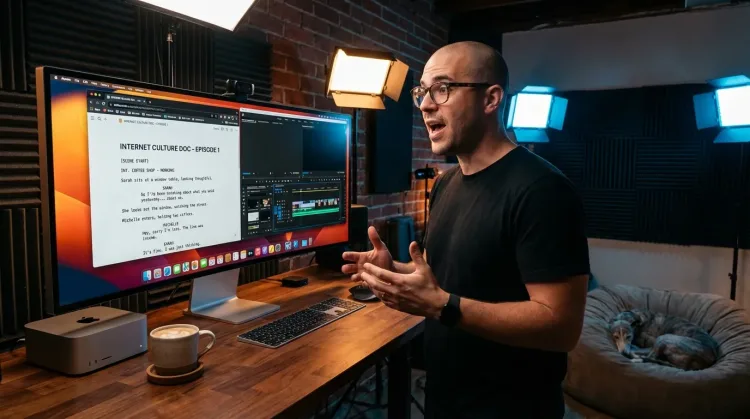
Write Scripts
Write video scripts, podcast outlines, or screenplays by voice. Speaking your dialogue makes it sound natural from the start.
Other ways Ottex helps live streamers
Reply to Work Messages
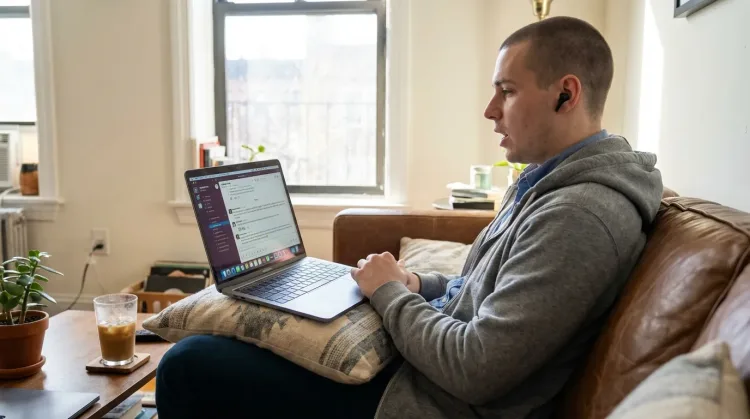
Reply to Slack messages 3x faster. Dictate casual updates, detailed explanations, or quick acknowledgments without switching context.
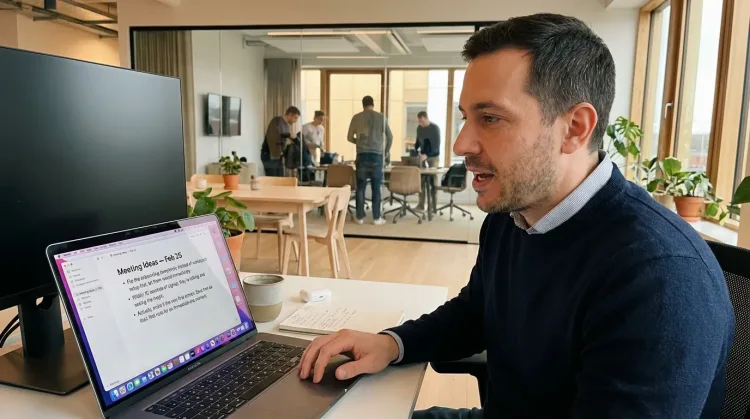
Write Meeting Notes
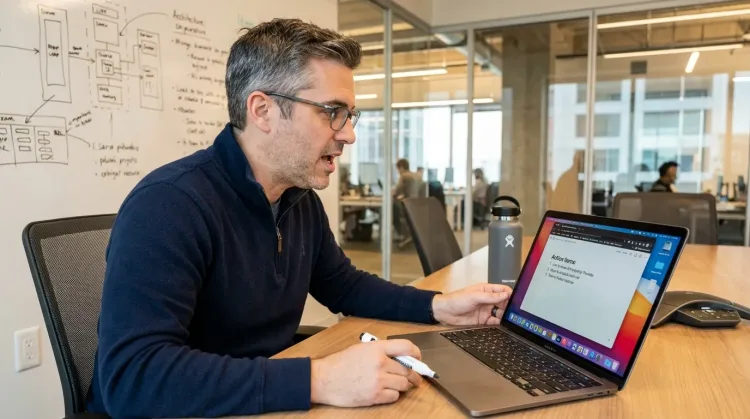
Dictate meeting notes in real-time or right after. Capture action items, decisions, and key points while they're fresh in your mind.
Works with
Write First Drafts
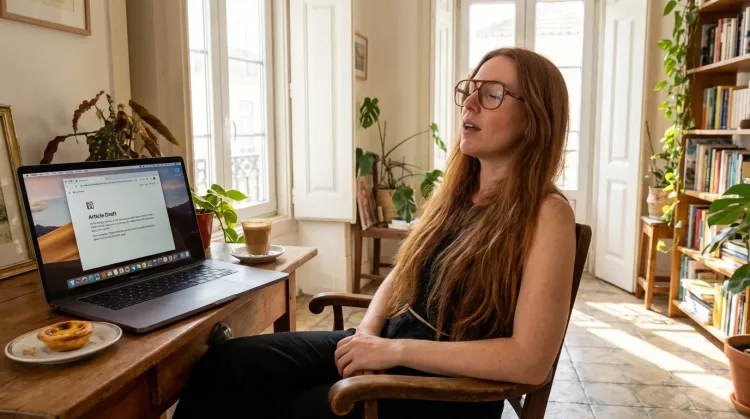
Defeat writer's block by speaking your first draft. Don't edit as you go—just talk through your ideas and refine them later.
Frequently asked questions
Does Ottex work with Discord?+
Yes. Ottex is system-wide on macOS and works anywhere you can type. Discord channels, DMs, server announcements, community posts. One hotkey (Option+D) for everything.
Can I match my streaming personality in text?+
That's the point. When you speak, your natural voice comes through. Your Discord updates sound like you because they literally are you talking. No more corporate-sounding announcements that feel off-brand.
How does this help with highlight descriptions?+
After a 3-hour stream, describing 10 highlight clips by typing is exhausting. With Ottex, you just talk through what happened: 'This is the clip where I finally beat the boss after 47 attempts, chat was going insane.' Done in seconds.
What about sponsor reads and ad copy?+
Speak your sponsor reads naturally, the way you'd deliver them on stream. They sound authentic because you're not typing them like a script. Use voice corrections to adjust phrasing: 'scratch that, use code MYNAME20 instead.'
Can I use it for stream notes during broadcast?+
For timestamps and highlight notes during stream, yes. Press the hotkey, speak 'mark for highlight, just hit diamond rank,' and keep streaming. Review your notes post-stream to find the moments.
How much does it cost?+
Free forever with local models (Whisper runs on your Mac). For cloud transcription with better accuracy, bring your own API key (~$1-3/mo) or use premium ($9/mo) for zero-config setup.
Write post-stream content at speaking speed
Download free. Discord updates, highlights, sponsor reads. Done faster.
Try for freeNo credit card required.