Voice Dictation for Motion Designers
Capture animation notes without leaving the timeline
Works with your apps
Ottex works system-wide on macOS. Dictate directly into these apps and more.
And any other app that accepts text input. See all supported apps
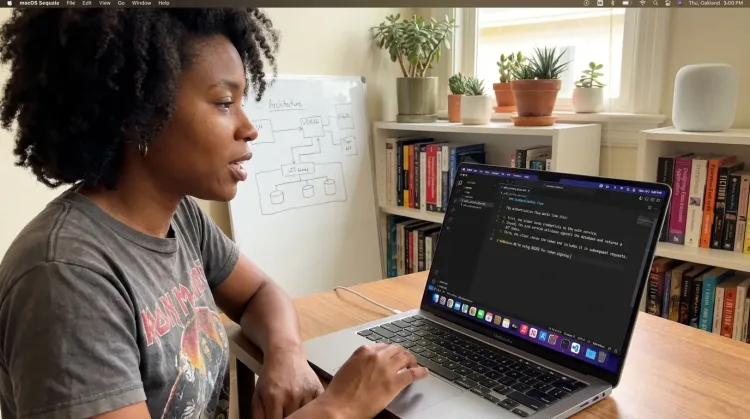
Why Ottex works for motion designers
Concrete benefits with real-world impact
3x Faster Than Typing
Speak 150+ words per minute vs 40 wpm typing. Finish tasks in a third of the time.
Better Context, Better Results
Speaking naturally gives AI agents more context than typing. Describe your intent, explain edge cases, mention file names—your voice carries nuance that typing shortcuts.
Technical Term Accuracy
Cloud AI models excel at technical jargon, code terminology, and specialized vocabulary.
Custom Dictionary
Add names, technical terms, and jargon. Ottex transcribes them accurately every time.
Inline AI Commands
Transform text as you speak: 'Ottex start fix grammar Ottex end'. Edit, improve, translate—all by voice.
Precision Typing
Say 'new paragraph', 'open quote', 'em dash', 'ellipsis'. Full formatting control by voice.
Global Shortcuts
Start recording with Option+D, use Push-to-Talk, or cancel with Esc. All shortcuts are fully configurable.
Works in Any App
System-wide on macOS—Ottex works wherever you can type. No app-specific integrations needed.
What you can do
Write Documentation
Dictate technical documentation, READMEs, or API docs. Speaking lets you explain context, edge cases, and examples naturally—better docs with less effort.
Works with
Capture Ideas Quickly
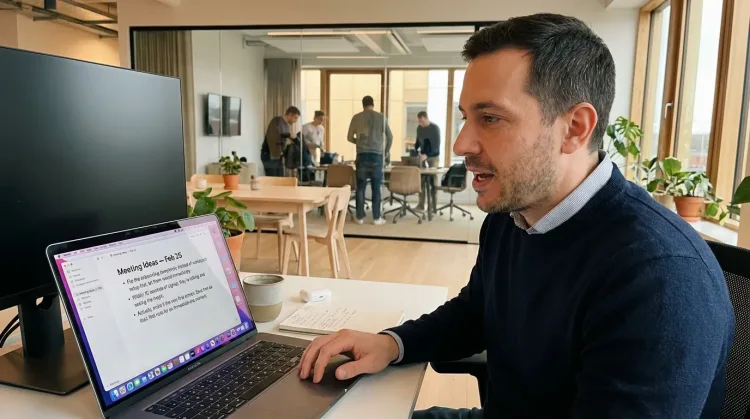
Speak ideas the moment they hit you. Use Ottex anywhere to capture thoughts, then refine them later.
Works with
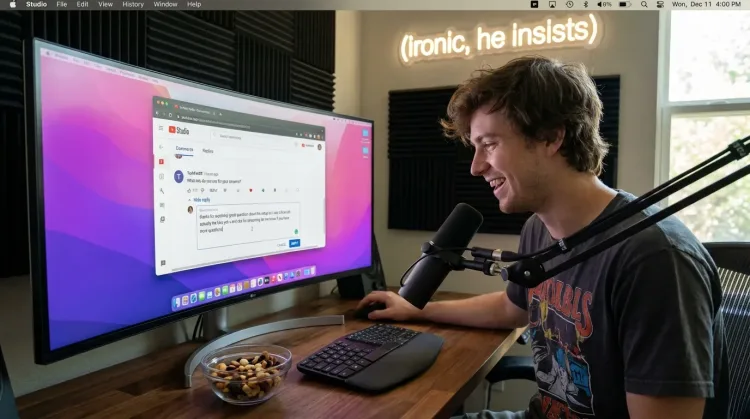
Respond to Comments
Reply to YouTube comments, Twitter threads, or social media mentions by voice. Stay engaged with your audience without the typing fatigue.
Works with
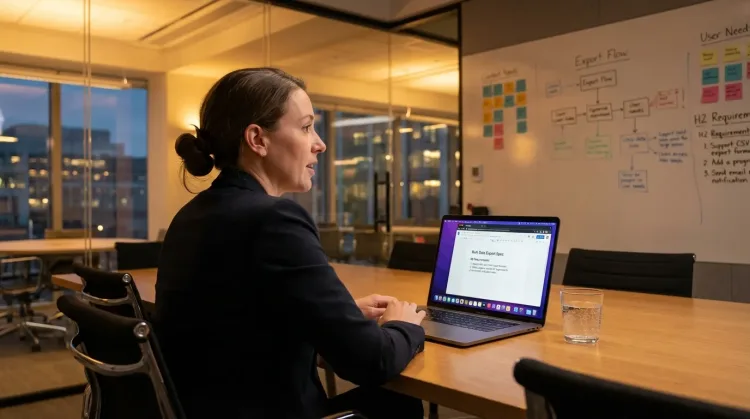
Write PRDs & Specs
Dictate product requirements, feature specs, or design docs. Speaking lets you explain the full context—edge cases, user flows, and rationale—naturally.
Works with
Other ways Ottex helps motion designers
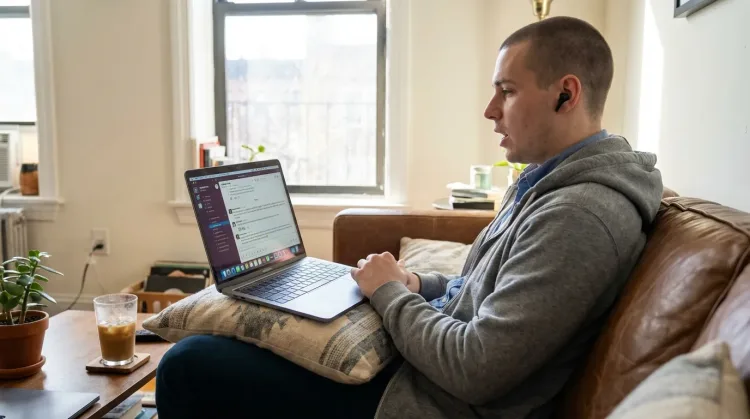
Reply to Work Messages
Reply to Slack messages 3x faster. Dictate casual updates, detailed explanations, or quick acknowledgments without switching context.
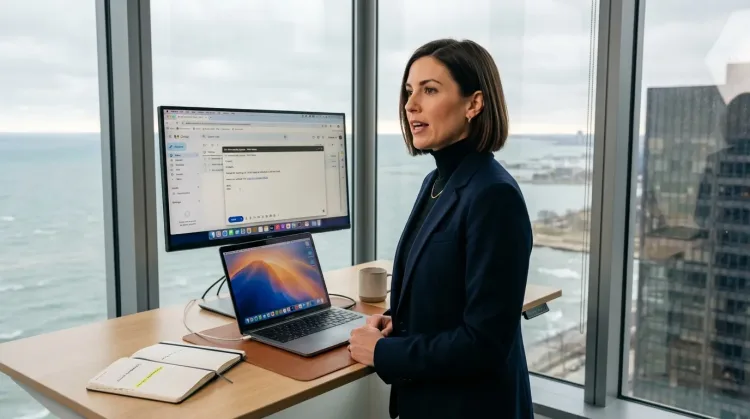
Respond to Emails
Dictate email responses with the right tone. Use context awareness to see the full thread, then speak your reply naturally.
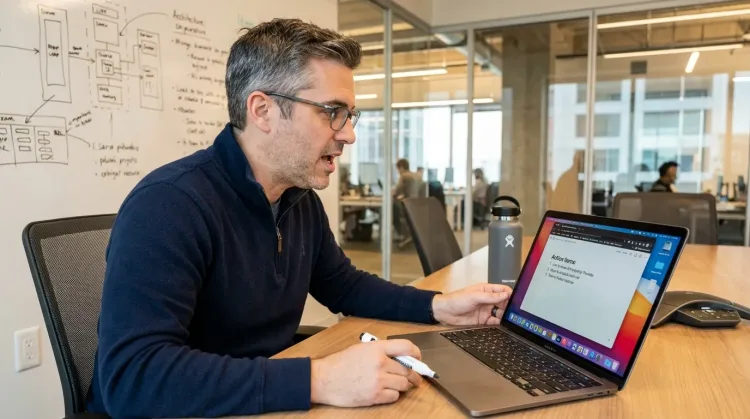
Write Meeting Notes
Dictate meeting notes in real-time or right after. Capture action items, decisions, and key points while they're fresh in your mind.
Works with
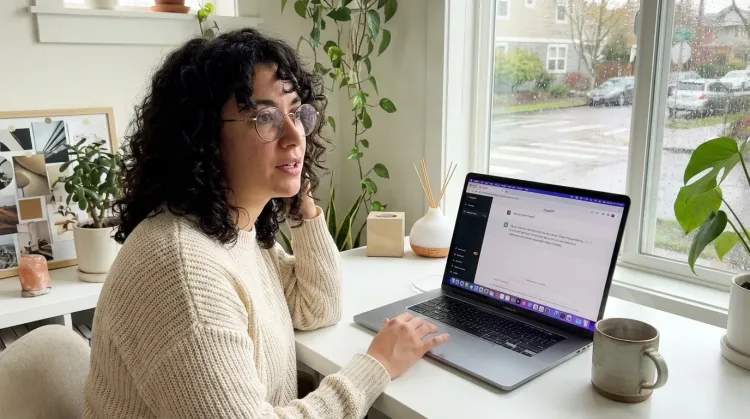
Prompt ChatGPT & Claude
Dictate prompts to ChatGPT, Claude, Perplexity, or any AI chatbot. Speaking naturally lets you give more context—better context means better results.
Frequently asked questions
Can I dictate notes while watching After Effects playback?+
Yes. Ottex works anywhere you can type on macOS. Watch your animation play, press Option+D, speak your notes while your eyes stay on the timeline. 'Frame 47, ease-out needs more cushion. Frame 120, the bounce feels too mechanical.' Capture timing-specific feedback without pausing playback.
How does it help with client feedback documentation?+
Client calls generate rapid feedback that's hard to capture while typing. With Ottex, you document naturally: 'Client wants the logo reveal 2 seconds earlier. They love the particle effect but want it blue instead of orange. Final deliverable due Friday.' Speaking is 3x faster than typing, so you capture everything.
Can I use it for project briefs?+
Yes. Speaking your brief helps you articulate the creative vision naturally. Describe the mood, reference other work, explain the story arc. You include more context because speaking is effortless. Use AI commands to polish the brief after dictating.
Does it work with Frame.io comments?+
Yes. Ottex works anywhere you can type. Open Frame.io in your browser, click to add a comment, press Option+D, speak your feedback. Same workflow for any review platform.
Can I track revisions by voice?+
Absolutely. Keep a revision log in Notion or Google Docs. After each round of feedback: 'Version 3.2: Adjusted timing on main title, changed secondary color to client-approved blue, added sound design placeholders.' Speaking makes revision tracking sustainable instead of tedious.
Will it slow down After Effects?+
No. Ottex is built natively in Swift and uses less than 2% CPU. Your timeline stays responsive. Cloud transcription happens via API; local models are optimized for Apple Silicon.
Can I add animation terminology to the dictionary?+
Yes. Add terms like 'keyframe,' 'ease-in-out,' 'motion blur,' 'precomp,' 'null object,' and your project names to your custom dictionary. Ottex transcribes them accurately every time.
What does it cost?+
Free forever with local models. BYOK (bring your own API key) costs ~$1-3/month for typical usage. Optional $9/month premium includes Gemini 3 Flash credits with zero config.
Document animation work without leaving the timeline
Download free. Start dictating project briefs and revision notes in minutes.
Try for freeNo credit card required.