Voice Dictation for No-Code Builders
Document your builds without leaving the builder
Works with your apps
Ottex works system-wide on macOS. Dictate directly into these apps and more.
And any other app that accepts text input. See all supported apps
Why Ottex works for no-code builders
Concrete benefits with real-world impact
3x Faster Than Typing
Speak 150+ words per minute vs 40 wpm typing. Finish tasks in a third of the time.
Better Context, Better Results
Speaking naturally gives AI agents more context than typing. Describe your intent, explain edge cases, mention file names—your voice carries nuance that typing shortcuts.
Technical Term Accuracy
Cloud AI models excel at technical jargon, code terminology, and specialized vocabulary.
Custom Dictionary
Add names, technical terms, and jargon. Ottex transcribes them accurately every time.
Inline AI Commands
Transform text as you speak: 'Ottex start fix grammar Ottex end'. Edit, improve, translate—all by voice.
Precision Typing
Say 'new paragraph', 'open quote', 'em dash', 'ellipsis'. Full formatting control by voice.
App-Specific Modes
Ottex detects which app you're in and adapts. Coding mode in Cursor, casual tone in Slack, professional in Gmail—automatic context switching.
Context Awareness
Optionally let AI see your screen for smarter responses. Reply to emails with full context, answer messages knowing the conversation history.
What you can do
Write Documentation
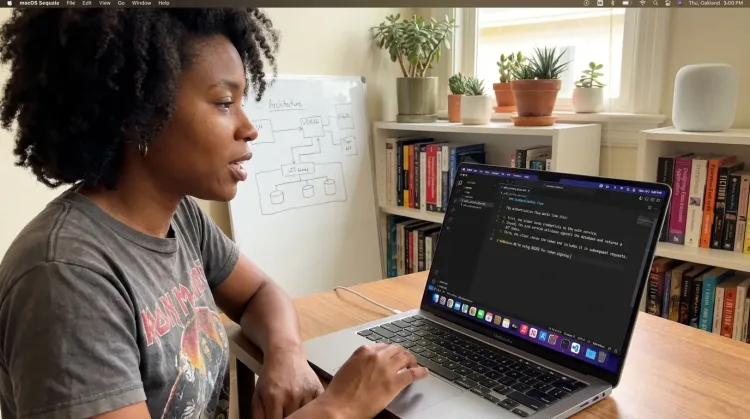
Dictate technical documentation, READMEs, or API docs. Speaking lets you explain context, edge cases, and examples naturally—better docs with less effort.
Works with
Reply to Work Messages
Reply to Slack messages 3x faster. Dictate casual updates, detailed explanations, or quick acknowledgments without switching context.

Respond to Emails
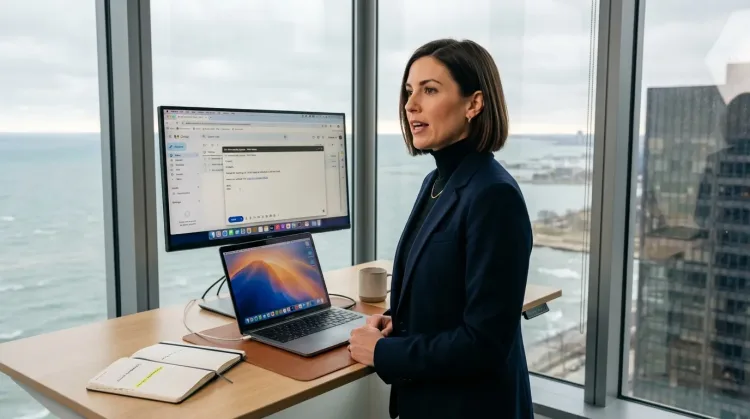
Dictate email responses with the right tone. Use context awareness to see the full thread, then speak your reply naturally.
Prompt ChatGPT & Claude
Dictate prompts to ChatGPT, Claude, Perplexity, or any AI chatbot. Speaking naturally lets you give more context—better context means better results.

Other ways Ottex helps no-code builders
Write Meeting Notes
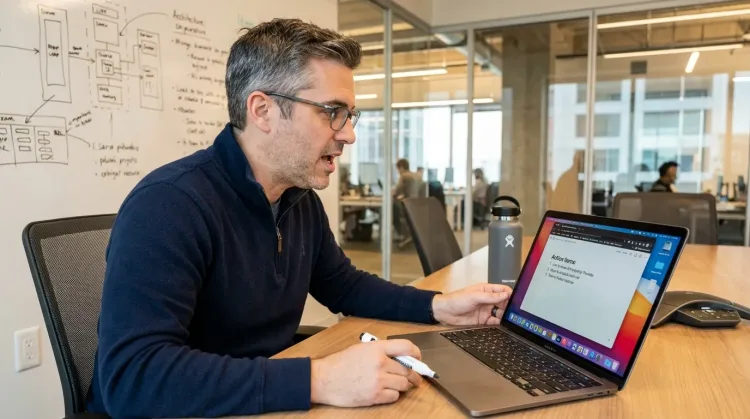
Dictate meeting notes in real-time or right after. Capture action items, decisions, and key points while they're fresh in your mind.
Works with
Capture Ideas Quickly
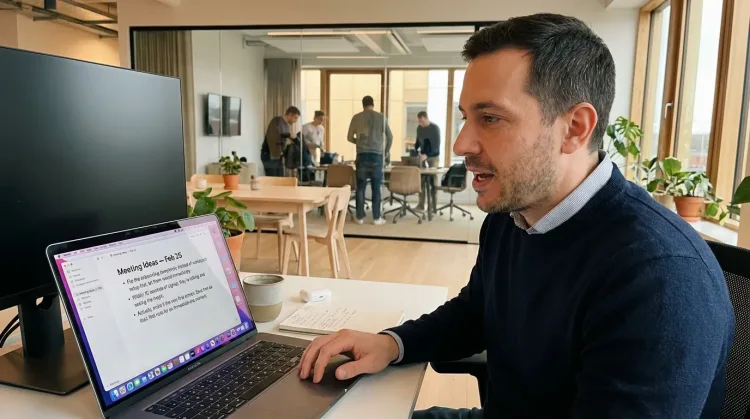
Speak ideas the moment they hit you. Use Ottex anywhere to capture thoughts, then refine them later.
Works with
Write Status Updates
Dictate standup updates, weekly reports, or project status. Speak what happened and what's next—done.
Works with
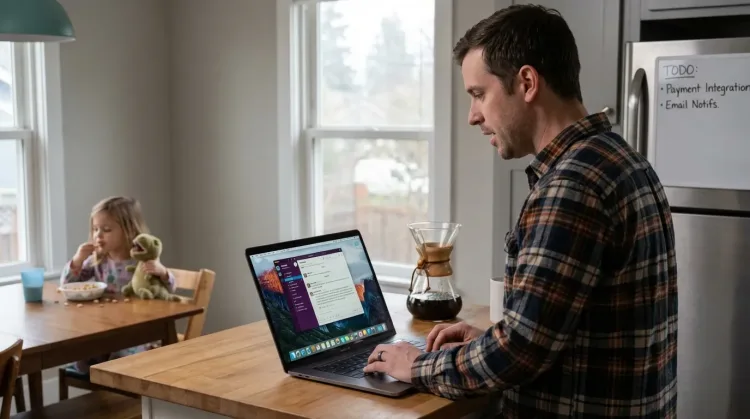
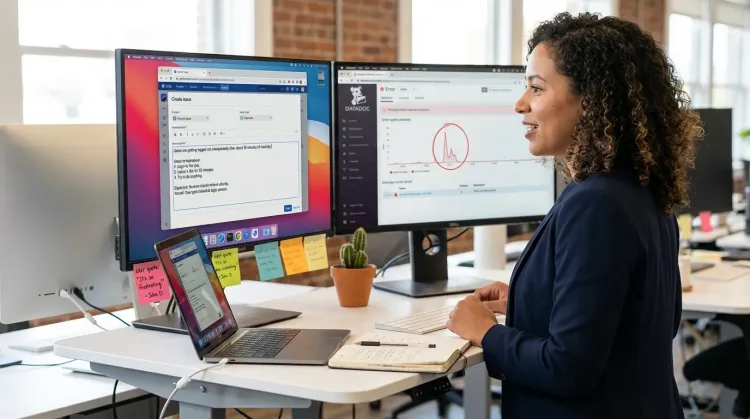
Create Tickets & Tasks
Dictate Jira tickets, Linear issues, or Asana tasks. Speak the context, acceptance criteria, and details—then move on.
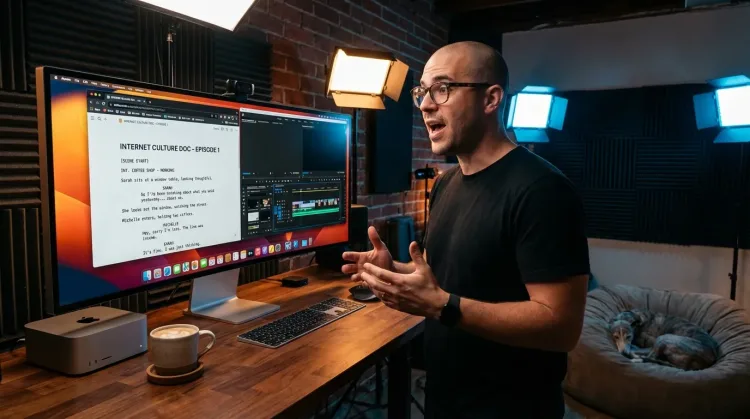
Write Scripts
Write video scripts, podcast outlines, or screenplays by voice. Speaking your dialogue makes it sound natural from the start.
Frequently asked questions
Can I dictate while working in Webflow or Bubble?+
Yes. Ottex works anywhere you can type on macOS. Focus on a text field in Webflow, Bubble, or any no-code tool, press Option+D, speak your documentation. Ottex transcribes and inserts the text. Same workflow for Notion, Google Docs, or client emails.
How does it help with client communication?+
Client updates require context and professionalism. Speak your update naturally, then use AI commands to polish: 'Ottex start, make this more professional, Ottex end.' Your build expertise, professional delivery. Configure work modes for formal emails vs casual Slack.
Can I use it for tutorial creation?+
Yes. Dictate tutorial scripts and walkthroughs naturally. Speaking produces more conversational, engaging content than typing. Perfect for Loom script prep, YouTube tutorials, or written guides. Say 'new paragraph' for structure, 'step one' for numbered lists.
Does it work with AI tools for debugging?+
Absolutely. When your Zapier flow breaks or Bubble workflow fails, dictate detailed prompts to ChatGPT or Claude. Speaking naturally gives more context than typing bullet points. Describe the trigger, the expected behavior, what's actually happening, and relevant settings.
Can I add no-code terminology to the dictionary?+
Yes. Add terms like 'Zapier', 'Webflow', 'Airtable', 'workflow automation', your client names, and project-specific terms to your custom dictionary. Ottex transcribes them accurately every time.
Will it slow down my Mac while I'm building?+
No. Ottex is built natively in Swift and uses less than 2% CPU. Your browser with Webflow, Bubble, or Airtable stays responsive. Cloud transcription happens via API; local models are optimized for Apple Silicon.
What does it cost?+
Free forever with local models. BYOK (bring your own API key) costs ~$1-3/month for typical usage. Optional $9/month premium includes Gemini 3 Flash credits with zero config.
Document your builds without breaking flow
Download free. Start dictating project docs and client updates in minutes.
Try for freeNo credit card required.