Works with your apps
Ottex works system-wide on macOS. Dictate directly into these apps and more.
And any other app that accepts text input. See all supported apps
Why Ottex works for paralegals
Concrete benefits with real-world impact
3x Faster Than Typing
Speak 150+ words per minute vs 40 wpm typing. Finish tasks in a third of the time.
Custom Dictionary
Add names, technical terms, and jargon. Ottex transcribes them accurately every time.
Precision Typing
Say 'new paragraph', 'open quote', 'em dash', 'ellipsis'. Full formatting control by voice.
Voice Corrections
Say 'scratch that' to delete mistakes, 'actually' to rephrase. Fix errors without stopping your flow or touching the keyboard.
Inline AI Commands
Transform text as you speak: 'Ottex start fix grammar Ottex end'. Edit, improve, translate—all by voice.
Better Context, Better Results
Speaking naturally gives AI agents more context than typing. Describe your intent, explain edge cases, mention file names—your voice carries nuance that typing shortcuts.
Works with AI Chatbots
Dictate prompts to ChatGPT, Claude, Perplexity—anywhere you type. Better prompts, better answers.
Context Awareness
Optionally let AI see your screen for smarter responses. Reply to emails with full context, answer messages knowing the conversation history.
What you can do
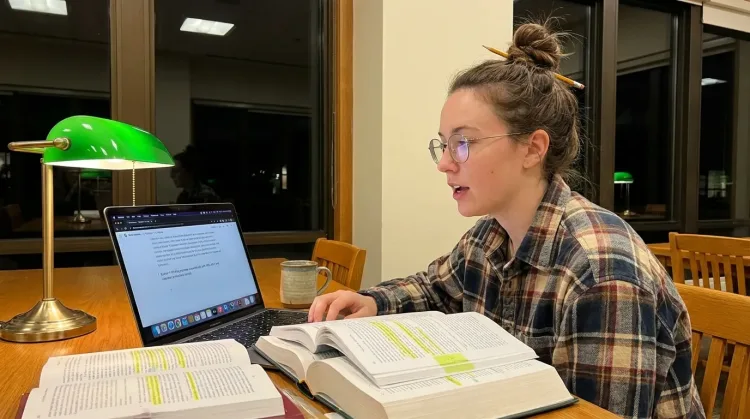
Write Research Notes
Dictate research notes, literature summaries, or analysis. Capture your thinking process without losing momentum to typing.
Works with
Write Meeting Notes
Dictate meeting notes in real-time or right after. Capture action items, decisions, and key points while they're fresh in your mind.
Works with
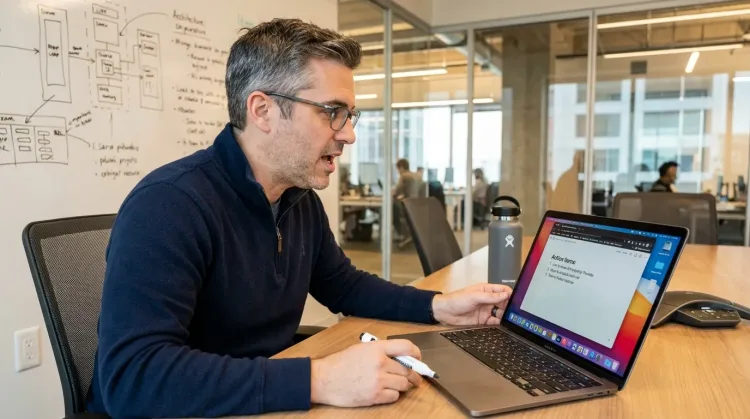
Prompt ChatGPT & Claude
Dictate prompts to ChatGPT, Claude, Perplexity, or any AI chatbot. Speaking naturally lets you give more context—better context means better results.

Other ways Ottex helps paralegals
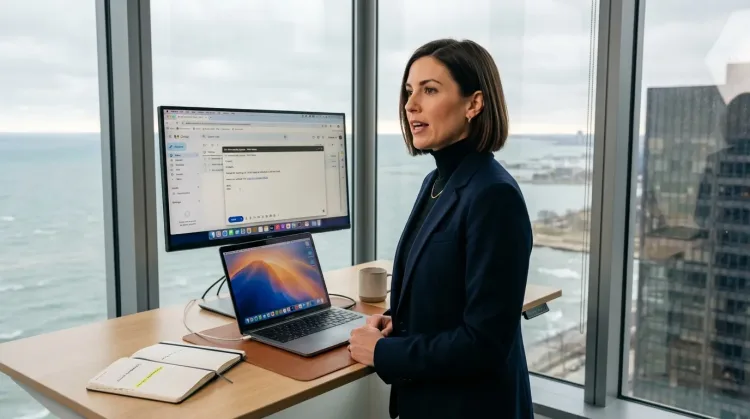
Respond to Emails
Dictate email responses with the right tone. Use context awareness to see the full thread, then speak your reply naturally.
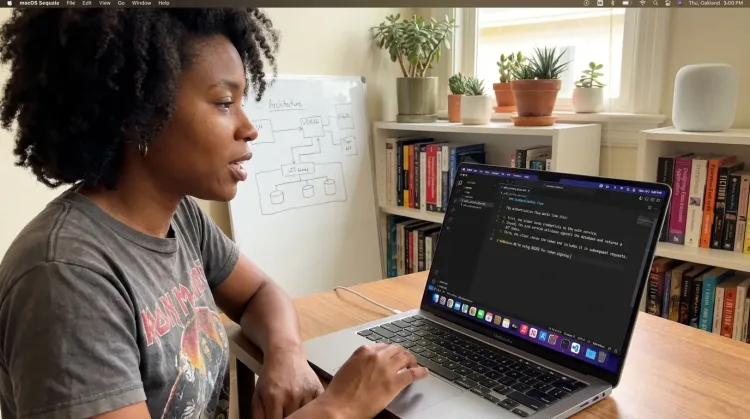
Write Documentation
Dictate technical documentation, READMEs, or API docs. Speaking lets you explain context, edge cases, and examples naturally—better docs with less effort.
Works with
Frequently asked questions
Can it handle legal terminology accurately?+
Cloud AI models like Gemini 3 Flash are trained on legal documents and understand standard legal terms like 'deposition,' 'discovery,' 'interrogatory,' and 'subpoena.' For case-specific terminology (client names, case numbers, opposing counsel), add them to your custom dictionary for consistent accuracy.
Is it secure for confidential case information?+
With BYOK, your audio goes directly to your API provider (Google, OpenAI, or Deepgram) using your own API key. Ottex never stores or sees your data. You control the entire data pipeline, maintaining confidentiality for sensitive case materials.
Does it work in Microsoft Word and legal research databases?+
Yes. Ottex works system-wide on macOS, so it works in Word, Google Docs, Westlaw, LexisNexis, and any other software where you can type. One dictation tool for your entire legal workflow.
Can I use it to summarize depositions and case documents?+
Absolutely. Dictate detailed summaries while reviewing documents. Speaking naturally captures more nuance and context because it takes less effort than typing the same information.
Document and research faster
Download free. Start dictating in minutes.
Try for freeNo credit card required.