Voice Dictation for Sales Development Reps
Capture every call, personalize every email
Works with your apps
Ottex works system-wide on macOS. Dictate directly into these apps and more.
And any other app that accepts text input. See all supported apps

Why Ottex works for sales development reps
Concrete benefits with real-world impact
3x Faster Than Typing
Speak 150+ words per minute vs 40 wpm typing. Finish tasks in a third of the time.
Smart Snippets
Define custom text replacements and shortcuts. Say 'work signature' to expand your full email signature, or 'my address' for your contact info.
Voice Corrections
Say 'scratch that' to delete mistakes, 'actually' to rephrase. Fix errors without stopping your flow or touching the keyboard.
Inline AI Commands
Transform text as you speak: 'Ottex start fix grammar Ottex end'. Edit, improve, translate—all by voice.
Precision Typing
Say 'new paragraph', 'open quote', 'em dash', 'ellipsis'. Full formatting control by voice.
Context Awareness
Optionally let AI see your screen for smarter responses. Reply to emails with full context, answer messages knowing the conversation history.
App-Specific Modes
Ottex detects which app you're in and adapts. Coding mode in Cursor, casual tone in Slack, professional in Gmail—automatic context switching.
What you can do
Update CRM Records
Dictate call notes, update deal stages, or log activities. Keep your CRM current without the tedium.
Works with
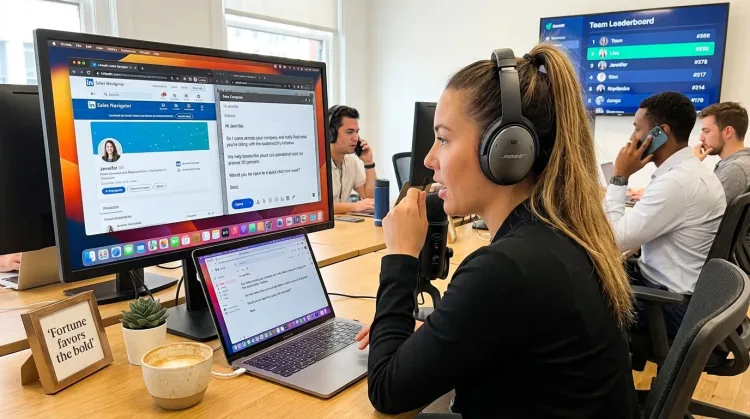
Write Prospecting Emails
Dictate personalized prospecting emails. Speaking naturally makes your outreach sound human, not templated.
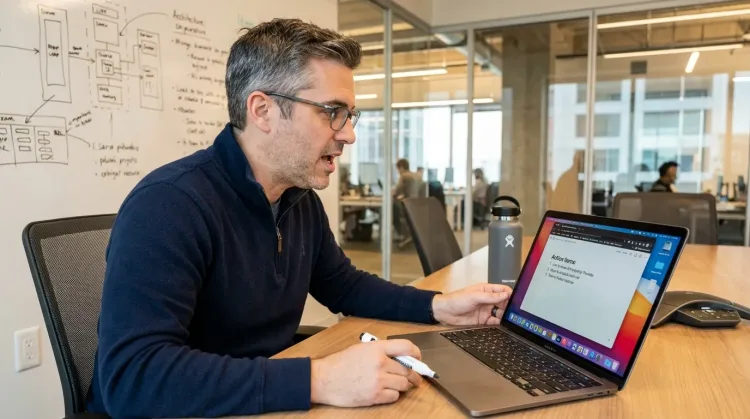
Write Meeting Notes
Dictate meeting notes in real-time or right after. Capture action items, decisions, and key points while they're fresh in your mind.
Works with
Other ways Ottex helps sales development reps
Write Sales Follow-ups
Dictate personalized follow-up emails right after calls. Strike while the conversation is fresh.
Works with

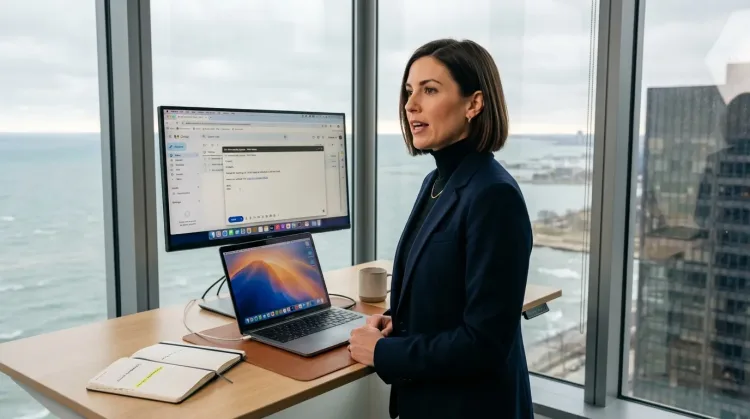
Respond to Emails
Dictate email responses with the right tone. Use context awareness to see the full thread, then speak your reply naturally.
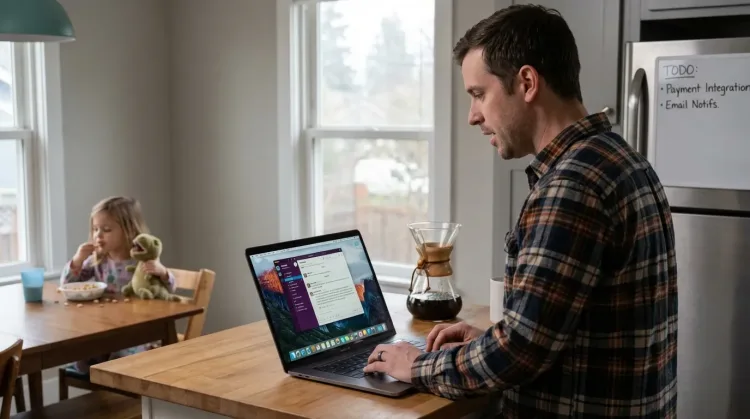
Reply to Work Messages
Reply to Slack messages 3x faster. Dictate casual updates, detailed explanations, or quick acknowledgments without switching context.

Write Status Updates
Dictate standup updates, weekly reports, or project status. Speak what happened and what's next—done.
Works with
Frequently asked questions
Can I dictate directly into Outreach or Salesforce?+
Yes. Ottex works anywhere you can type—Outreach, Salesforce, Salesloft, Apollo, LinkedIn Sales Navigator, Gmail. System-wide on macOS means no app integrations needed. Press Option+D in any text field.
How fast can I document a call?+
30 seconds. Right after hanging up, press Option+D and speak: 'Talked to VP Sales, interested in Q1 pilot, budget confirmed, follow up Thursday with pricing.' Done. Move to the next call.
How do I personalize 100 emails per day?+
Dictate the personalized part (their company, recent news, specific pain point), then use snippets to expand your standard pitch and signature. You sound human, not templated, without spending hours typing.
Does it work with LinkedIn Sales Navigator?+
Yes. Dictate connection requests, InMail messages, and notes on prospects. Speaking naturally makes each message sound authentic, not copy-pasted.
Can I track objections and competitive intel?+
Absolutely. Dictate objection notes immediately after calls: 'Main objection: already using Competitor X, contract up in June, decision maker is CFO.' Build your objection library by voice.
How much does it cost?+
Free with local models, or ~$1-3/month with BYOK (Bring Your Own Key). Optional $9/month premium includes Gemini 3 Flash with zero setup. No $20/month subscription trap.
Capture every call
Download free. Document calls in 30 seconds. Personalize outreach at scale.
Try for freeNo credit card required.