Voice Dictation for Site Reliability Engineers
Document incidents in real-time. Keep systems running.
Why Ottex works for site reliability engineers
Concrete benefits with real-world impact
3x Faster Than Typing
Speak 150+ words per minute vs 40 wpm typing. Finish tasks in a third of the time.
Voice Corrections
Say 'scratch that' to delete mistakes, 'actually' to rephrase. Fix errors without stopping your flow or touching the keyboard.
Inline AI Commands
Transform text as you speak: 'Ottex start fix grammar Ottex end'. Edit, improve, translate—all by voice.
Precision Typing
Say 'new paragraph', 'open quote', 'em dash', 'ellipsis'. Full formatting control by voice.
Better Context, Better Results
Speaking naturally gives AI agents more context than typing. Describe your intent, explain edge cases, mention file names—your voice carries nuance that typing shortcuts.
Technical Term Accuracy
Cloud AI models excel at technical jargon, code terminology, and specialized vocabulary.
Custom Dictionary
Add names, technical terms, and jargon. Ottex transcribes them accurately every time.
App-Specific Modes
Ottex detects which app you're in and adapts. Coding mode in Cursor, casual tone in Slack, professional in Gmail—automatic context switching.
What you can do
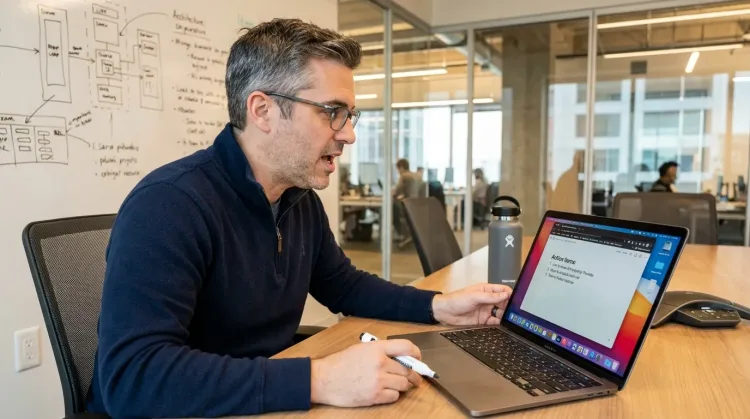
Write Meeting Notes
Dictate meeting notes in real-time or right after. Capture action items, decisions, and key points while they're fresh in your mind.
Works with
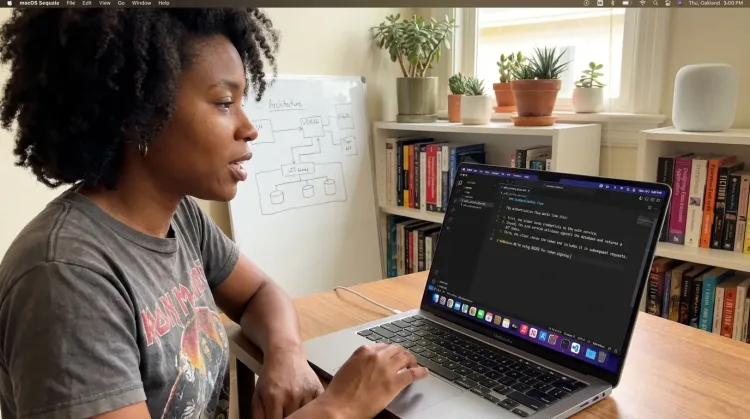
Write Documentation
Dictate technical documentation, READMEs, or API docs. Speaking lets you explain context, edge cases, and examples naturally—better docs with less effort.
Works with
Other ways Ottex helps site reliability engineers
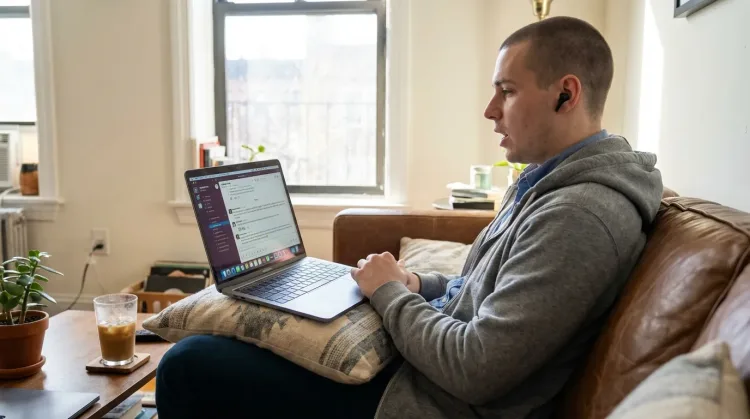
Reply to Work Messages
Reply to Slack messages 3x faster. Dictate casual updates, detailed explanations, or quick acknowledgments without switching context.
Write Status Updates
Dictate standup updates, weekly reports, or project status. Speak what happened and what's next—done.
Works with
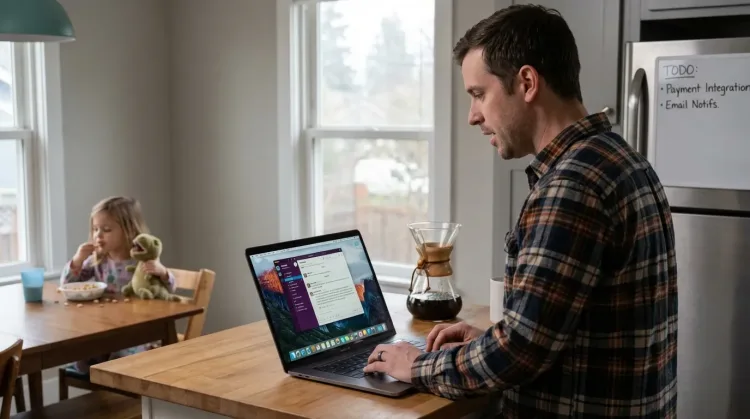
Capture Ideas Quickly
Speak ideas the moment they hit you. Use Ottex anywhere to capture thoughts, then refine them later.
Works with
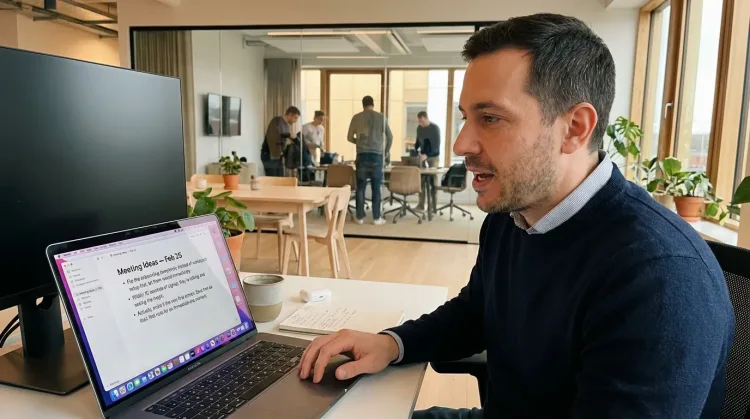
Prompt ChatGPT & Claude
Dictate prompts to ChatGPT, Claude, Perplexity, or any AI chatbot. Speaking naturally lets you give more context—better context means better results.

Respond to Emails
Dictate email responses with the right tone. Use context awareness to see the full thread, then speak your reply naturally.
Frequently asked questions
Does it work during incidents when I'm switching between multiple tools?+
Yes. Ottex works system-wide on macOS—anywhere you can type. Switch between Slack, Datadog, Confluence, Terminal, and Ottex captures your dictation wherever you are. One hotkey works across all your tools.
Can I dictate while watching dashboards?+
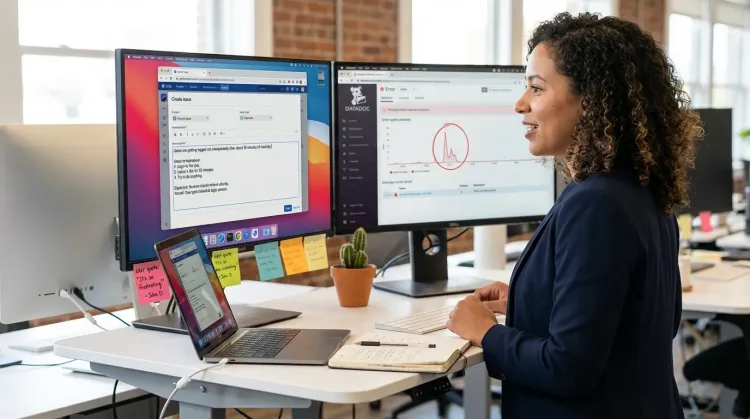
Yes. That's the core value for SREs. Hit your hotkey and speak while keeping your eyes on Datadog, Grafana, or whatever you're monitoring. Documentation happens in parallel with incident response.
Does it handle technical infrastructure terms?+
Cloud models like Gemini 3 Flash handle infrastructure terminology well—Kubernetes, Terraform, Prometheus, gRPC, Redis, PostgreSQL. For your specific service names, cluster identifiers, and internal tools, add them to your custom dictionary once.
Is it private enough for incident documentation?+
Yes. Use local Whisper models for 100% offline transcription—nothing leaves your Mac. For cloud transcription, BYOK means audio goes directly to your API provider using your key, not through Ottex servers. You choose the privacy level that fits your organization's requirements.
Can I use different styles for Slack vs Confluence?+
Yes. Ottex detects your active app and adjusts formatting and tone accordingly. Urgent and scannable for Slack incident channels, structured with headings for Confluence post-mortems, step-by-step for runbooks. You control the style per app.
How much does it cost for typical SRE usage?+
Free with local models (Whisper runs on your Mac). With BYOK, most SREs spend $2-4/month using Gemini 3 Flash or Groq. Compare that to enterprise transcription tools at $15-30/month per user. Heavy incident weeks might hit $5-6/month.
Does it work with PagerDuty and other alerting tools?+
Ottex works wherever you can type on macOS. If PagerDuty has a web interface or desktop app where you add notes, Ottex works there. Same for Datadog annotations, Grafana notes, or any other tool with text input.
Why is voice better than typing for incident documentation?+
During incidents, typing means looking away from dashboards. You miss the metrics that tell you whether things are improving or degrading. Speaking lets you document timeline entries, decisions, and observations while keeping your eyes on the systems. You've been speaking since age one—20+ years of practice means it's automatic and effortless even under pressure.
Keep your eyes on the dashboards. Document by voice.
Download free. Use local models for private incident notes, or add your API key for cloud transcription.
Try for freeNo credit card required.