Voice Dictation for UX Researchers
Capture insights without breaking eye contact
Works with your apps
Ottex works system-wide on macOS. Dictate directly into these apps and more.
And any other app that accepts text input. See all supported apps
Why Ottex works for ux researchers
Concrete benefits with real-world impact
3x Faster Than Typing
Speak 150+ words per minute vs 40 wpm typing. Finish tasks in a third of the time.
Voice Corrections
Say 'scratch that' to delete mistakes, 'actually' to rephrase. Fix errors without stopping your flow or touching the keyboard.
Inline AI Commands
Transform text as you speak: 'Ottex start fix grammar Ottex end'. Edit, improve, translate—all by voice.
Precision Typing
Say 'new paragraph', 'open quote', 'em dash', 'ellipsis'. Full formatting control by voice.
Custom Dictionary
Add names, technical terms, and jargon. Ottex transcribes them accurately every time.
Global Shortcuts
Start recording with Option+D, use Push-to-Talk, or cancel with Esc. All shortcuts are fully configurable.
Works in Any App
System-wide on macOS—Ottex works wherever you can type. No app-specific integrations needed.
Filler Word Removal
Automatically removes filler words like 'um', 'uh', 'like', 'so' from your transcription. Get clean, professional text without verbal hesitations.
What you can do
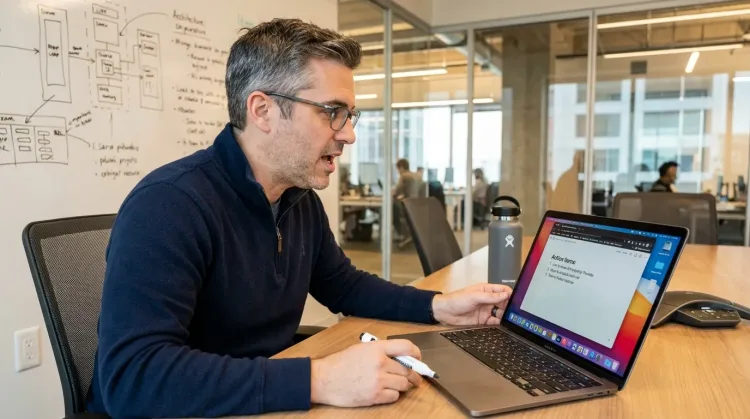
Write Meeting Notes
Dictate meeting notes in real-time or right after. Capture action items, decisions, and key points while they're fresh in your mind.
Works with
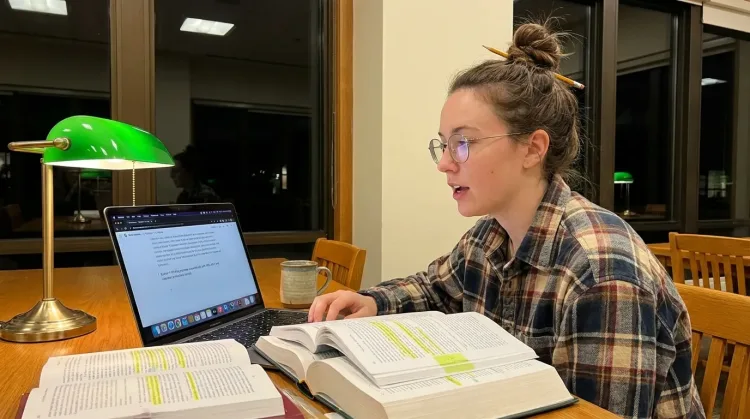
Write Research Notes
Dictate research notes, literature summaries, or analysis. Capture your thinking process without losing momentum to typing.
Works with
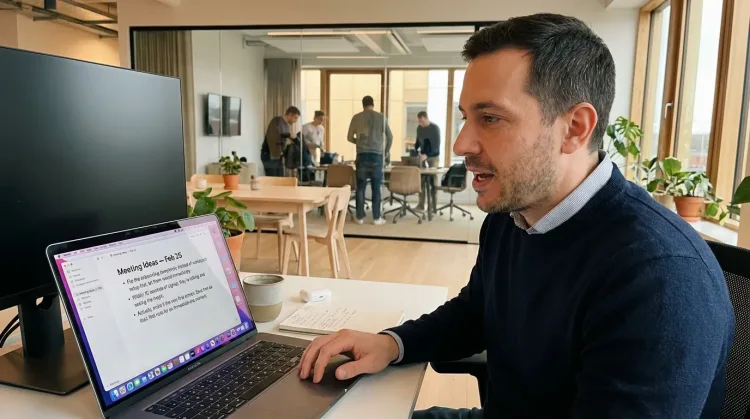
Capture Ideas Quickly
Speak ideas the moment they hit you. Use Ottex anywhere to capture thoughts, then refine them later.
Works with
Other ways Ottex helps ux researchers
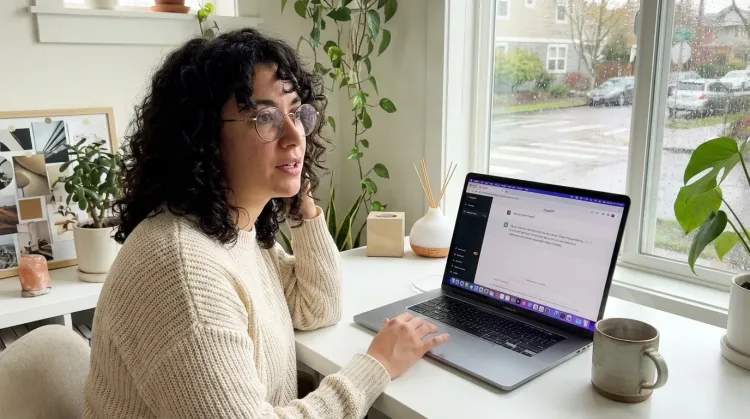
Prompt ChatGPT & Claude
Dictate prompts to ChatGPT, Claude, Perplexity, or any AI chatbot. Speaking naturally lets you give more context—better context means better results.
Reply to Work Messages
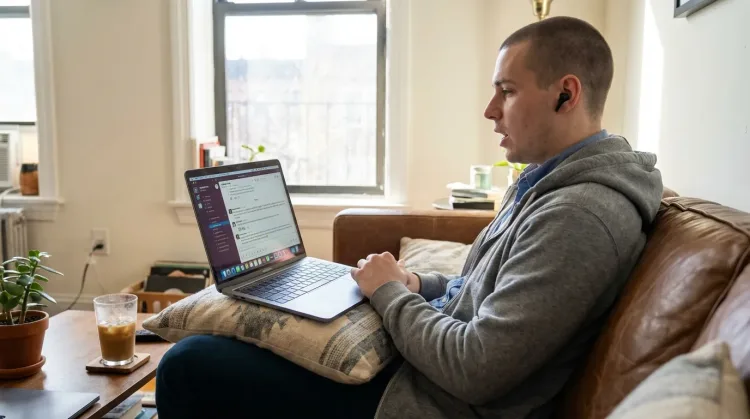
Reply to Slack messages 3x faster. Dictate casual updates, detailed explanations, or quick acknowledgments without switching context.
Respond to Emails
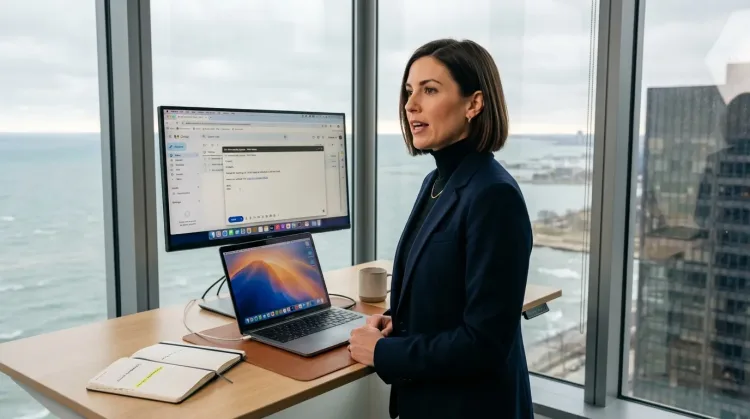
Dictate email responses with the right tone. Use context awareness to see the full thread, then speak your reply naturally.
Write Status Updates
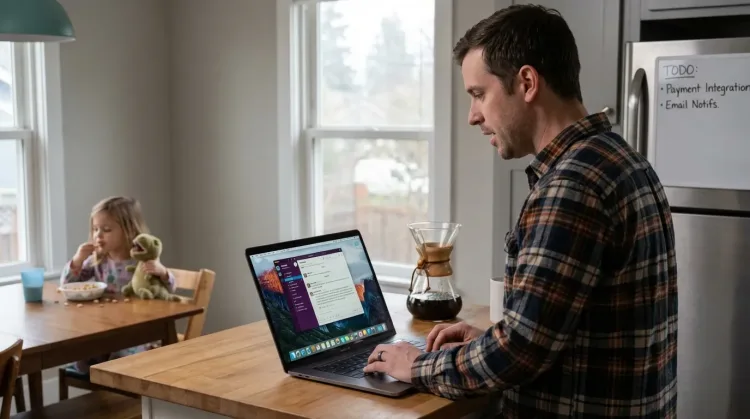
Dictate standup updates, weekly reports, or project status. Speak what happened and what's next—done.
Works with
Frequently asked questions
Can I take notes during live interviews without breaking eye contact?+
Yes. Press Option+D and speak your observations quietly while maintaining focus on the participant. Ottex captures your notes in real-time. Many researchers use this for both remote and in-person sessions—you never need to look at your screen or keyboard.
How do I capture exact user quotes?+
Say 'open quote' before the participant's words and 'close quote' after. Ottex formats it properly. For longer quotes, you can also say 'quote' to start and 'end quote' to finish. Your transcripts will have properly formatted verbatim quotes.
Can it handle research-specific terminology?+
Yes. Add your research terms, participant codes, product names, and methodology jargon to the custom dictionary. Ottex will transcribe them accurately every time—'P7', 'usability heuristics', 'think-aloud protocol', your company's product names.
How does it help with synthesis after interviews?+
Synthesis is where dictation shines. Instead of typing summaries, speak your observations naturally: patterns you noticed, connections between participants, emerging themes. Speaking is 3x faster than typing, and you capture more nuance because you're not slowing down to type.
Can I use it with Dovetail?+
Yes. Ottex works anywhere you can type—Dovetail, Notion, Google Docs, Airtable, whatever your research repository is. Dictate insights, tags, and highlights directly into your research tool.
How does it work for remote research sessions?+
Keep Ottex running alongside Zoom, Meet, or UserTesting. Press the hotkey and dictate observations without unmuting. Your notes go directly into your documentation tool. Some researchers also use the built-in meeting recorder for full session transcription with speaker diarization.
What about privacy and participant data?+
Use local models (free, runs on your Mac) for 100% privacy—audio never leaves your device. This is ideal for sensitive research with NDA requirements. For cloud transcription, you control your API key and data.
How much does it cost?+
Free forever with local models. BYOK (bring your own API key) costs ~$1-3/month for heavy usage. Optional $9/month premium includes Gemini 3 Flash with zero config. Most research teams find BYOK the best balance of quality and cost.
Better research through better listening
Download free. Take your first interview notes by voice today.
Try for freeNo credit card required.