Works with your apps
Ottex works system-wide on macOS. Dictate directly into these apps and more.
And any other app that accepts text input. See all supported apps
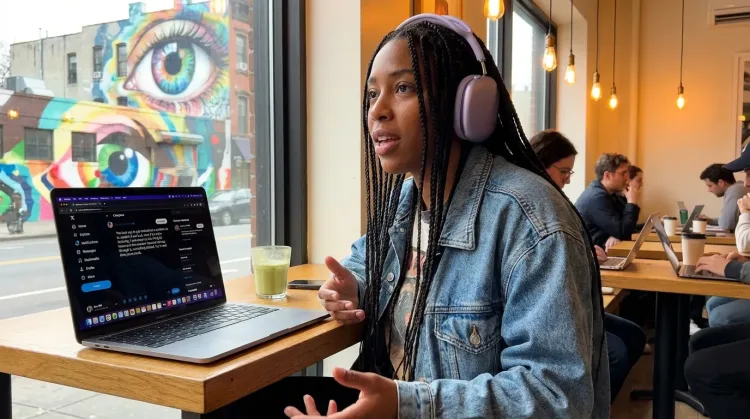
Why Ottex works for content creators
Concrete benefits with real-world impact
3x Faster Than Typing
Speak 150+ words per minute vs 40 wpm typing. Finish tasks in a third of the time.
Voice Corrections
Say 'scratch that' to delete mistakes, 'actually' to rephrase. Fix errors without stopping your flow or touching the keyboard.
Inline AI Commands
Transform text as you speak: 'Ottex start fix grammar Ottex end'. Edit, improve, translate—all by voice.
App-Specific Modes
Ottex detects which app you're in and adapts. Coding mode in Cursor, casual tone in Slack, professional in Gmail—automatic context switching.
Precision Typing
Say 'new paragraph', 'open quote', 'em dash', 'ellipsis'. Full formatting control by voice.
Global Shortcuts
Start recording with Option+D, use Push-to-Talk, or cancel with Esc. All shortcuts are fully configurable.
Works in Any App
System-wide on macOS—Ottex works wherever you can type. No app-specific integrations needed.
Filler Word Removal
Automatically removes filler words like 'um', 'uh', 'like', 'so' from your transcription. Get clean, professional text without verbal hesitations.
What you can do
Write Content Posts
Dictate tweets, LinkedIn posts, blog articles, or newsletters. Turn your thoughts into content faster than ever.
Write Scripts
Write video scripts, podcast outlines, or screenplays by voice. Speaking your dialogue makes it sound natural from the start.
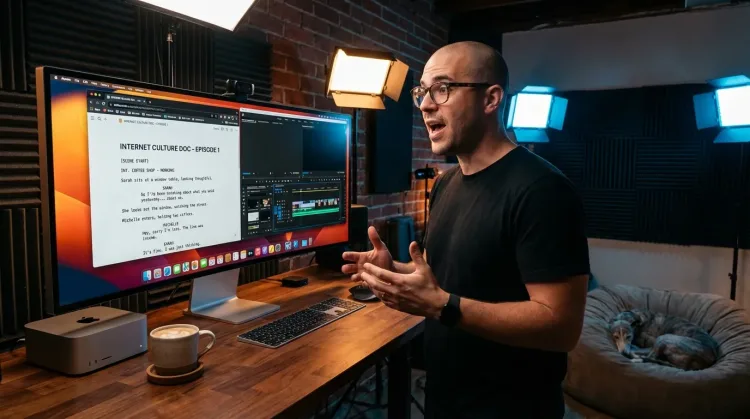
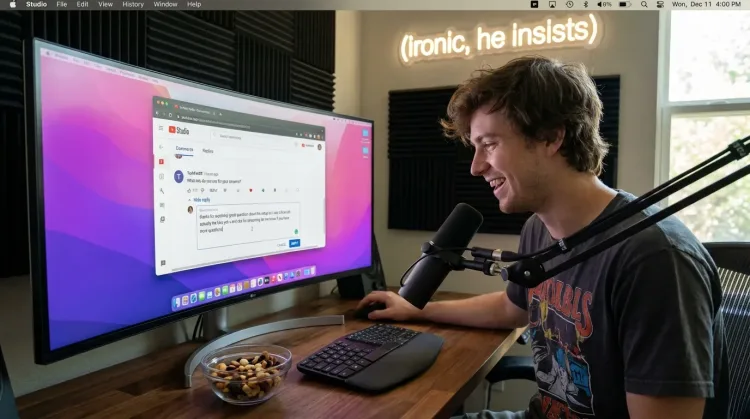
Respond to Comments
Reply to YouTube comments, Twitter threads, or social media mentions by voice. Stay engaged with your audience without the typing fatigue.
Works with
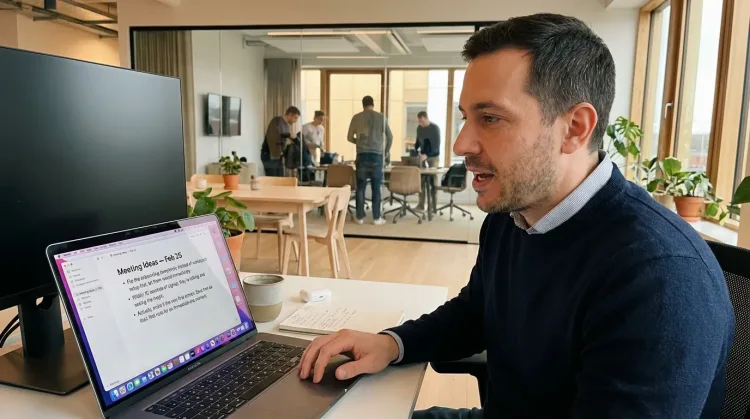
Capture Ideas Quickly
Speak ideas the moment they hit you. Use Ottex anywhere to capture thoughts, then refine them later.
Works with
Other ways Ottex helps content creators
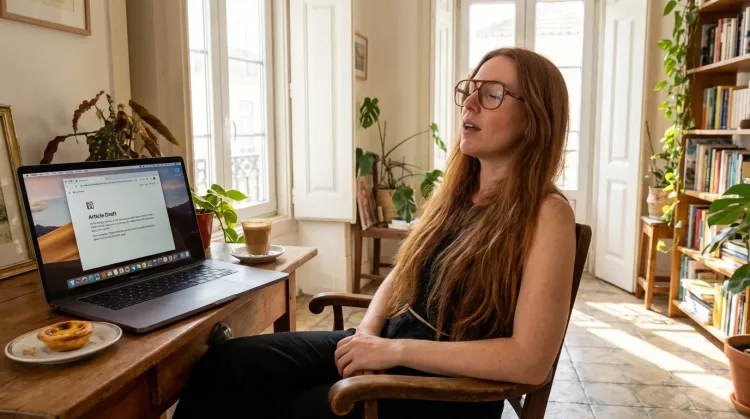
Write First Drafts
Defeat writer's block by speaking your first draft. Don't edit as you go—just talk through your ideas and refine them later.
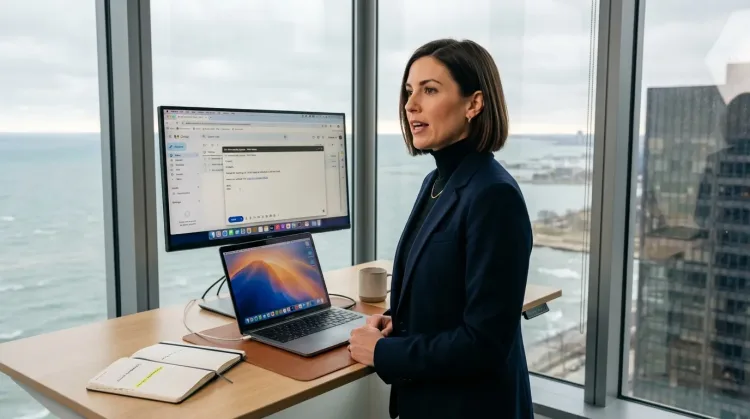
Respond to Emails
Dictate email responses with the right tone. Use context awareness to see the full thread, then speak your reply naturally.
Frequently asked questions
Can I dictate YouTube video scripts?+
Yes. Dictate your script naturally—Ottex removes filler words like 'um' and 'uh', adds formatting, and you can use voice corrections to refine on the fly. Speaking at 150+ WPM vs typing at 40 WPM means a 10-minute script takes a fraction of the time.
How does this help with audience engagement?+
Responding to comments and messages by voice is significantly faster than typing. Instead of spending an hour typing individual replies, you can speak them naturally. Clear 50 comments in 15 minutes. Your audience feels heard, and you avoid burnout from repetitive typing.
Does it work on Twitter and LinkedIn?+
Yes. Ottex works in any app where you can type—social media platforms, writing apps, email, anywhere. One tool for your entire content workflow.
Can I use it for newsletter writing?+
Definitely. Dictate your newsletter drafts in Notion, Substack, or Google Docs. Speaking is natural—you've been doing it since childhood. That naturalness translates into a conversational tone that connects with readers. Plus, you can use inline AI commands to improve your writing without leaving the flow.
What about creating social media captions?+
Great for captions. Speak your caption naturally, and Ottex will transcribe it cleanly. You can say 'hashtag' to add hashtags, 'new line' for formatting, and use voice corrections to adjust tone without retyping.
How accurate is it for content creation?+
With Gemini 3 Flash (cloud model), accuracy is 99.1% on benchmark tests. Ottex automatically removes filler words, adds proper punctuation, and you can use voice corrections like 'scratch that' or 'actually' to fix mistakes instantly. Your content reads professionally, not like raw speech.
What does it cost?+
Free forever with local models. With BYOK (bring your own API key), most creators spend $1-3/month on actual usage. Or choose the $9/month premium for zero-config cloud transcription with included Gemini 3 Flash credits.
Create content faster
Download free. Local models included. Dictate scripts and posts in minutes.
Try for freeNo credit card required.