Voice Dictation for Course Creators
Speak your lessons. Scale your teaching.
Why Ottex works for course creators
Concrete benefits with real-world impact
3x Faster Than Typing
Speak 150+ words per minute vs 40 wpm typing. Finish tasks in a third of the time.
Voice Corrections
Say 'scratch that' to delete mistakes, 'actually' to rephrase. Fix errors without stopping your flow or touching the keyboard.
Precision Typing
Say 'new paragraph', 'open quote', 'em dash', 'ellipsis'. Full formatting control by voice.
App-Specific Modes
Ottex detects which app you're in and adapts. Coding mode in Cursor, casual tone in Slack, professional in Gmail—automatic context switching.
Inline AI Commands
Transform text as you speak: 'Ottex start fix grammar Ottex end'. Edit, improve, translate—all by voice.
Accurate Transcription
Cloud AI models transcribe your voice with 99% accuracy. Filler words like 'um' and 'like' are automatically cleaned up.
Context Awareness
Optionally let AI see your screen for smarter responses. Reply to emails with full context, answer messages knowing the conversation history.
Smart Snippets
Define custom text replacements and shortcuts. Say 'work signature' to expand your full email signature, or 'my address' for your contact info.
What you can do
Write Scripts
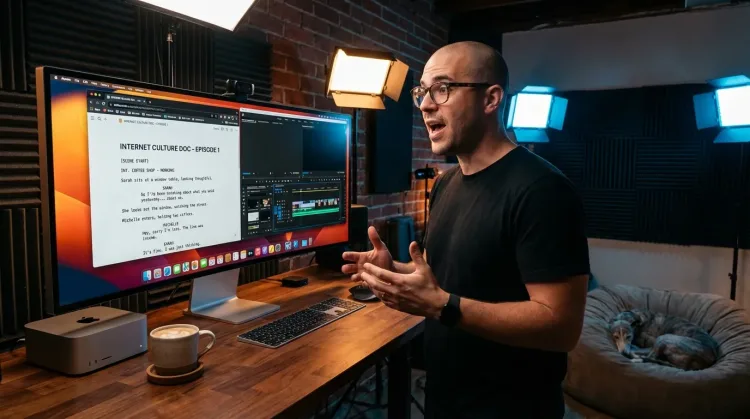
Write video scripts, podcast outlines, or screenplays by voice. Speaking your dialogue makes it sound natural from the start.
Write First Drafts
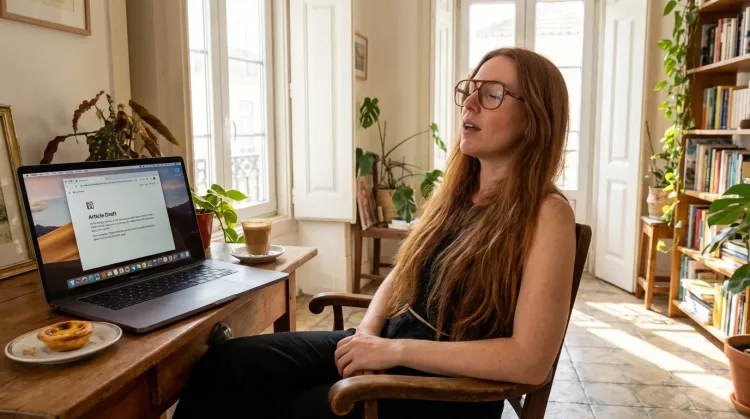
Defeat writer's block by speaking your first draft. Don't edit as you go—just talk through your ideas and refine them later.
Respond to Comments
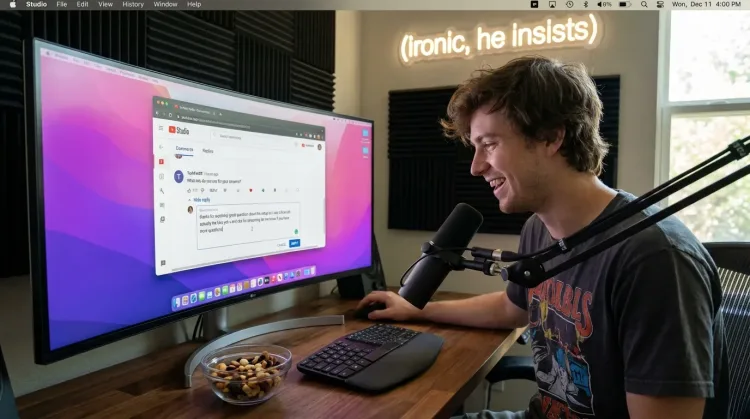
Reply to YouTube comments, Twitter threads, or social media mentions by voice. Stay engaged with your audience without the typing fatigue.
Works with
Respond to Emails
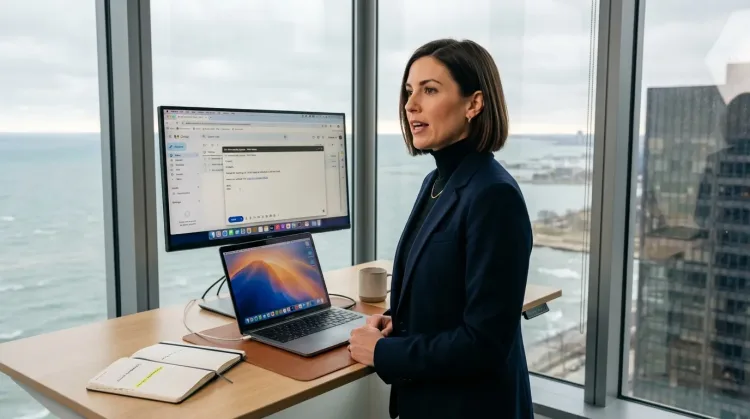
Dictate email responses with the right tone. Use context awareness to see the full thread, then speak your reply naturally.
Other ways Ottex helps course creators
Capture Ideas Quickly
Speak ideas the moment they hit you. Use Ottex anywhere to capture thoughts, then refine them later.
Works with
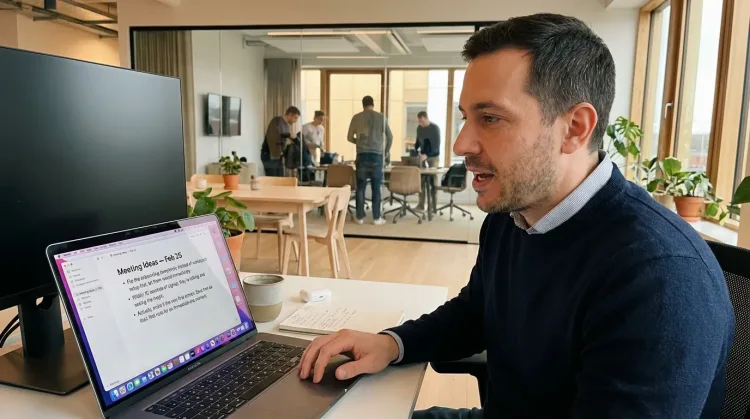
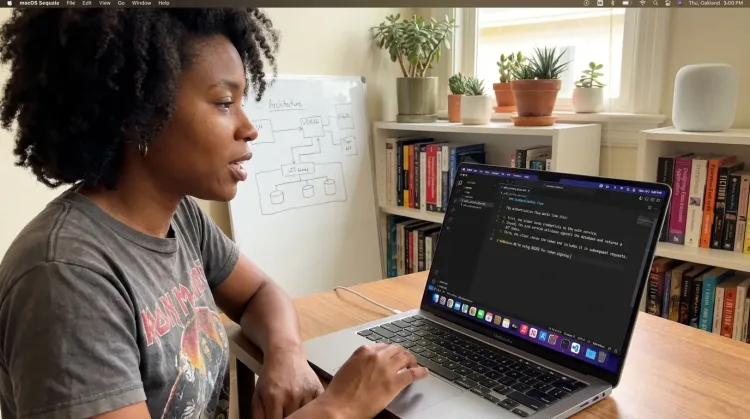
Write Documentation
Dictate technical documentation, READMEs, or API docs. Speaking lets you explain context, edge cases, and examples naturally—better docs with less effort.
Works with
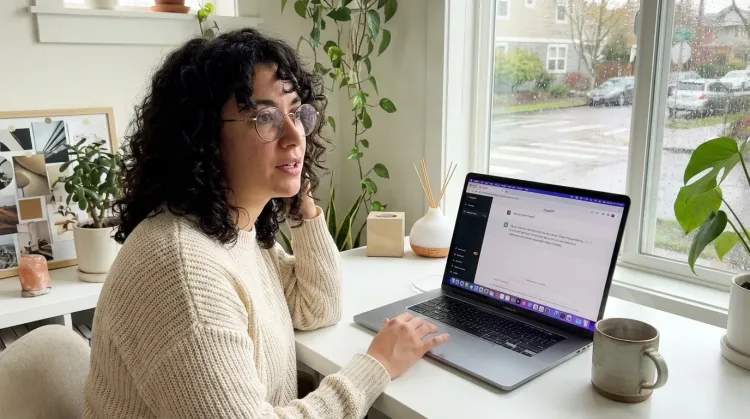
Prompt ChatGPT & Claude
Dictate prompts to ChatGPT, Claude, Perplexity, or any AI chatbot. Speaking naturally lets you give more context—better context means better results.
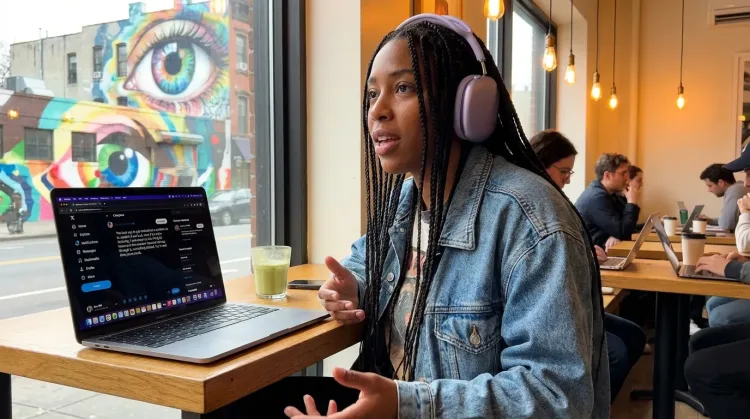
Write Content Posts
Dictate tweets, LinkedIn posts, blog articles, or newsletters. Turn your thoughts into content faster than ever.
Frequently asked questions
Can I dictate lesson scripts with my natural teaching voice?+
Yes. When you speak your lessons out loud, they sound like you teaching—natural, conversational, authentic. Students connect with that. Type a script and it often sounds stiff and formal. Dictate it and it sounds like you're actually in the room with them. Your teaching voice is your brand; voice dictation preserves it.
How does this help with the volume of course content?+
A typical online course has 20-50 lesson scripts, plus module descriptions, welcome sequences, and support emails. Typing all of that takes weeks. Speaking at 150+ WPM vs typing at 40 WPM means you can create a full course script in days instead of weeks. More courses, faster launches, same (or better) quality.
Does it work with Teachable, Thinkific, and Kajabi?+
Yes. Ottex works system-wide on macOS—anywhere you can type. Dictate directly into your course platform's editor, draft in Notion or Google Docs first, or speak into any text field. One tool for your entire course creation workflow.
How do I handle student questions efficiently?+
Student Q&A can pile up fast, especially after a launch. Instead of typing individual responses, speak them. Press the hotkey, answer the question naturally, move to the next. Respond to 30+ student questions in 15 minutes. Your students get personal responses without you spending hours typing.
Can I use it to generate course ideas with AI?+
Absolutely. Dictate prompts to ChatGPT, Claude, or any AI assistant to brainstorm course outlines, lesson structures, quiz questions, or email sequences. Speaking naturally gives AI more context—describe your niche, your students' pain points, your teaching style—and get better course content ideas in return.
What about recording Loom videos?+
Ottex helps with the scripting side—dictate your Loom video script before recording so you know exactly what to say. For longer lessons, having a script means fewer takes and more polished content. Then record your Loom with confidence because you've already worked through the structure by voice.
How accurate is it for educational content?+
With Gemini 3 Flash (cloud model), accuracy is 99.1% in benchmarks. You can add subject-specific terms, course names, and student names to your custom dictionary for perfect transcription. Technical topics, specialized vocabulary, proper nouns—all handled accurately.
What does it cost?+
Free forever with local models. With BYOK (bring your own API key), most course creators spend $1-3/month on actual usage. Or choose the $9/month premium for zero-config cloud transcription with included Gemini 3 Flash credits. Compare that to hiring a VA to handle student support.
Create courses faster
Download free. Dictate your next course in days, not weeks.
Try for freeNo credit card required.