Voice Dictation for Customer Success Managers
Know every account deeply, document effortlessly
Works with your apps
Ottex works system-wide on macOS. Dictate directly into these apps and more.
And any other app that accepts text input. See all supported apps
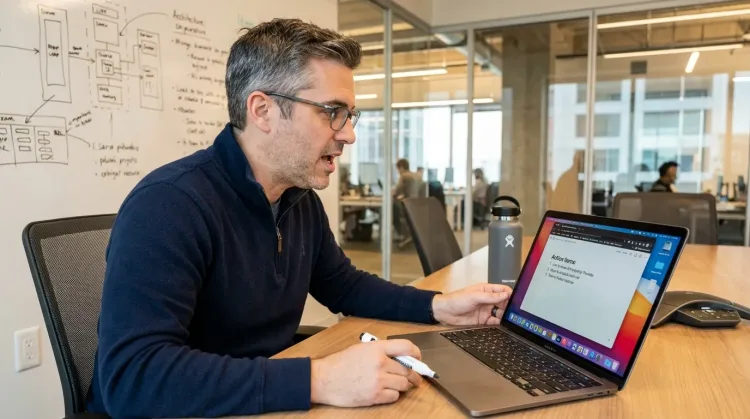
Why Ottex works for customer success managers
Concrete benefits with real-world impact
3x Faster Than Typing
Speak 150+ words per minute vs 40 wpm typing. Finish tasks in a third of the time.
Voice Corrections
Say 'scratch that' to delete mistakes, 'actually' to rephrase. Fix errors without stopping your flow or touching the keyboard.
Inline AI Commands
Transform text as you speak: 'Ottex start fix grammar Ottex end'. Edit, improve, translate—all by voice.
Precision Typing
Say 'new paragraph', 'open quote', 'em dash', 'ellipsis'. Full formatting control by voice.
Smart Snippets
Define custom text replacements and shortcuts. Say 'work signature' to expand your full email signature, or 'my address' for your contact info.
Context Awareness
Optionally let AI see your screen for smarter responses. Reply to emails with full context, answer messages knowing the conversation history.
App-Specific Modes
Ottex detects which app you're in and adapts. Coding mode in Cursor, casual tone in Slack, professional in Gmail—automatic context switching.
Global Shortcuts
Start recording with Option+D, use Push-to-Talk, or cancel with Esc. All shortcuts are fully configurable.
What you can do
Write Meeting Notes
Dictate meeting notes in real-time or right after. Capture action items, decisions, and key points while they're fresh in your mind.
Works with
Write Status Updates
Dictate standup updates, weekly reports, or project status. Speak what happened and what's next—done.
Works with

Update CRM Records
Dictate call notes, update deal stages, or log activities. Keep your CRM current without the tedium.
Works with
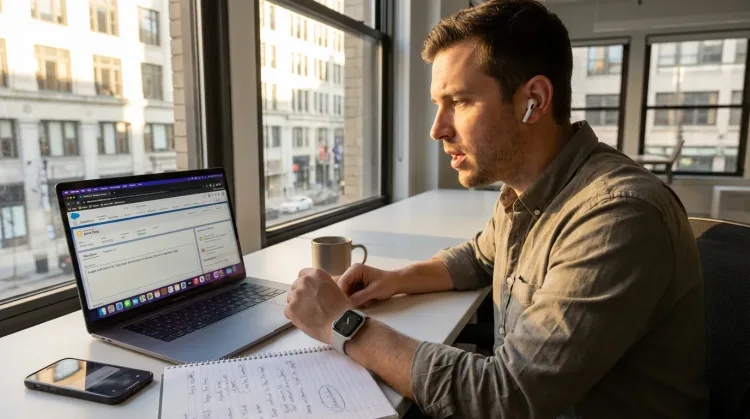
Respond to Emails
Dictate email responses with the right tone. Use context awareness to see the full thread, then speak your reply naturally.
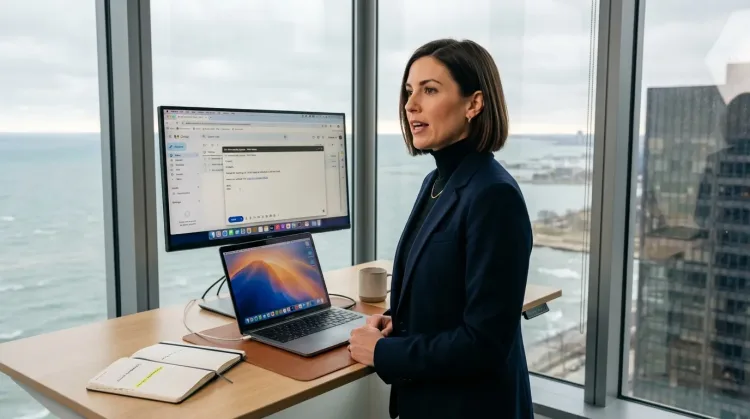
Other ways Ottex helps customer success managers
Reply to Work Messages
Reply to Slack messages 3x faster. Dictate casual updates, detailed explanations, or quick acknowledgments without switching context.

Capture Ideas Quickly
Speak ideas the moment they hit you. Use Ottex anywhere to capture thoughts, then refine them later.
Works with
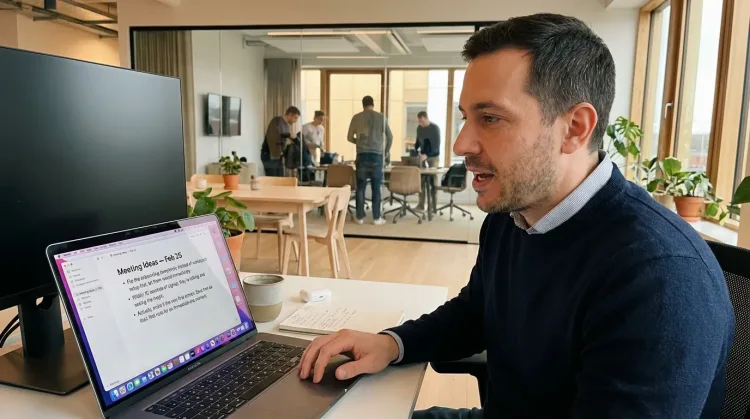
Prompt ChatGPT & Claude
Dictate prompts to ChatGPT, Claude, Perplexity, or any AI chatbot. Speaking naturally lets you give more context—better context means better results.

Write First Drafts
Defeat writer's block by speaking your first draft. Don't edit as you go—just talk through your ideas and refine them later.
Frequently asked questions
Can I dictate directly into Gainsight or Salesforce?+
Yes. Ottex works anywhere you can type—Gainsight, Salesforce, HubSpot, ChurnZero, any browser-based or desktop app. Press Option+D and start speaking your account notes.
How do I capture customer sentiment during calls?+
Dictate notes immediately after calls while the conversation is fresh. Speaking naturally lets you capture tone and nuance: 'Customer seemed frustrated about implementation delays, but excited about the new feature roadmap.' That context gets lost when you type later.
Can I use it for QBR preparation?+
Absolutely. Dictate your QBR narrative, success metrics, expansion opportunities, and risk areas by voice. Use AI commands to formalize sections: 'Ottex start, make this more executive-friendly, Ottex end.' Prep that used to take hours gets done in 30 minutes.
How do I handle escalation documentation?+
When an escalation happens, dictate the full context immediately: what happened, what the customer said, what's been tried, what they need. Speaking captures the urgency and detail that typing shortcuts. Your escalation notes give leadership and support teams everything they need.
Does it work for playbook updates?+
Yes. When you discover what works (or doesn't) with an account, dictate the insight right away. Say 'Heading two: Onboarding for Enterprise' then speak your playbook update. Build tribal knowledge without the documentation overhead.
Is my customer data secure?+
Yes. Ottex offers 100% local processing with Whisper models—your audio never leaves your Mac. Or use BYOK (bring your own key) for cloud models. Either way, Ottex never stores your data. Perfect for accounts with sensitive information.
Know every account, document nothing
Download free. Dictate account notes, QBR prep, and escalations by voice.
Try for freeNo credit card required.