Voice Dictation for Indie Authors
Write faster. Publish more. Build your audience.
Works with your apps
Ottex works system-wide on macOS. Dictate directly into these apps and more.
And any other app that accepts text input. See all supported apps
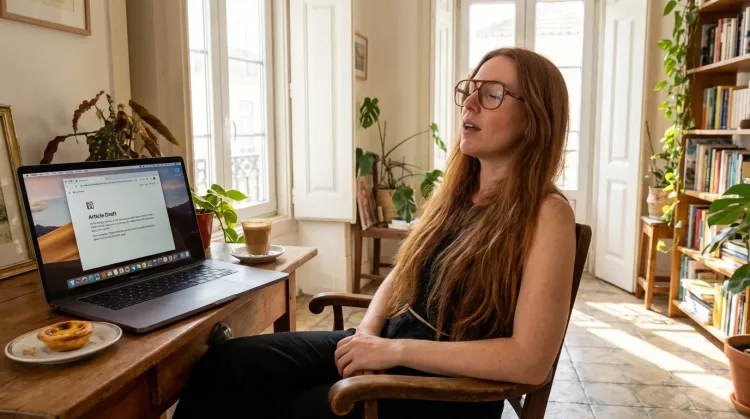
Why Ottex works for indie authors
Concrete benefits with real-world impact
3x Faster Than Typing
Speak 150+ words per minute vs 40 wpm typing. Finish tasks in a third of the time.
Voice Corrections
Say 'scratch that' to delete mistakes, 'actually' to rephrase. Fix errors without stopping your flow or touching the keyboard.
Inline AI Commands
Transform text as you speak: 'Ottex start fix grammar Ottex end'. Edit, improve, translate—all by voice.
Accurate Transcription
Cloud AI models transcribe your voice with 99% accuracy. Filler words like 'um' and 'like' are automatically cleaned up.
App-Specific Modes
Ottex detects which app you're in and adapts. Coding mode in Cursor, casual tone in Slack, professional in Gmail—automatic context switching.
Context Awareness
Optionally let AI see your screen for smarter responses. Reply to emails with full context, answer messages knowing the conversation history.
Smart Snippets
Define custom text replacements and shortcuts. Say 'work signature' to expand your full email signature, or 'my address' for your contact info.
Global Shortcuts
Start recording with Option+D, use Push-to-Talk, or cancel with Esc. All shortcuts are fully configurable.
What you can do
Write First Drafts
Defeat writer's block by speaking your first draft. Don't edit as you go—just talk through your ideas and refine them later.
Write Content Posts
Dictate tweets, LinkedIn posts, blog articles, or newsletters. Turn your thoughts into content faster than ever.
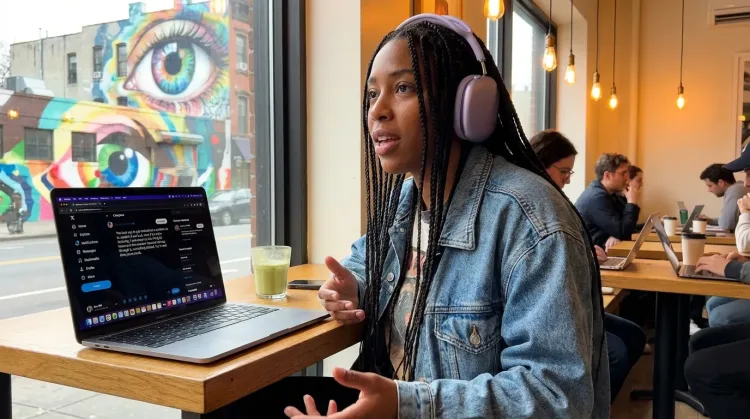
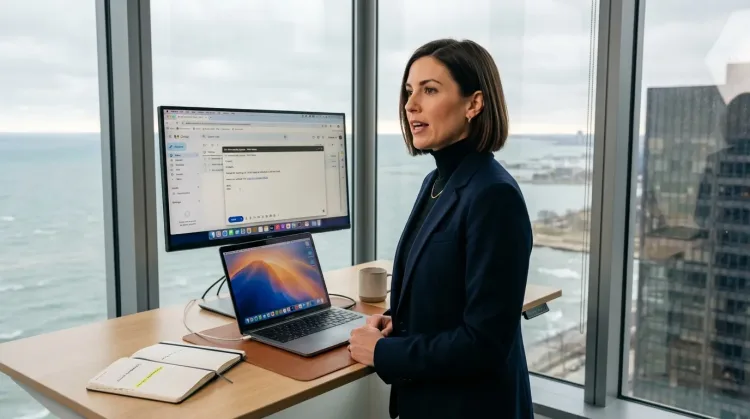
Respond to Emails
Dictate email responses with the right tone. Use context awareness to see the full thread, then speak your reply naturally.
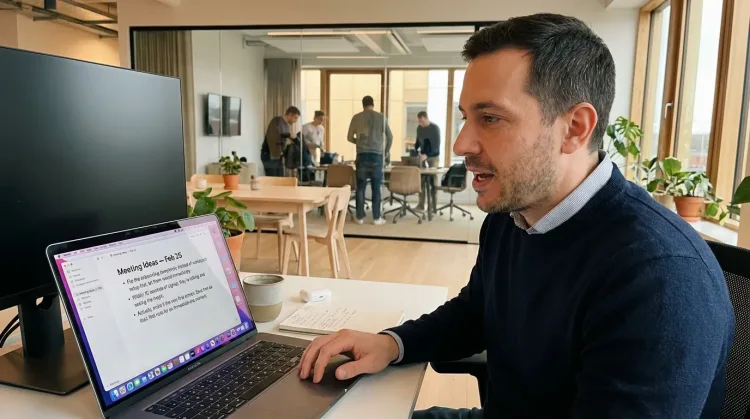
Capture Ideas Quickly
Speak ideas the moment they hit you. Use Ottex anywhere to capture thoughts, then refine them later.
Works with
Other ways Ottex helps indie authors
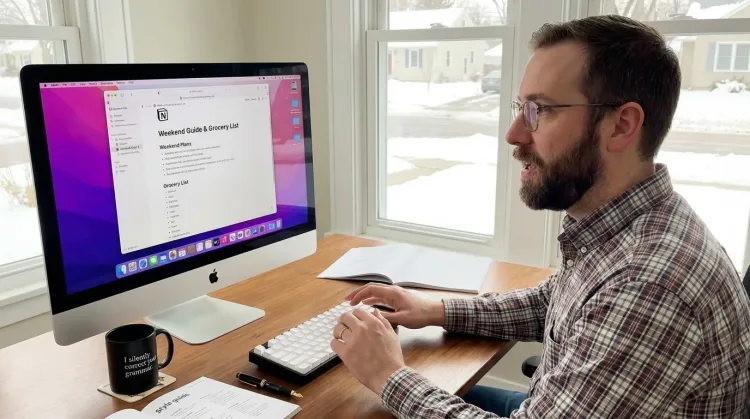
Dictate with Formatting
Say 'new paragraph', 'bullet point', 'open quote' and get exactly what you mean. Full formatting control without touching the keyboard.
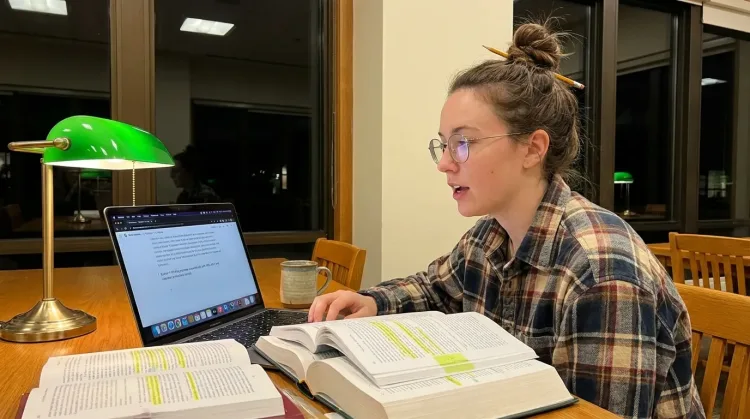
Write Research Notes
Dictate research notes, literature summaries, or analysis. Capture your thinking process without losing momentum to typing.
Works with
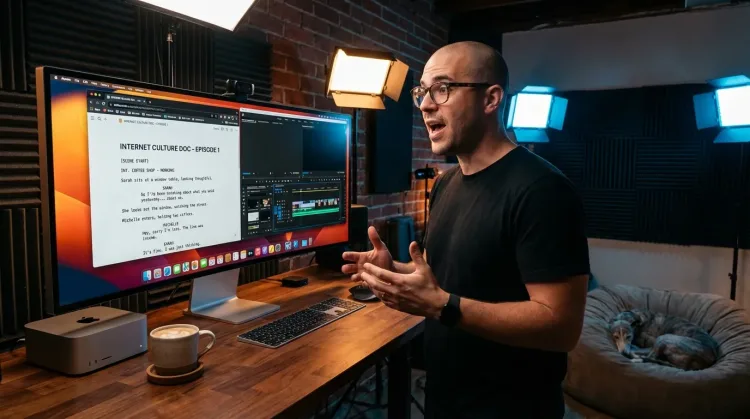
Write Scripts
Write video scripts, podcast outlines, or screenplays by voice. Speaking your dialogue makes it sound natural from the start.
Frequently asked questions
Can I dictate entire novel chapters?+
Yes. Many indie authors dictate entire books by voice. Speaking at 150+ words per minute (vs 40 WPM typing), you can complete a 2,000-word chapter in about 15 minutes of dictation. The first draft won't be perfect, but you'll have raw material to edit—and that's the hardest part done.
Does it work with Scrivener?+
Yes. Ottex works system-wide on macOS—anywhere you can type. Scrivener, Ulysses, Google Docs, Word, Reedsy, or any other writing app. One tool for your entire writing workflow.
How does voice dictation help with writer's block?+
Writer's block happens when your fingers can't keep up with your mind. Speaking bypasses the bottleneck entirely—you've been speaking since age one, making it automatic and effortless. You just open the stream and it goes. The blank page isn't intimidating when you're just talking through the scene.
Can I dictate book descriptions for Amazon KDP?+
Absolutely. Speak your book description naturally, explaining what makes your book compelling. Then use inline AI commands ('Ottex start make this more compelling Ottex end') to polish it for conversion. Many authors find their descriptions sound more authentic when spoken first.
What about reader emails and newsletters?+
Perfect for reader engagement at scale. Dictate personalized responses to reader emails, newsletter drafts, and fan communications. Speaking makes your writing feel more personal and authentic—readers notice the difference. Use smart snippets for common responses like 'next book date' or 'series order'.
Can I capture plot ideas on the go?+
Yes. With Ottex's global hotkey (Option+D), you can start dictating in any app within seconds. That plot twist you thought of while walking the dog? Captured before it slips away. The more ideas you capture, the richer your creative material becomes.
Will it handle character names and made-up words?+
Yes. Add character names, place names, magic systems, and invented terminology to your custom dictionary. Ottex will transcribe them accurately every time. Fantasy authors with complex nomenclature rely on this feature.
How accurate is the transcription for creative writing?+
Gemini 3 Flash delivers 99.1% accuracy in benchmarks. Ottex automatically removes filler words like 'um' and 'uh', and you can use voice corrections to fix mistakes without breaking flow. The transcription is high enough quality to use for first drafts.
Write your next book faster
Download free. Start dictating chapters in minutes. Publish more books.
Try for freeNo credit card required.