Works with your apps
Ottex works system-wide on macOS. Dictate directly into these apps and more.
And any other app that accepts text input. See all supported apps
Why Ottex works for journalists
Concrete benefits with real-world impact
3x Faster Than Typing
Speak 150+ words per minute vs 40 wpm typing. Finish tasks in a third of the time.
Voice Corrections
Say 'scratch that' to delete mistakes, 'actually' to rephrase. Fix errors without stopping your flow or touching the keyboard.
Inline AI Commands
Transform text as you speak: 'Ottex start fix grammar Ottex end'. Edit, improve, translate—all by voice.
Precision Typing
Say 'new paragraph', 'open quote', 'em dash', 'ellipsis'. Full formatting control by voice.
Accurate Transcription
Cloud AI models transcribe your voice with 99% accuracy. Filler words like 'um' and 'like' are automatically cleaned up.
Custom Dictionary
Add names, technical terms, and jargon. Ottex transcribes them accurately every time.
Context Awareness
Optionally let AI see your screen for smarter responses. Reply to emails with full context, answer messages knowing the conversation history.
Smart Snippets
Define custom text replacements and shortcuts. Say 'work signature' to expand your full email signature, or 'my address' for your contact info.
What you can do
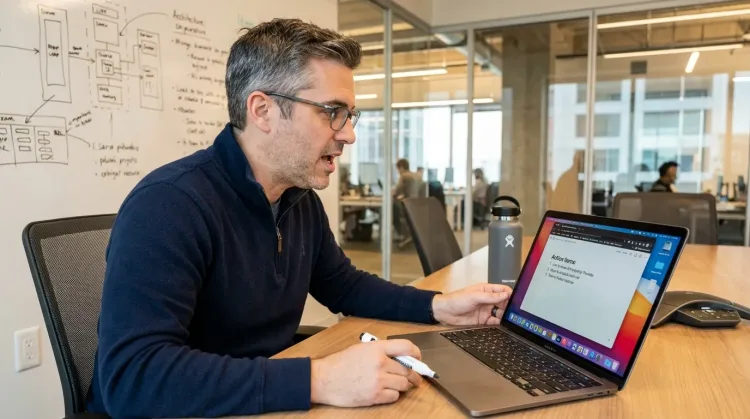
Write Meeting Notes
Dictate meeting notes in real-time or right after. Capture action items, decisions, and key points while they're fresh in your mind.
Works with
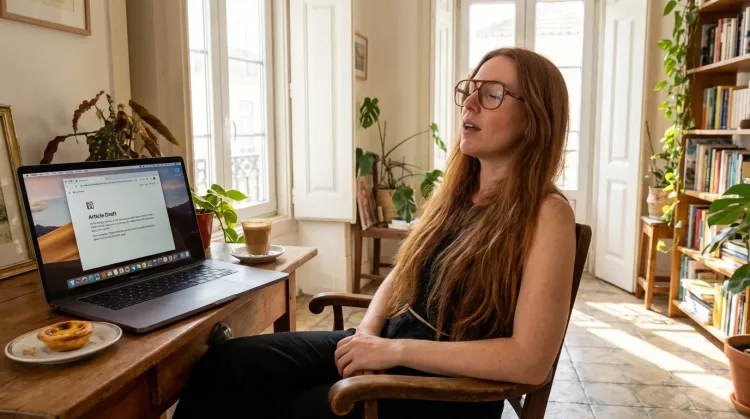
Write First Drafts
Defeat writer's block by speaking your first draft. Don't edit as you go—just talk through your ideas and refine them later.
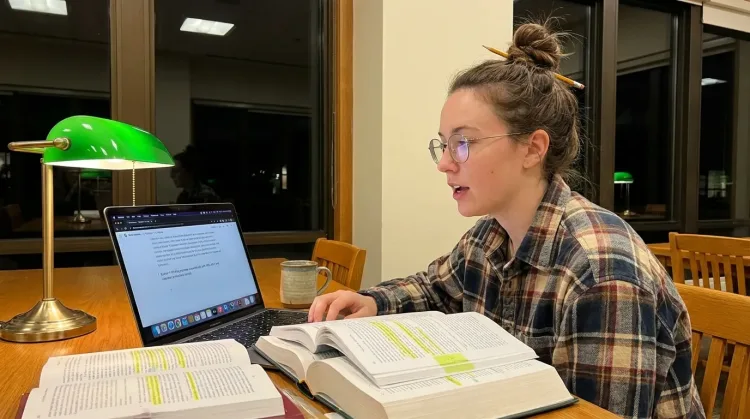
Write Research Notes
Dictate research notes, literature summaries, or analysis. Capture your thinking process without losing momentum to typing.
Works with
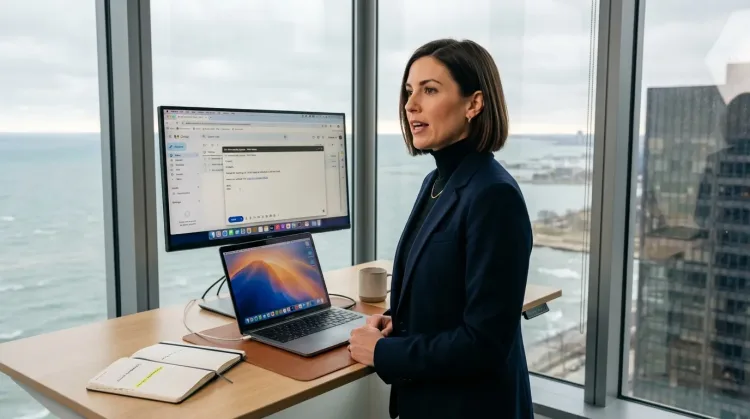
Respond to Emails
Dictate email responses with the right tone. Use context awareness to see the full thread, then speak your reply naturally.
Other ways Ottex helps journalists
Capture Ideas Quickly
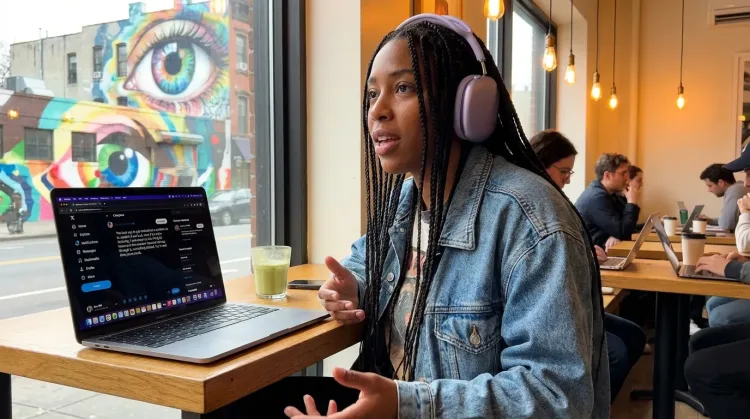
Speak ideas the moment they hit you. Use Ottex anywhere to capture thoughts, then refine them later.
Works with
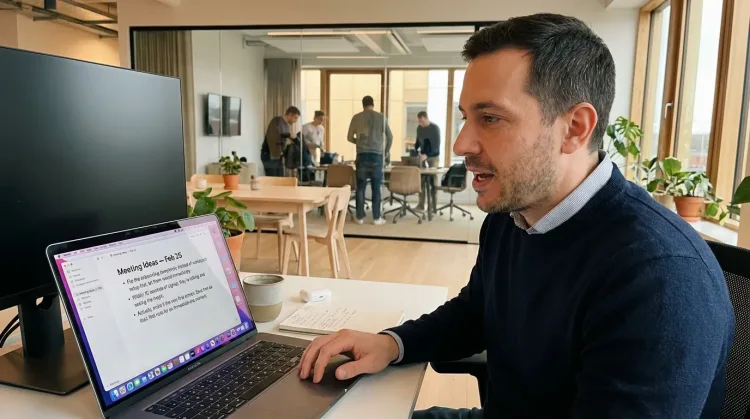
Dictate with Formatting
Say 'new paragraph', 'bullet point', 'open quote' and get exactly what you mean. Full formatting control without touching the keyboard.
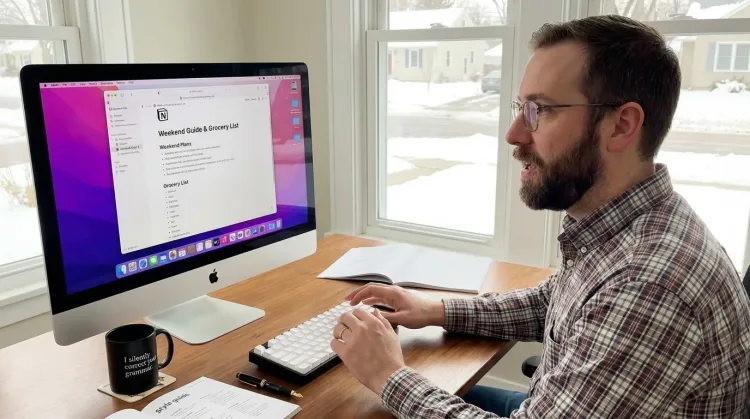
Write Content Posts
Dictate tweets, LinkedIn posts, blog articles, or newsletters. Turn your thoughts into content faster than ever.
Frequently asked questions
Can I dictate while reviewing interview recordings?+
Yes. Press Option+D to start Ottex, then speak your notes as you listen to recordings. Capture key quotes, observations, and follow-up questions without pausing the audio or switching apps.
How does voice dictation help with deadline pressure?+
Speaking is 3-4x faster than typing. A 1,500-word draft that takes an hour to type can be dictated in 15-20 minutes. When you're racing a deadline, that time difference is everything.
Will it capture names and specialized terms accurately?+
Add source names, locations, and beat-specific terminology to your custom dictionary. Ottex will transcribe them correctly every time—no more fixing misspelled names in your copy.
Can I dictate on the go?+
Ottex works on both macOS and iOS. Capture story ideas, source notes, or draft paragraphs from your phone right after leaving an interview while details are fresh.
How do I handle quotes and attribution?+
Say 'open quote' and 'close quote' to format direct quotes. Say 'according to' or 'source colon' to structure attribution. Precision typing gives you full control over journalistic formatting.
Is my source information kept private?+
With BYOK (Bring Your Own Key), audio goes directly to your API provider—Ottex never stores your data. For sensitive source information, use local models with zero cloud dependency.
Meet your next deadline faster
Download free. Capture interviews, draft articles, and file stories at the speed of speech.
Try for freeNo credit card required.