Voice Dictation for Knowledge Base Managers
Keep your docs fresh, effortlessly
Works with your apps
Ottex works system-wide on macOS. Dictate directly into these apps and more.
And any other app that accepts text input. See all supported apps
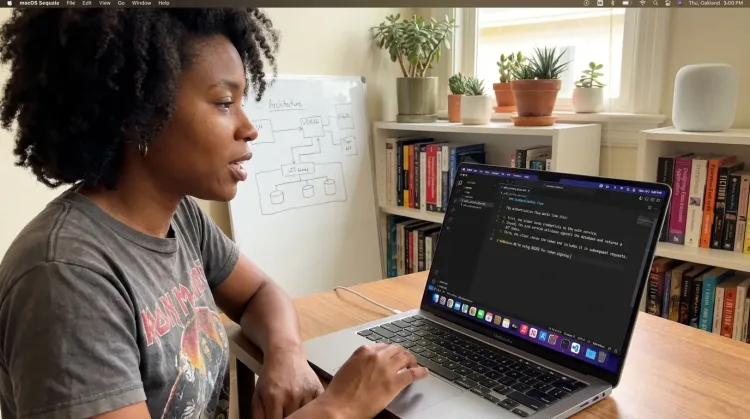
Why Ottex works for knowledge base managers
Concrete benefits with real-world impact
3x Faster Than Typing
Speak 150+ words per minute vs 40 wpm typing. Finish tasks in a third of the time.
Better Context, Better Results
Speaking naturally gives AI agents more context than typing. Describe your intent, explain edge cases, mention file names—your voice carries nuance that typing shortcuts.
Technical Term Accuracy
Cloud AI models excel at technical jargon, code terminology, and specialized vocabulary.
Custom Dictionary
Add names, technical terms, and jargon. Ottex transcribes them accurately every time.
Inline AI Commands
Transform text as you speak: 'Ottex start fix grammar Ottex end'. Edit, improve, translate—all by voice.
Precision Typing
Say 'new paragraph', 'open quote', 'em dash', 'ellipsis'. Full formatting control by voice.
Smart Snippets
Define custom text replacements and shortcuts. Say 'work signature' to expand your full email signature, or 'my address' for your contact info.
Context Awareness
Optionally let AI see your screen for smarter responses. Reply to emails with full context, answer messages knowing the conversation history.
What you can do
Write Documentation
Dictate technical documentation, READMEs, or API docs. Speaking lets you explain context, edge cases, and examples naturally—better docs with less effort.
Works with

Other ways Ottex helps knowledge base managers
Reply to Work Messages
Reply to Slack messages 3x faster. Dictate casual updates, detailed explanations, or quick acknowledgments without switching context.

Respond to Emails
Dictate email responses with the right tone. Use context awareness to see the full thread, then speak your reply naturally.

Capture Ideas Quickly
Speak ideas the moment they hit you. Use Ottex anywhere to capture thoughts, then refine them later.
Works with
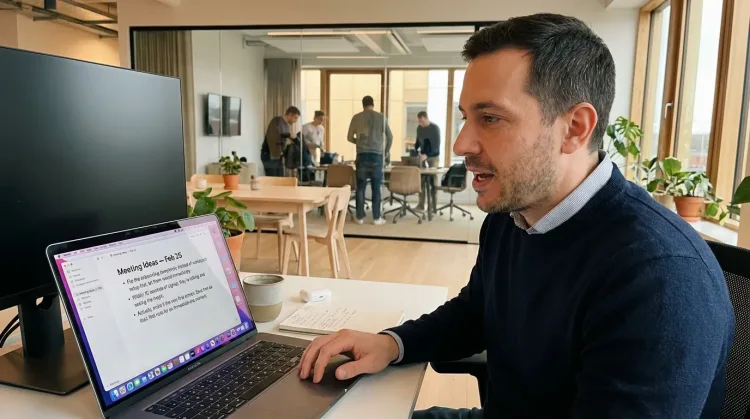
Frequently asked questions
Does Ottex work in Zendesk and Confluence?+
Yes. Ottex is system-wide on macOS and works anywhere you can type. Zendesk Guide, Confluence, Notion, Intercom Articles, Help Scout Docs, and any other knowledge base platform. One hotkey (Option+D) works everywhere.
Can I create FAQ articles quickly?+
Absolutely. Dictate the question, then speak the answer naturally like you're explaining it to a customer. Use formatting commands for headers and bullet points. A FAQ entry that takes 5 minutes to type can be done in 90 seconds.
How do I maintain consistent formatting across articles?+
Use snippets for recurring structures: 'faq template', 'troubleshooting format', 'article footer'. Say the snippet name to expand the structure, then fill in the specific content by voice. Consistent formatting, zero effort.
Can I dictate while reviewing support tickets?+
Yes. This is actually one of the best workflows. When you spot a pattern in support tickets, immediately dictate a new FAQ article or update an existing one. The context is fresh, the explanation is natural, and your knowledge base stays current.
What about technical documentation with code examples?+
Use formatting commands for code blocks and technical terms. Say 'code block' to start, then dictate the code. For technical jargon, add terms to your custom dictionary once and Ottex transcribes them correctly every time.
Do I need a subscription?+
Ottex is free forever with local models (Whisper runs on your Mac). For cloud transcription with Gemini 3 Flash (99.1% accuracy), bring your own API key (~$1-3/mo) or subscribe to premium ($9/mo) for zero-config setup.
Keep your knowledge base fresh
Download free. Update articles by voice.
Try for freeNo credit card required.