Voice Dictation for Newsletter Writers
Speak your newsletter. Ship every week.
Works with your apps
Ottex works system-wide on macOS. Dictate directly into these apps and more.
And any other app that accepts text input. See all supported apps
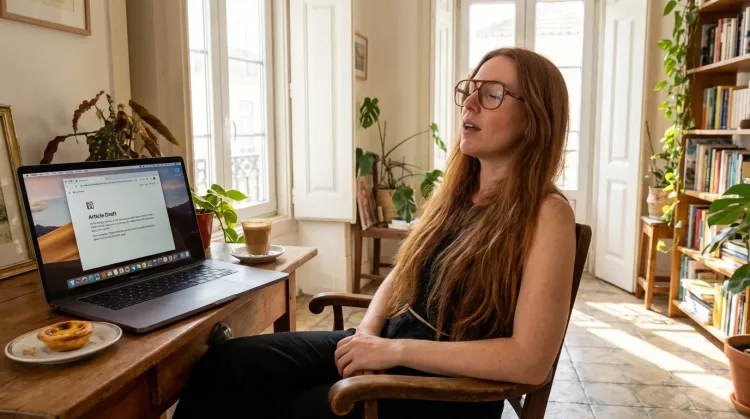
Why Ottex works for newsletter writers
Concrete benefits with real-world impact
3x Faster Than Typing
Speak 150+ words per minute vs 40 wpm typing. Finish tasks in a third of the time.
Voice Corrections
Say 'scratch that' to delete mistakes, 'actually' to rephrase. Fix errors without stopping your flow or touching the keyboard.
Inline AI Commands
Transform text as you speak: 'Ottex start fix grammar Ottex end'. Edit, improve, translate—all by voice.
Accurate Transcription
Cloud AI models transcribe your voice with 99% accuracy. Filler words like 'um' and 'like' are automatically cleaned up.
Context Awareness
Optionally let AI see your screen for smarter responses. Reply to emails with full context, answer messages knowing the conversation history.
Smart Snippets
Define custom text replacements and shortcuts. Say 'work signature' to expand your full email signature, or 'my address' for your contact info.
Global Shortcuts
Start recording with Option+D, use Push-to-Talk, or cancel with Esc. All shortcuts are fully configurable.
Works in Any App
System-wide on macOS—Ottex works wherever you can type. No app-specific integrations needed.
What you can do
Write First Drafts
Defeat writer's block by speaking your first draft. Don't edit as you go—just talk through your ideas and refine them later.
Respond to Emails
Dictate email responses with the right tone. Use context awareness to see the full thread, then speak your reply naturally.
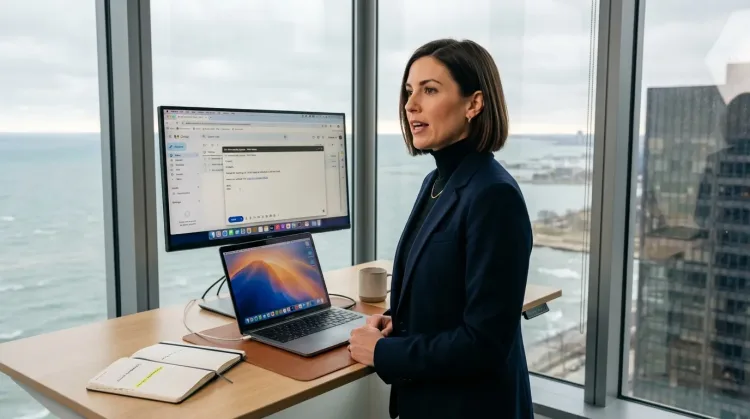
Capture Ideas Quickly
Speak ideas the moment they hit you. Use Ottex anywhere to capture thoughts, then refine them later.
Works with
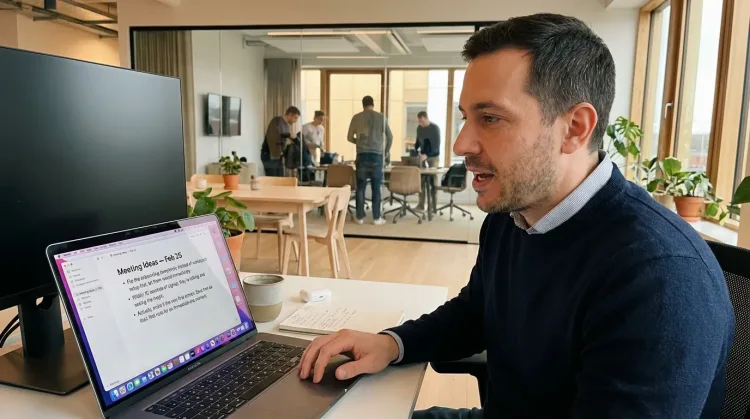
Write Content Posts
Dictate tweets, LinkedIn posts, blog articles, or newsletters. Turn your thoughts into content faster than ever.
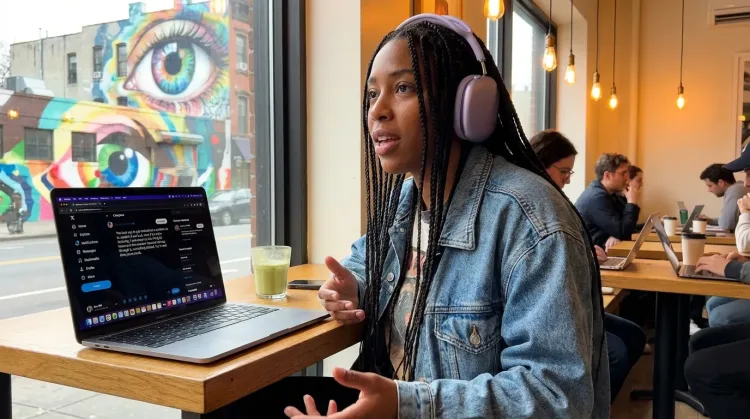
Other ways Ottex helps newsletter writers
Prompt ChatGPT & Claude
Dictate prompts to ChatGPT, Claude, Perplexity, or any AI chatbot. Speaking naturally lets you give more context—better context means better results.

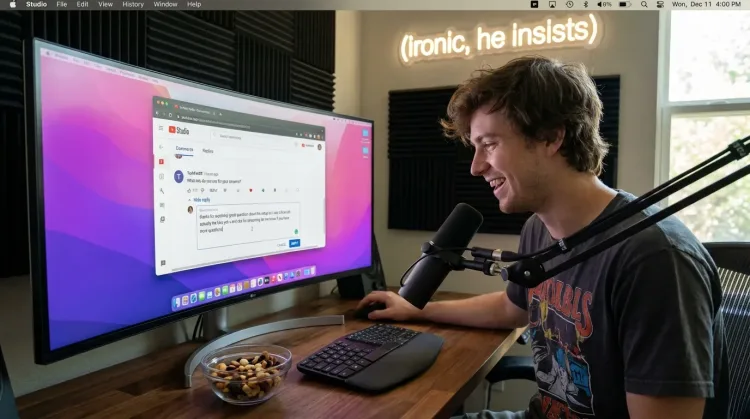
Respond to Comments
Reply to YouTube comments, Twitter threads, or social media mentions by voice. Stay engaged with your audience without the typing fatigue.
Works with
Dictate with Formatting
Say 'new paragraph', 'bullet point', 'open quote' and get exactly what you mean. Full formatting control without touching the keyboard.
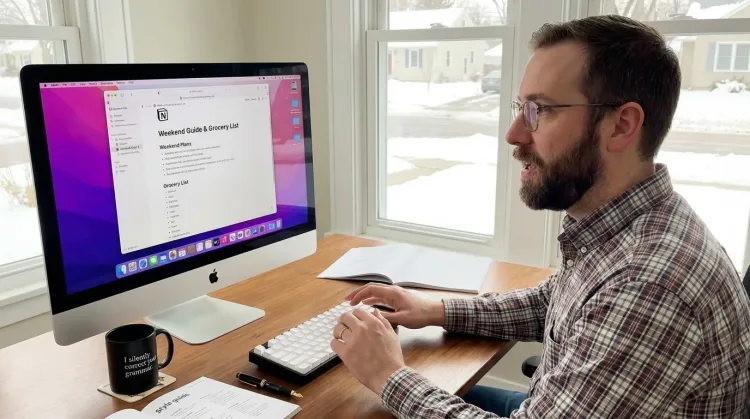
Write Research Notes
Dictate research notes, literature summaries, or analysis. Capture your thinking process without losing momentum to typing.
Works with
Frequently asked questions
Can I dictate directly into Substack or Beehiiv?+
Yes. Ottex works anywhere you can type on macOS. Dictate directly into Substack's editor, Beehiiv's composer, ConvertKit's email builder, or draft in Notion/Google Docs first.
How does voice help with weekly deadlines?+
Speaking is 150+ words per minute vs 40 WPM typing. A 1,500-word newsletter draft takes about 20 minutes by voice vs over an hour typing. You think faster than you type—voice closes that gap. Hit publish on time without the usual crunch.
Can I respond to subscriber emails faster?+
Significantly faster. Subscriber replies are relationship-building—but typing 50 individual responses takes hours. With Ottex, you speak each reply naturally. 50 thoughtful responses in 15 minutes. Your subscribers feel heard, and you don't burn out on inbox duty.
How do I maintain my conversational voice?+
Here's the secret: the best newsletters sound like one person talking to another. When you dictate, you naturally write conversationally—because you are literally speaking. Your newsletter voice becomes more authentic, not less, when you speak it.
Can I capture ideas for future newsletters?+
Press Option+D anywhere, anytime. Reading an article that sparks an idea? Capture it in 5 seconds. Walking and thinking about your next edition? Speak the outline before you forget. Ideas slip away if you don't catch them immediately—voice makes capture instant.
Does it help with writer's block?+
Speaking bypasses the blank page problem. You've been speaking since age one—it's automatic and effortless. Instead of staring at a cursor, you start talking through your idea like you're explaining it to a friend. The draft appears on screen. Edit later, capture now.
What about formatting my newsletter?+
Say 'new paragraph' for section breaks, 'heading two' for subheads, 'bullet point' for lists. Precision typing gives you full formatting control by voice. Your newsletter structure emerges as you speak.
What does it cost?+
Free with local models—runs entirely on your Mac. With BYOK (Bring Your Own Key) for cloud models, expect ~$1-3/month for typical newsletter writing. Optional $9/month premium includes Gemini 3 Flash with zero setup. No subscription trap.
Ship your newsletter on time
Download free. Draft your next edition in 20 minutes. Hit publish without the crunch.
Try for freeNo credit card required.