Voice Dictation for Non-Native Speakers
Speak your language, write in any language
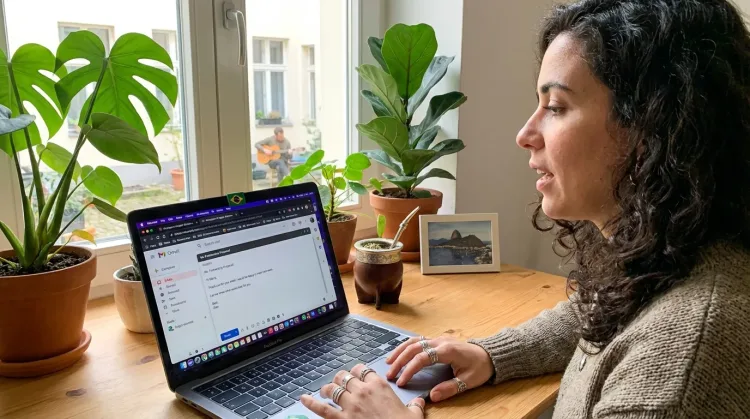
Works with your apps
Ottex works system-wide on macOS. Dictate directly into these apps and more.
And any other app that accepts text input. See all supported apps
Why Ottex works for non-native speakers
Concrete benefits with real-world impact
100+ Languages
Transcribe in over 100 languages. Perfect for multilingual users or language learning.
Inline AI Commands
Transform text as you speak: 'Ottex start fix grammar Ottex end'. Edit, improve, translate—all by voice.
3x Faster Than Typing
Speak 150+ words per minute vs 40 wpm typing. Finish tasks in a third of the time.
Voice Corrections
Say 'scratch that' to delete mistakes, 'actually' to rephrase. Fix errors without stopping your flow or touching the keyboard.
Context Awareness
Optionally let AI see your screen for smarter responses. Reply to emails with full context, answer messages knowing the conversation history.
Smart Snippets
Define custom text replacements and shortcuts. Say 'work signature' to expand your full email signature, or 'my address' for your contact info.
App-Specific Modes
Ottex detects which app you're in and adapts. Coding mode in Cursor, casual tone in Slack, professional in Gmail—automatic context switching.
Accurate Transcription
Cloud AI models transcribe your voice with 99% accuracy. Filler words like 'um' and 'like' are automatically cleaned up.
What you can do
Translate While Writing
Speak in your native language, get text in your target language. Perfect for non-native speakers or multilingual communication.
Other ways Ottex helps non-native speakers
Respond to Emails
Dictate email responses with the right tone. Use context awareness to see the full thread, then speak your reply naturally.
Reply to Work Messages
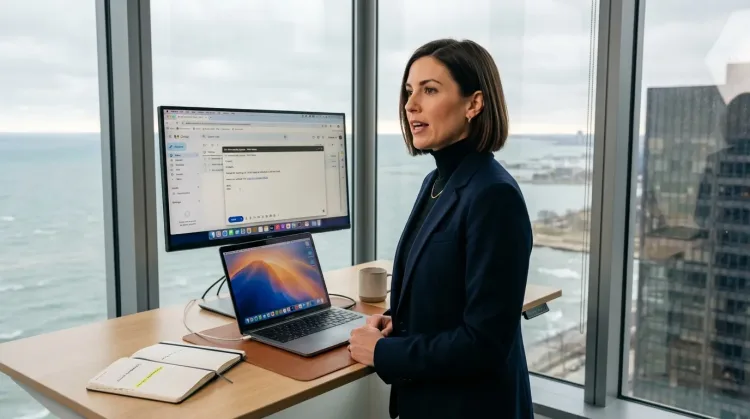
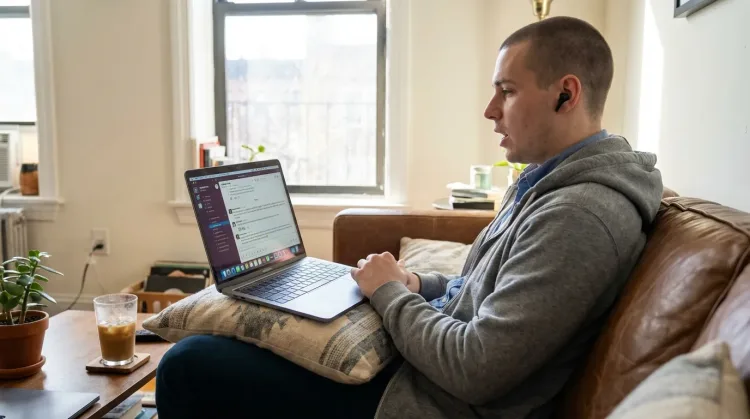
Reply to Slack messages 3x faster. Dictate casual updates, detailed explanations, or quick acknowledgments without switching context.
Write First Drafts
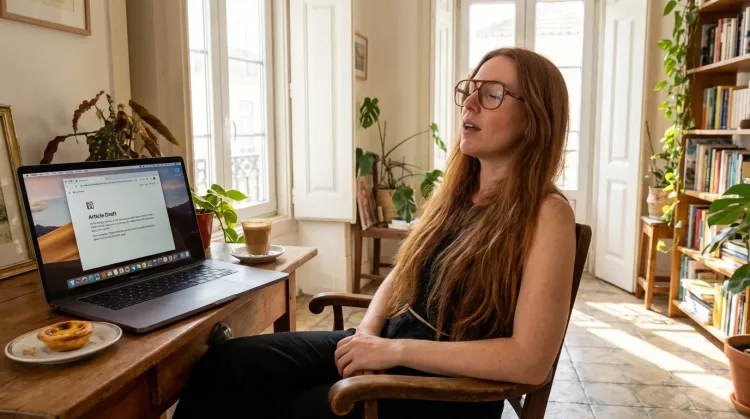
Defeat writer's block by speaking your first draft. Don't edit as you go—just talk through your ideas and refine them later.
Frequently asked questions
Which languages are supported?+
Over 100 languages including Spanish, French, German, Mandarin, Hindi, Portuguese, Japanese, Korean, Arabic, and many more. Gemini 3 Flash provides one of the best multilingual transcription quality available—significantly better than older Whisper-only solutions for non-English languages.
How accurate is the transcription?+
Gemini 3 Flash achieves 99.1% accuracy in our benchmarks—and this quality holds across languages, not just English. For non-native speakers, this means proper handling of accents, technical terms, and context-dependent grammar that older models struggle with.
What does it cost?+
Free forever with local models (Whisper runs entirely on your Mac). With BYOK (bring your own API key), typically ~$1-3/mo for Gemini 3 Flash via Google AI Studio. Or $9/mo premium for zero-config cloud transcription with included credits. Compare to competitors charging $8-15/mo for basic features.
Can I switch between languages mid-sentence?+
Yes. Gemini 3 Flash handles mid-sentence language switching with auto-detection. Perfect for bilingual professionals who naturally mix languages. Say 'Let me explain this concept—como se dice—the stakeholder alignment' and it transcribes both languages correctly.
Will it help with grammar in my second language?+
Absolutely. When you dictate in your second language, use inline AI commands to polish: 'Ottex start fix grammar Ottex end'. Or dictate in your native language and translate. Either way, you get grammatically correct output without the mental strain of proofreading every sentence.
Is this just Google Translate?+
No. Ottex first transcribes your speech with Gemini 3 Flash (context-aware, 99.1% accurate), then uses AI translation that understands nuance, tone, and professional writing conventions. The result is natural, fluent text—not robotic word-for-word translation.
Why is this better than other voice-to-text apps?+
Most voice-to-text apps optimize for English. Gemini 3 Flash provides native-level quality across 100+ languages—better formatting, better handling of accents, better technical term recognition. For non-native speakers and multilingual users, the difference is significant.
Write in any language
Download free. Local models cost nothing. BYOK ~$1-3/mo.
Try for freeNo credit card required.