Works with your apps
Ottex works system-wide on macOS. Dictate directly into these apps and more.
And any other app that accepts text input. See all supported apps
Why Ottex works for online educators
Concrete benefits with real-world impact
3x Faster Than Typing
Speak 150+ words per minute vs 40 wpm typing. Finish tasks in a third of the time.
Voice Corrections
Say 'scratch that' to delete mistakes, 'actually' to rephrase. Fix errors without stopping your flow or touching the keyboard.
Precision Typing
Say 'new paragraph', 'open quote', 'em dash', 'ellipsis'. Full formatting control by voice.
App-Specific Modes
Ottex detects which app you're in and adapts. Coding mode in Cursor, casual tone in Slack, professional in Gmail—automatic context switching.
Better Context, Better Results
Speaking naturally gives AI agents more context than typing. Describe your intent, explain edge cases, mention file names—your voice carries nuance that typing shortcuts.
Technical Term Accuracy
Cloud AI models excel at technical jargon, code terminology, and specialized vocabulary.
Custom Dictionary
Add names, technical terms, and jargon. Ottex transcribes them accurately every time.
Inline AI Commands
Transform text as you speak: 'Ottex start fix grammar Ottex end'. Edit, improve, translate—all by voice.
What you can do
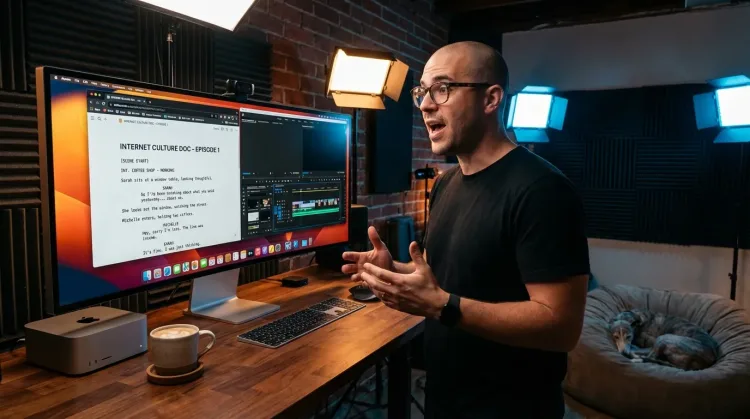
Write Scripts
Write video scripts, podcast outlines, or screenplays by voice. Speaking your dialogue makes it sound natural from the start.
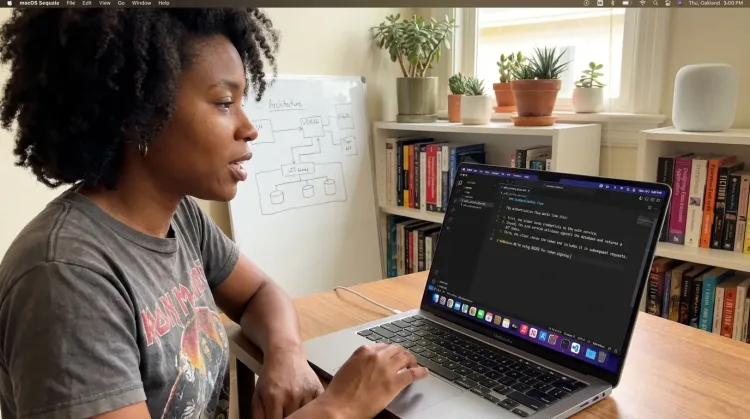
Write Documentation
Dictate technical documentation, READMEs, or API docs. Speaking lets you explain context, edge cases, and examples naturally—better docs with less effort.
Works with
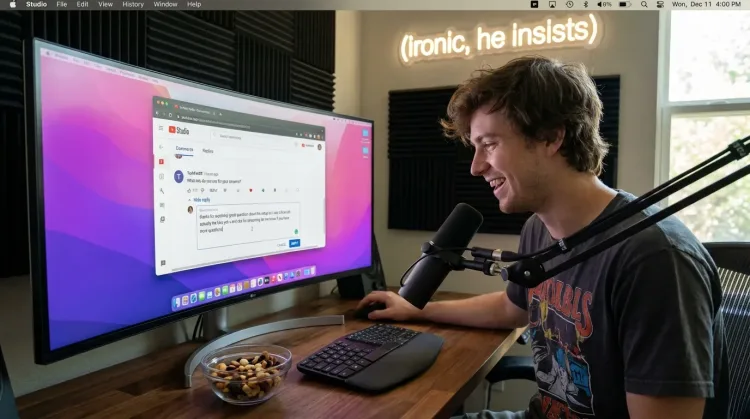
Respond to Comments
Reply to YouTube comments, Twitter threads, or social media mentions by voice. Stay engaged with your audience without the typing fatigue.
Works with
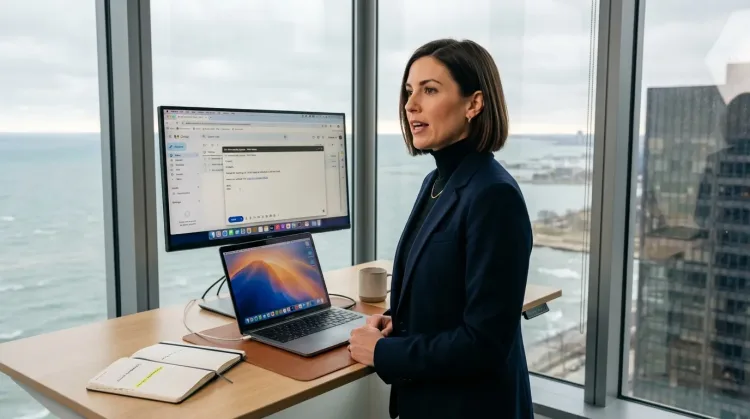
Respond to Emails
Dictate email responses with the right tone. Use context awareness to see the full thread, then speak your reply naturally.
Other ways Ottex helps online educators
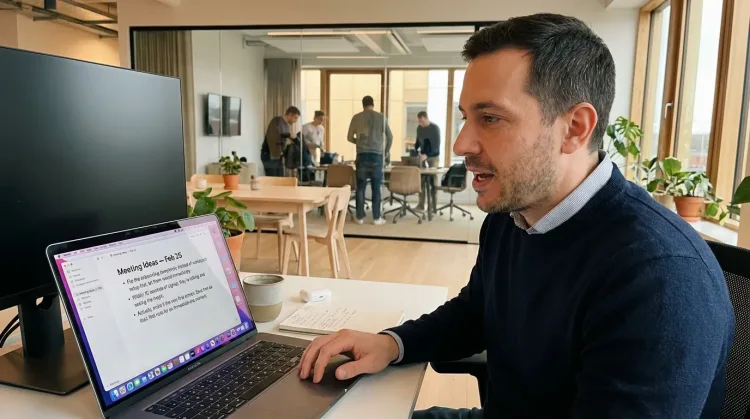
Capture Ideas Quickly
Speak ideas the moment they hit you. Use Ottex anywhere to capture thoughts, then refine them later.
Works with
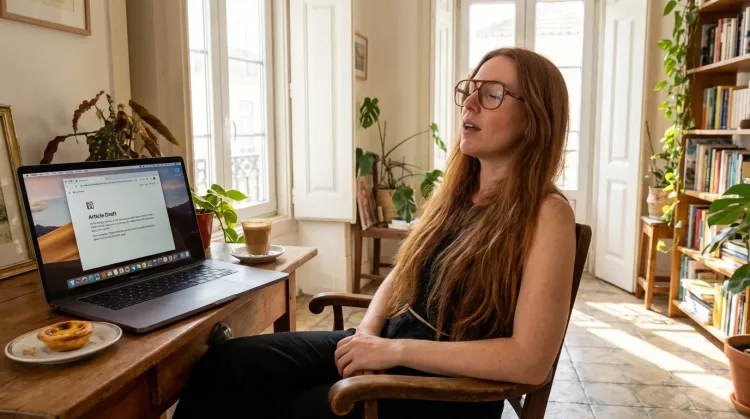
Write First Drafts
Defeat writer's block by speaking your first draft. Don't edit as you go—just talk through your ideas and refine them later.
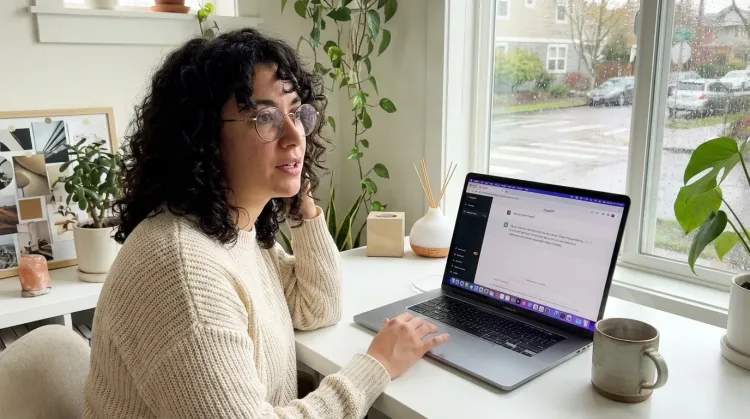
Prompt ChatGPT & Claude
Dictate prompts to ChatGPT, Claude, Perplexity, or any AI chatbot. Speaking naturally lets you give more context—better context means better results.
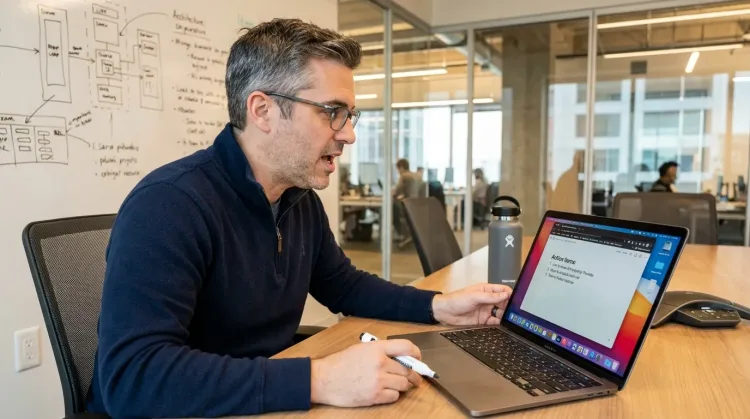
Write Meeting Notes
Dictate meeting notes in real-time or right after. Capture action items, decisions, and key points while they're fresh in your mind.
Works with
Frequently asked questions
Can I dictate lesson plans in my natural teaching style?+
Yes. When you speak your lessons, they capture your authentic teaching voice—the tone, pacing, and explanations that make you effective in a classroom. Typed scripts often sound stiff and formal. Dictated scripts sound like you teaching, which students respond to better.
How does this help with curriculum documentation?+
Curriculum development requires extensive documentation—learning objectives, assessment criteria, lesson sequences, rubrics. Typing all of this is exhausting. Speaking at 150+ WPM vs typing at 40 WPM means you can document an entire unit plan in a fraction of the time. More curriculum, faster development, same quality.
Does it work with Google Classroom and LMS platforms?+
Yes. Ottex works system-wide on macOS—anywhere you can type. Dictate directly into Google Classroom, Canvas, Moodle, Blackboard, or any LMS. Create announcements, feedback, and discussion posts all by voice.
How do I handle student questions efficiently?+
Student emails and discussion board questions pile up fast. Instead of typing individual responses, speak them. Press the hotkey, answer the question naturally, move to the next. Respond to 40+ student questions in 20 minutes. Your students get personal, thoughtful responses without you spending hours typing.
Can I use it to create lesson content with AI?+
Absolutely. Dictate prompts to ChatGPT or Claude to generate quiz questions, discussion prompts, differentiated activities, or assessment rubrics. Speaking naturally gives AI more context about your students, your objectives, and your teaching approach—resulting in better, more relevant content.
What about recording video lesson scripts?+
Ottex helps with scripting—dictate your video lesson script before recording so you know exactly what to cover. Having a script means fewer takes, clearer explanations, and more polished content. Then record with confidence because you've already worked through the structure by voice.
How accurate is it for educational terminology?+
With Gemini 3 Flash (cloud model), accuracy is 99.1% in benchmarks. You can add subject-specific terms, pedagogical vocabulary, and student names to your custom dictionary for perfect transcription. Educational jargon, proper nouns, and specialized concepts—all handled accurately.
What does it cost?+
Free forever with local models. With BYOK (bring your own API key), most educators spend $1-3/month on actual usage. Or choose the $9/month premium for zero-config cloud transcription with included Gemini 3 Flash credits. Compare that to the time saved on curriculum development alone.
Focus on teaching, not typing
Download free. Create lesson content in minutes, not hours.
Try for freeNo credit card required.