Works with your apps
Ottex works system-wide on macOS. Dictate directly into these apps and more.
And any other app that accepts text input. See all supported apps
Why Ottex works for writers & authors
Concrete benefits with real-world impact
3x Faster Than Typing
Speak 150+ words per minute vs 40 wpm typing. Finish tasks in a third of the time.
Voice Corrections
Say 'scratch that' to delete mistakes, 'actually' to rephrase. Fix errors without stopping your flow or touching the keyboard.
Inline AI Commands
Transform text as you speak: 'Ottex start fix grammar Ottex end'. Edit, improve, translate—all by voice.
Accurate Transcription
Cloud AI models transcribe your voice with 99% accuracy. Filler words like 'um' and 'like' are automatically cleaned up.
Global Shortcuts
Start recording with Option+D, use Push-to-Talk, or cancel with Esc. All shortcuts are fully configurable.
Works in Any App
System-wide on macOS—Ottex works wherever you can type. No app-specific integrations needed.
Filler Word Removal
Automatically removes filler words like 'um', 'uh', 'like', 'so' from your transcription. Get clean, professional text without verbal hesitations.
Precision Typing
Say 'new paragraph', 'open quote', 'em dash', 'ellipsis'. Full formatting control by voice.
What you can do
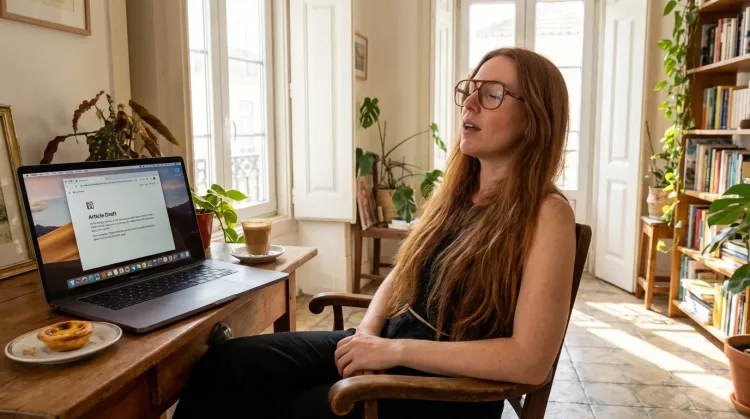
Write First Drafts
Defeat writer's block by speaking your first draft. Don't edit as you go—just talk through your ideas and refine them later.
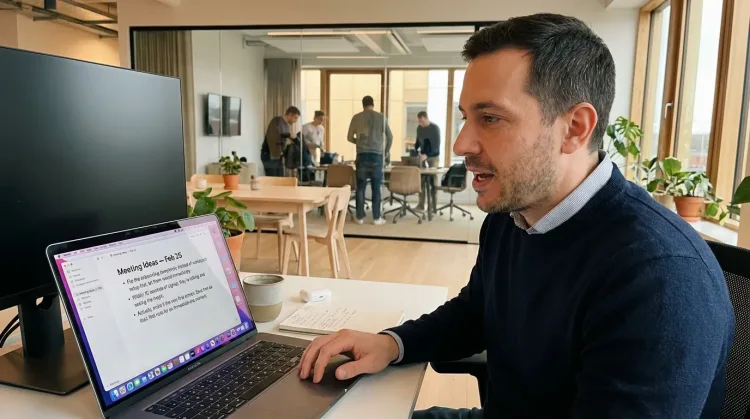
Capture Ideas Quickly
Speak ideas the moment they hit you. Use Ottex anywhere to capture thoughts, then refine them later.
Works with
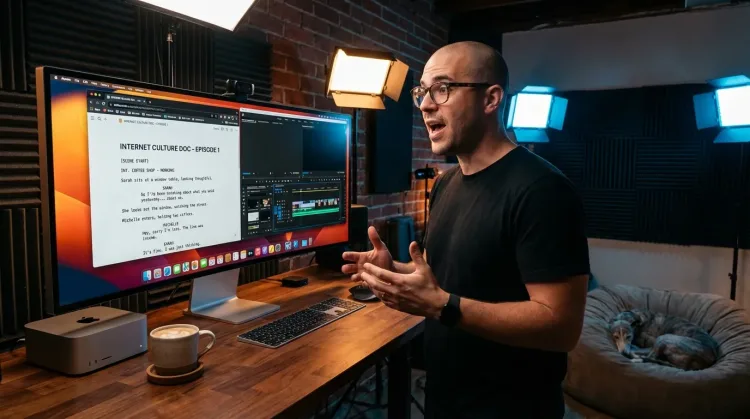
Write Scripts
Write video scripts, podcast outlines, or screenplays by voice. Speaking your dialogue makes it sound natural from the start.
Other ways Ottex helps writers & authors
Dictate with Formatting
Say 'new paragraph', 'bullet point', 'open quote' and get exactly what you mean. Full formatting control without touching the keyboard.
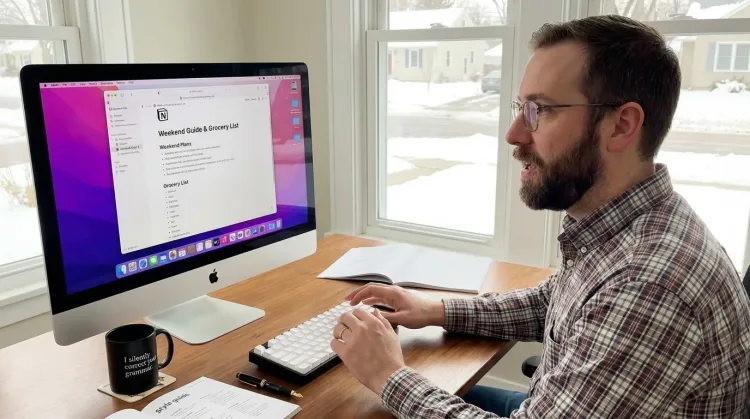
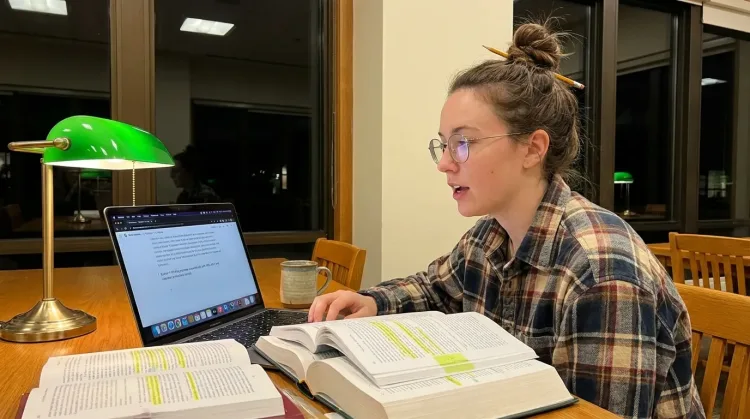
Write Research Notes
Dictate research notes, literature summaries, or analysis. Capture your thinking process without losing momentum to typing.
Works with
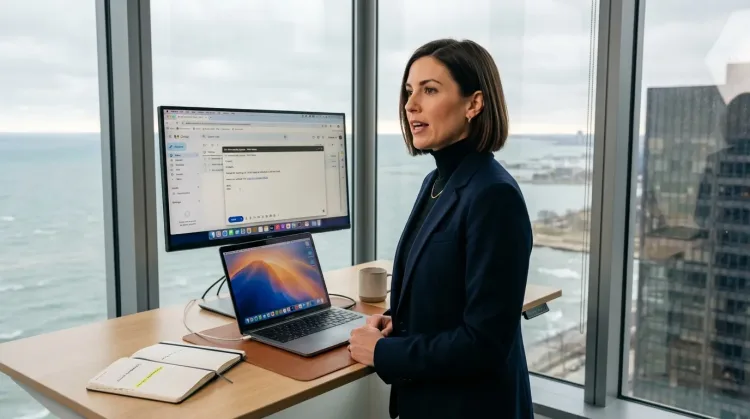
Respond to Emails
Dictate email responses with the right tone. Use context awareness to see the full thread, then speak your reply naturally.
Frequently asked questions
Can I dictate with proper punctuation?+
Yes. Say 'period', 'comma', 'new paragraph', 'open quote', 'close quote'. Precision typing gives you full control.
Does it work with Scrivener?+
Yes. Ottex works in any app where you can type—Scrivener, Ulysses, Word, Google Docs, anywhere.
How does voice dictation help with writer's block?+
Speaking is effortless—you've been doing it since age one. Typing requires focus and concentration; you make typos, break flow, and hit backspace constantly. Voice dictation lets you get ideas out faster than you can judge them. You can always edit later.
Can I format my manuscript by voice?+
Yes. Say commands like 'new paragraph', 'em dash', 'ellipsis', 'open quote', and 'italics'. You can format as you speak without touching the keyboard.
Will it capture dialogue naturally?+
Absolutely. Speaking dialogue out loud makes it sound more natural than typing it. Many screenwriters and novelists use voice dictation specifically for dialogue scenes.
How accurate is the transcription for creative writing?+
Gemini 3 Flash delivers 99.1% accuracy in benchmarks. Ottex automatically removes filler words like 'um' and 'uh', and you can use voice corrections to fix any mistakes without breaking your flow.
Write your next book faster
Download free. Start dictating in minutes. Your fingers will thank you.
Try for freeNo credit card required.