Log Billable Time
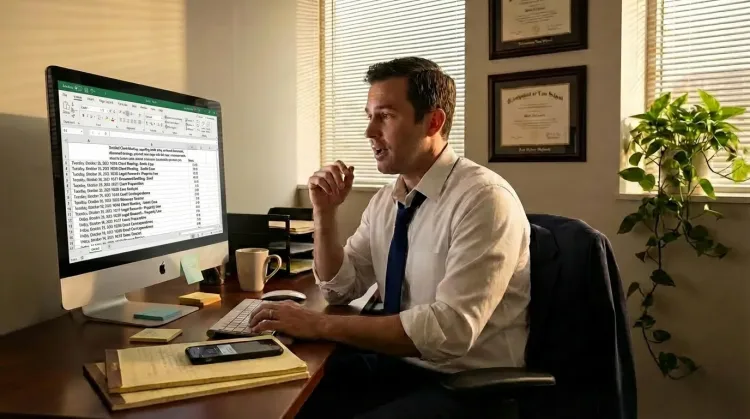
Dictate time entries with detailed descriptions. Never lose track of what you worked on.
How it works
Same mic. Different outputs. Your rules.
Hey Tom,
Let's meet at the office tomorrow at 10 a.m. to prepare the presentation.
Press a hotkey
Hit your shortcut in any app. Ottex is ready where you work, without switching windows or breaking your flow.
Say the intent
Speak naturally. Ottex keeps exact dictation when speed matters and applies the right workflow when structure matters.
Get the right output
Ready draft in Gmail. Exact words in ChatGPT. Structured ticket in Linear.
Press a hotkey
Hit your shortcut in any app. Ottex is ready where you work, without switching windows or breaking your flow.
Say the intent
Speak naturally. Ottex keeps exact dictation when speed matters and applies the right workflow when structure matters.
Hey Tom,
Let's meet at the office tomorrow at 10 a.m. to prepare the presentation.
Get the right output
Ready draft in Gmail. Exact words in ChatGPT. Structured ticket in Linear.
Features for time logging
Everything you need to do this job efficiently
3x Faster Than Typing
Speak 150+ words per minute vs 40 wpm typing. Finish tasks in a third of the time.
Smart Snippets
Define custom text replacements and shortcuts. Say 'work signature' to expand your full email signature, or 'my address' for your contact info.
Voice Corrections
Say 'scratch that' to delete mistakes, 'actually' to rephrase. Fix errors without stopping your flow or touching the keyboard.
Who uses this?
Professionals who rely on Ottex for time logging
Frequently asked questions
Does Ottex work with time tracking software?+
Yes. Ottex types into any text field — Clio, TimeSolv, Bill4Time, or any web-based time entry system on macOS.
How does voice improve time entries?+
Speaking is faster than typing, so you describe what you did in more detail. Detailed entries are easier to bill and harder for clients to dispute.
Can I log time right after finishing a task?+
Yes. Press your hotkey, speak what you worked on, and move to the next task. The whole entry takes 15-30 seconds.
Does it handle client and matter names?+
Yes. Add client names, matter numbers, and common task descriptions to your custom dictionary or smart snippets.
Related use cases
Other ways to use Ottex
Reply to Work Messages
Reply to Slack messages 3x faster. Dictate casual updates, detailed explanations, or quick acknowledgments without switching context.
Respond to Emails
Dictate email responses with the right tone. Use context awareness to see the full thread, then speak your reply naturally.
Respond to Support Tickets
Handle support tickets efficiently. Speaking lets you explain solutions thoroughly—more context means fewer follow-up questions.
Write Status Updates
Dictate standup updates, weekly reports, or project status. Speak what happened and what's next—done.
Voice input that follows your rules.
Get 4+ hours back every week from typing, formatting, and re-prompting AI.
Try for freeNo credit card required.