Write Job Descriptions
Dictate unique job descriptions that capture what makes the role special. Speaking helps you articulate culture, growth opportunities, and team dynamics naturally.
How it works
Same mic. Different outputs. Your rules.
Hey Tom,
Let's meet at the office tomorrow at 10 a.m. to prepare the presentation.
Press a hotkey
Hit your shortcut in any app. Ottex is ready where you work, without switching windows or breaking your flow.
Say the intent
Speak naturally. Ottex keeps exact dictation when speed matters and applies the right workflow when structure matters.
Get the right output
Ready draft in Gmail. Exact words in ChatGPT. Structured ticket in Linear.
Press a hotkey
Hit your shortcut in any app. Ottex is ready where you work, without switching windows or breaking your flow.
Say the intent
Speak naturally. Ottex keeps exact dictation when speed matters and applies the right workflow when structure matters.
Hey Tom,
Let's meet at the office tomorrow at 10 a.m. to prepare the presentation.
Get the right output
Ready draft in Gmail. Exact words in ChatGPT. Structured ticket in Linear.
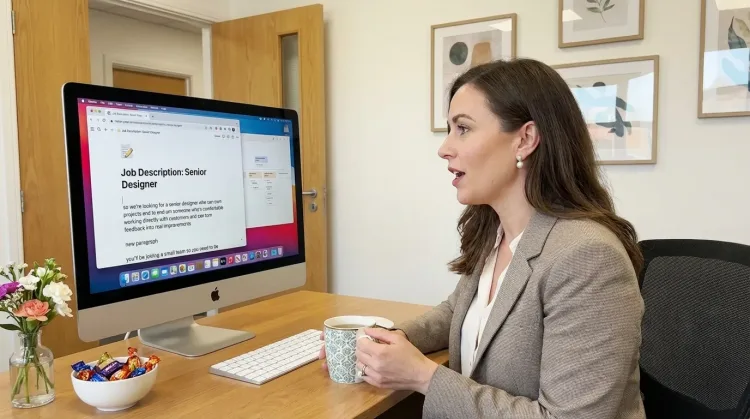
Features for job descriptions
Everything you need to do this job efficiently
3x Faster Than Typing
Speak 150+ words per minute vs 40 wpm typing. Finish tasks in a third of the time.
Better Context, Better Results
Speaking naturally gives AI agents more context than typing. Describe your intent, explain edge cases, mention file names—your voice carries nuance that typing shortcuts.
Inline AI Commands
Transform text as you speak: 'Ottex start fix grammar Ottex end'. Edit, improve, translate—all by voice.
Voice Corrections
Say 'scratch that' to delete mistakes, 'actually' to rephrase. Fix errors without stopping your flow or touching the keyboard.
Who uses this?
Professionals who rely on Ottex for job descriptions
Frequently asked questions
Why dictate job descriptions instead of using templates?+
Templates produce generic JDs that all sound the same. Speaking lets you naturally describe what makes THIS role special — the team, the challenges, the growth opportunities.
Can I dictate structured JDs with sections?+
Yes. Use formatting commands — 'heading: responsibilities', 'bullet point' — to structure your JD. Custom modes can enforce your company's JD template.
Does it work with our ATS?+
Yes. Ottex types into any text field on macOS — Greenhouse, Lever, Workday, BambooHR, or any applicant tracking system in your browser.
Can it help with inclusive language?+
Ottex captures what you say. Pair it with AI commands to review your JD for inclusive language, or use custom modes to flag common bias patterns.
Related use cases
Other ways to use Ottex
Prompt ChatGPT & Claude
Dictate prompts to ChatGPT, Claude, Perplexity, or any AI chatbot. Speaking naturally lets you give more context—better context means better results.
Create Tickets & Tasks
Dictate Jira tickets, Linear issues, or Asana tasks. Speak the context, acceptance criteria, and details—then move on.
Write PRDs & Specs
Dictate product requirements, feature specs, or design docs. Speaking lets you explain the full context—edge cases, user flows, and rationale—naturally.
Prompt AI Coding Agents
Dictate detailed prompts to AI coding assistants in Cursor, Copilot, or Claude Code. Explain what you need naturally without losing your train of thought.
Voice input that follows your rules.
Get 4+ hours back every week from typing, formatting, and re-prompting AI.
Try for freeNo credit card required.