Write Session Notes
Dictate therapy session notes right after appointments. Capture clinical observations while maintaining client privacy.
How it works
Same mic. Different outputs. Your rules.
Hey Tom,
Let's meet at the office tomorrow at 10 a.m. to prepare the presentation.
Press a hotkey
Hit your shortcut in any app. Ottex is ready where you work, without switching windows or breaking your flow.
Say the intent
Speak naturally. Ottex keeps exact dictation when speed matters and applies the right workflow when structure matters.
Get the right output
Ready draft in Gmail. Exact words in ChatGPT. Structured ticket in Linear.
Press a hotkey
Hit your shortcut in any app. Ottex is ready where you work, without switching windows or breaking your flow.
Say the intent
Speak naturally. Ottex keeps exact dictation when speed matters and applies the right workflow when structure matters.
Hey Tom,
Let's meet at the office tomorrow at 10 a.m. to prepare the presentation.
Get the right output
Ready draft in Gmail. Exact words in ChatGPT. Structured ticket in Linear.
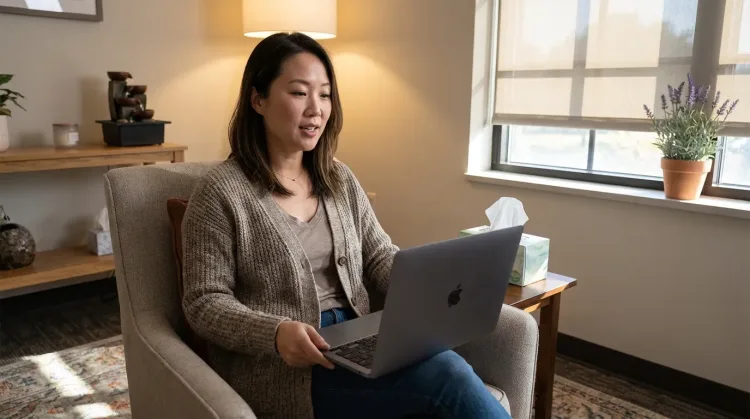
Features for session notes
Everything you need to do this job efficiently
3x Faster Than Typing
Speak 150+ words per minute vs 40 wpm typing. Finish tasks in a third of the time.
Privacy First
No screen capture, ever. Your audio goes directly to your API provider. Ottex never sees your data.
Custom Dictionary
Add names, technical terms, and jargon. Ottex transcribes them accurately every time.
Voice Corrections
Say 'scratch that' to delete mistakes, 'actually' to rephrase. Fix errors without stopping your flow or touching the keyboard.
Who uses this?
Professionals who rely on Ottex for session notes
Frequently asked questions
When should I dictate session notes?+
Right after the session ends. Speak your observations, interventions, client responses, and plan while everything is fresh — it takes 2-3 minutes.
Can it format notes in a clinical template?+
Yes. Custom modes can structure your notes with standard sections — presenting problem, interventions used, client response, treatment plan, and homework.
Is client information secure?+
Ottex processes audio for transcription but doesn't store your dictation or text. Notes go directly into your documentation tool. Review our privacy policy for details.
Does it handle clinical terminology?+
Yes. Add therapeutic modalities, assessment tools, and clinical terms to your custom dictionary for accurate transcription — CBT, EMDR, PHQ-9, and similar.
Related use cases
Other ways to use Ottex
Write Clinical Notes
Dictate SOAP notes, progress notes, or patient summaries. Add medical terms to your dictionary for accurate transcription.
Write Legal Documents
Dictate contracts, briefs, or legal memos. Use custom dictionary for legal terms and client names.
Prompt AI Coding Agents
Dictate detailed prompts to AI coding assistants in Cursor, Copilot, or Claude Code. Explain what you need naturally without losing your train of thought.
Write Research Notes
Dictate research notes, literature summaries, or analysis. Capture your thinking process without losing momentum to typing.
Voice input that follows your rules.
Get 4+ hours back every week from typing, formatting, and re-prompting AI.
Try for freeNo credit card required.