Translate While Writing
Speak in your native language, get text in your target language. Perfect for non-native speakers or multilingual communication.
How it works
Same mic. Different outputs. Your rules.
Hey Tom,
Let's meet at the office tomorrow at 10 a.m. to prepare the presentation.
Press a hotkey
Hit your shortcut in any app. Ottex is ready where you work, without switching windows or breaking your flow.
Say the intent
Speak naturally. Ottex keeps exact dictation when speed matters and applies the right workflow when structure matters.
Get the right output
Ready draft in Gmail. Exact words in ChatGPT. Structured ticket in Linear.
Press a hotkey
Hit your shortcut in any app. Ottex is ready where you work, without switching windows or breaking your flow.
Say the intent
Speak naturally. Ottex keeps exact dictation when speed matters and applies the right workflow when structure matters.
Hey Tom,
Let's meet at the office tomorrow at 10 a.m. to prepare the presentation.
Get the right output
Ready draft in Gmail. Exact words in ChatGPT. Structured ticket in Linear.
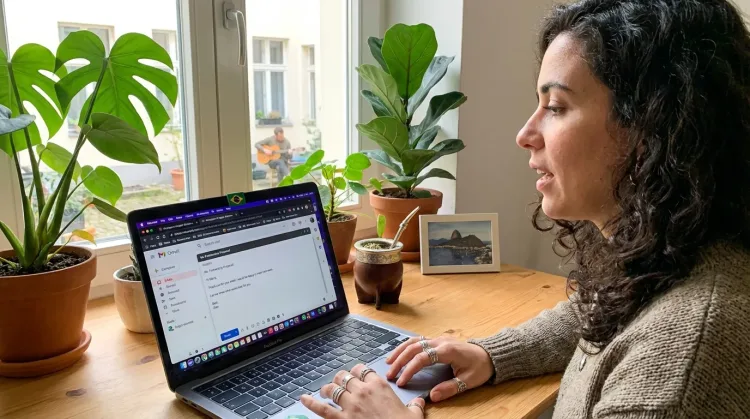
Features for voice translation
Everything you need to do this job efficiently
100+ Languages
Transcribe in over 100 languages. Perfect for multilingual users or language learning.
Inline AI Commands
Transform text as you speak: 'Ottex start fix grammar Ottex end'. Edit, improve, translate—all by voice.
3x Faster Than Typing
Speak 150+ words per minute vs 40 wpm typing. Finish tasks in a third of the time.
Voice Corrections
Say 'scratch that' to delete mistakes, 'actually' to rephrase. Fix errors without stopping your flow or touching the keyboard.
Who uses this?
Professionals who rely on Ottex for voice translation
Frequently asked questions
How does real-time translation work?+
Speak in your native language — Ottex transcribes and translates in one step. The clean text appears in your target language directly in the app you're using.
What languages are supported?+
Ottex supports 90+ languages for transcription and translation. Speak in Spanish, get text in English. Speak in Japanese, get text in French. Any combination works.
Is the translation quality good enough for professional use?+
Ottex uses advanced AI for translation. Quality is excellent for emails, messages, and business writing. For critical legal or medical documents, we recommend a human review.
Can I write in my native language without translation?+
Yes. Ottex can simply transcribe without translating. Switch between translation mode and direct transcription mode depending on your needs.
Related use cases
Other ways to use Ottex
Prompt ChatGPT & Claude
Dictate prompts to ChatGPT, Claude, Perplexity, or any AI chatbot. Speaking naturally lets you give more context—better context means better results.
Respond to Emails
Dictate email responses with the right tone. Use context awareness to see the full thread, then speak your reply naturally.
Write Meeting Notes
Dictate meeting notes in real-time or right after. Capture action items, decisions, and key points while they're fresh in your mind.
Write First Drafts
Defeat writer's block by speaking your first draft. Don't edit as you go—just talk through your ideas and refine them later.
Voice input that follows your rules.
Get 4+ hours back every week from typing, formatting, and re-prompting AI.
Try for freeNo credit card required.